

Google’s free Blogger platform is still a popular way to start a blog without paying for hosting. The default themes are fine for getting started, but many bloggers soon want a layout that loads faster, looks more professional and gives search engines a cleaner structure to read. That is where third-party SEO-friendly templates come in.
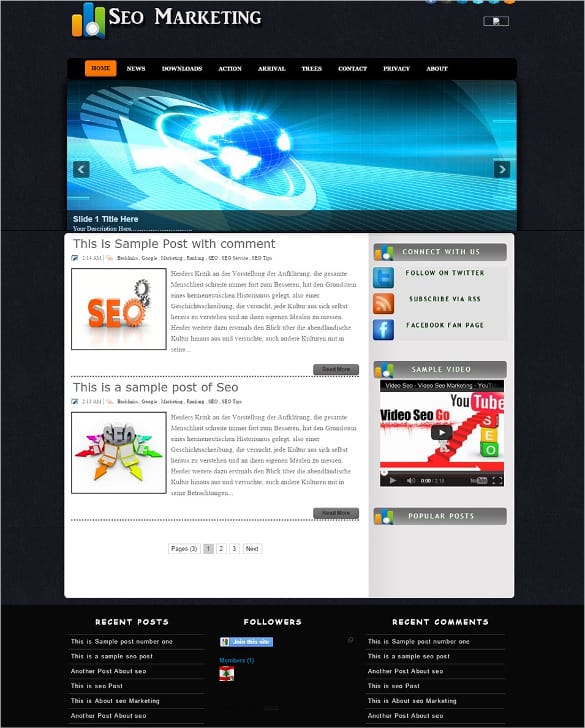
This page collects a range of Blogger templates marketed as search-optimised, from minimal personal blogs to magazine-style news layouts. Before you dive into the gallery, it is worth understanding what a template can and cannot do for your search visibility, how to check a free template is safe and up to date, and which settings you should change after installing one. The sections below cover all of that in plain language.
What “SEO Optimised” Really Means for a Template
A template controls the structure and code of your pages, not the quality of your content. A good one helps search engines by using clean, lightweight code, a logical heading structure, proper title tags for posts, mobile-friendly responsive layouts and fast-loading pages. It may also include structured data, breadcrumb navigation and sensible places for meta descriptions. All of these remove technical obstacles, which is valuable.
What a template cannot do is rank your blog on its own. Rankings depend mostly on useful, original content, how well it matches what people search for, and whether other sites find it worth linking to. Treat any claim that a template will “bring massive traffic” with caution. A fast, tidy template is a solid foundation; the house still has to be built with good posts.
Features Worth Looking For
- Responsive design that adapts to phones and tablets, since most blog visits now come from mobile devices.
- Fast loading, with few external scripts, compressed images and no heavy sliders that delay the first view of your content.
- Clear heading hierarchy, with one main heading per post and logical subheadings.
- Readable typography, with comfortable line length, font size and contrast.
- Sensible ad placements if you plan to monetise, so ads do not push content too far down the page or annoy readers.
- Recent updates from the designer, which suggest the template still works with current platform features.
A template that ticks these boxes gives your writing the best chance to be found and read. One that fails them can hold back even excellent content.
Important before you install anything: These templates were created by third-party designers, and several were released many years ago, so some may not meet current mobile or speed standards. One original download page is no longer available and its link has been removed. One link downloads a file directly, and another leads to a paid marketplace. Only download templates from sources you trust, scan files before use, and check the code for hidden or encrypted footer links, which some free templates include and which you may not be allowed to remove. Always back up your current template before switching. No template can guarantee search rankings.
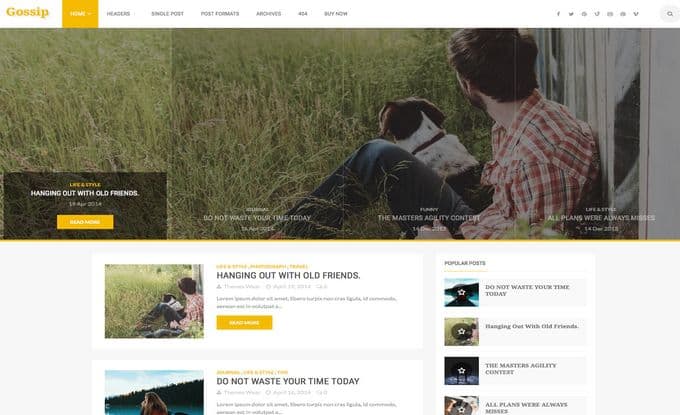
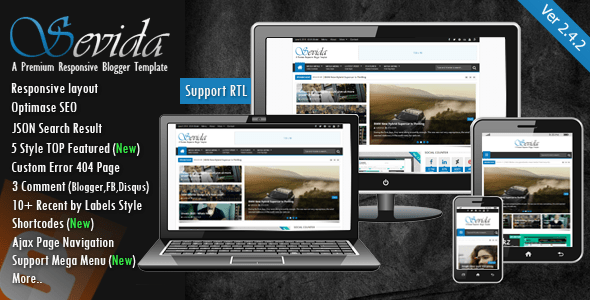
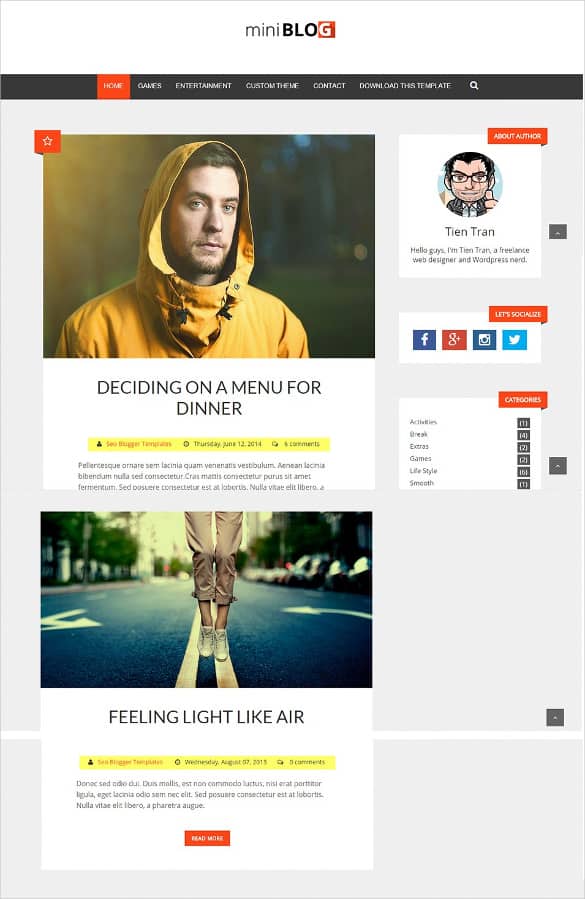
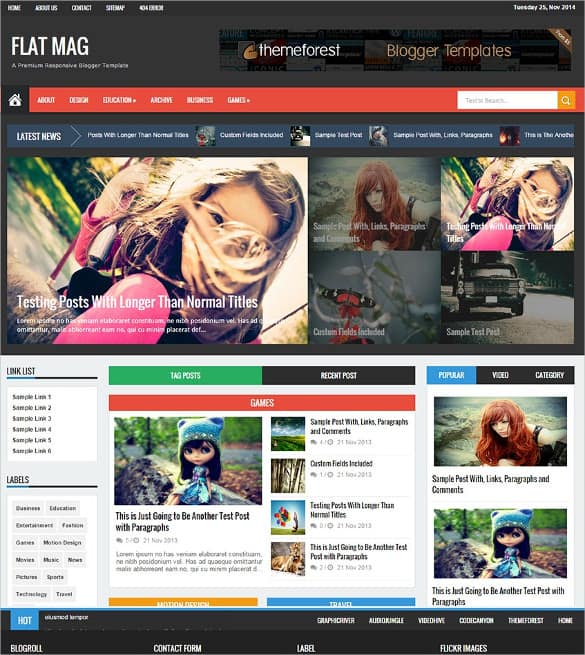
SEO-Friendly Blog Templates to Download








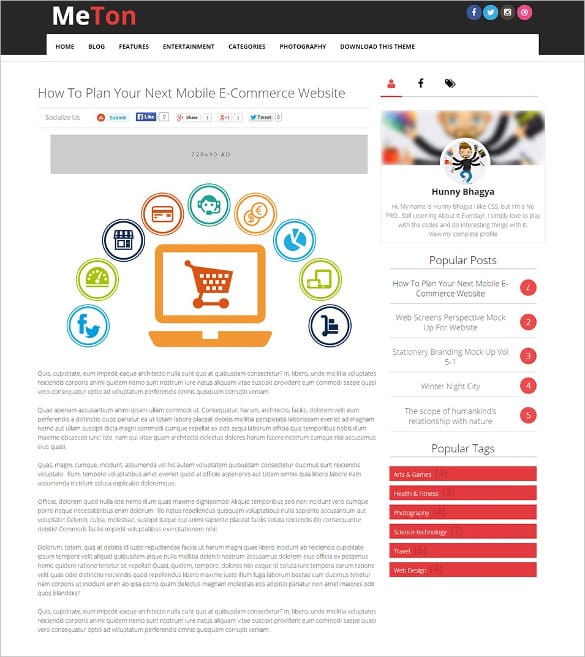

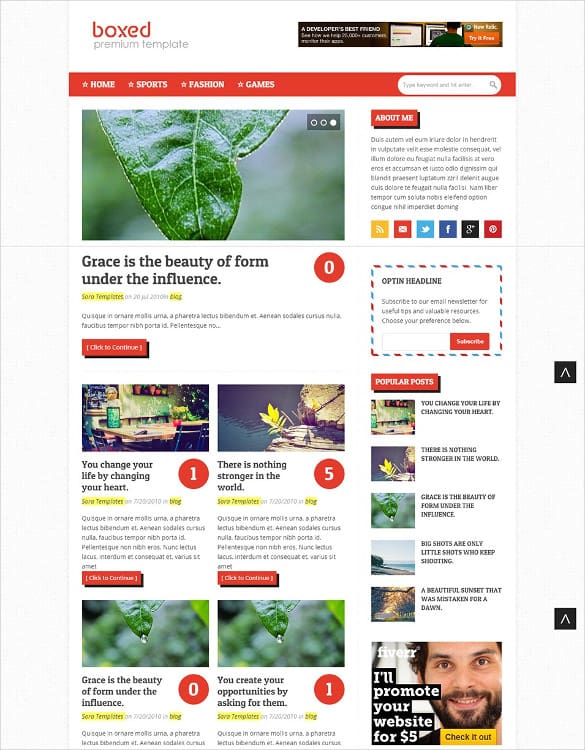

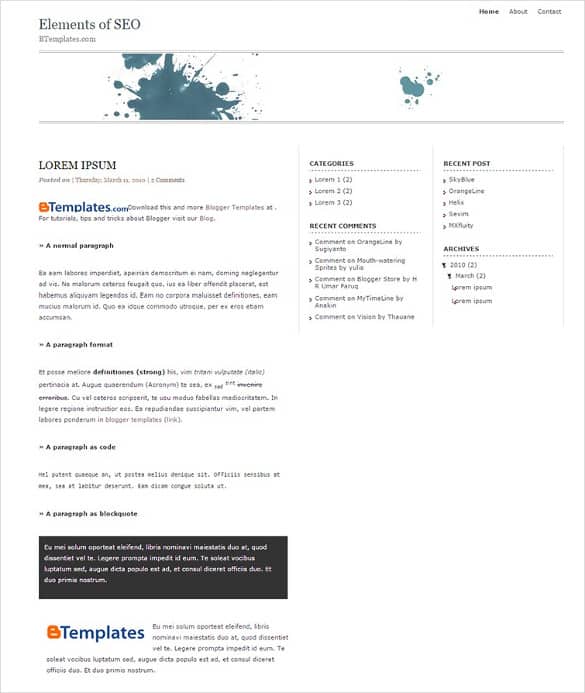

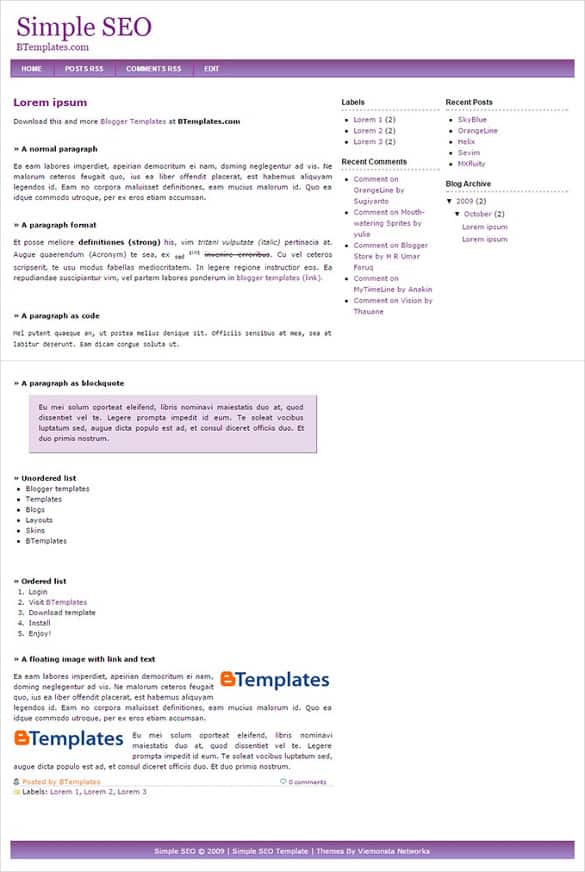


Matching a Layout to Your Kind of Blog
The best template depends on what you publish and how often. Personal blogs, diaries and long-form essay sites usually suit a minimal single-column layout. With no sidebar competing for attention, readers focus on the writing, and the page loads quickly because there is less to display.
News, technology and entertainment blogs that publish several posts a day tend to need magazine-style layouts. These show many recent posts on the home page, group them by category, and often include a featured area at the top. They can be heavier, so check speed carefully and turn off sliders or animations you do not need.
Niche blogs about recipes, travel, crafts or reviews sit somewhere in between. A two-column layout with a slim sidebar for search, popular posts and a short author bio works well, giving readers ways to explore without overwhelming them. If you plan to show ads, choose a template with defined ad areas so you do not have to squeeze them into awkward places later.
Whatever style you choose, picture your blog a year from now. A template that looks perfect with five posts may feel cramped or messy with two hundred, so favour layouts with clear navigation, labels and an archive that scales.
How to Test a Template Before You Commit
Rather than installing a new template straight onto your live blog, create a free test blog and try it there first. Publish a handful of sample posts with headings, images, lists and embedded videos so you can see how the template handles real content. Then check a few things:
- Mobile view. Open the test blog on your own phone. Text should be readable without zooming, and menus should be easy to tap.
- Speed. Run the test URL through a free page speed tool. Look for warnings about large scripts, render-blocking files or oversized images.
- Headings. View the page source or use a browser extension to confirm that each post has one main heading and that widget titles are not marked up as competing main headings.
- Footer and credits. Look for hidden links or encrypted code. Some free templates require a visible credit, which is fair, but hidden links to unrelated sites are a red flag.
- Widgets and features. Make sure related posts, search, labels and comments all work as expected.
If a template passes these checks, you can switch your main blog with much more confidence.
Settings to Change After Installing
A new template is only part of the job. In your blog settings, write a clear blog title and description that explain what readers will find. Enable custom search descriptions so you can add a short summary to each post, and use custom permalinks to keep URLs short and descriptive. Turn on HTTPS if it is not already active.
Next, add descriptive alt text to your images and compress them before uploading, as large images are one of the most common causes of slow pages. Link related posts to each other where it helps readers, and organise posts with a small set of meaningful labels rather than dozens of one-off tags. Finally, verify your blog in a search console tool so you can see which searches bring visitors and spot any crawling problems early.
Content Still Does the Heavy Lifting
Once the technical basics are in place, your time is best spent on posts that genuinely help readers. Write about questions your audience actually asks, cover them more clearly than other pages, and update older posts when information changes. A simple editorial calendar or content marketing plan keeps you publishing consistently, which matters more than any single template choice.
Track progress over time instead of checking rankings every day. A monthly summary built from an SEO report template makes it easy to see which posts are gaining traffic and which need work. If your blog grows into a business, a regular email newsletter gives you a direct line to readers that does not depend on search engines at all.
When to Move Beyond a Hosted Blog
Hosted blogging platforms are free and simple, but they limit plugins, design control and some technical SEO settings. If you start needing membership features, online shops, directories or advanced layouts, a self-hosted site may suit you better. Our collections of content sharing themes and dynamic website templates are good places to explore what is possible. Moving platforms takes planning, so keep a list of your post URLs and set up redirects to protect the search visibility you have already built.
Frequently Asked Questions
Will an SEO template improve my rankings?
It can remove technical problems such as slow loading or poor mobile layout, which helps. But rankings depend mainly on content quality and relevance, so a template alone will not push a blog to the top of search results.
Are free blog templates safe?
Many are, but not all. Download only from reputable sources, scan files, and check the code for hidden links or unknown scripts before installing on your main blog.
Can I remove the footer credit?
It depends on the licence. Some designers allow removal for a fee, while others require the credit to stay. Respect the designer’s terms.
Will I lose my posts if I change templates?
No, posts are stored separately from the template. However, widgets and custom code may be lost, so back up your current template and note your widget settings first.
How old is too old for a template?
There is no fixed age, but templates that have not been updated for several years may lack modern responsive features or rely on outdated scripts. Test carefully and prefer actively maintained designs.

