

Hiring is finished on paper. Once a candidate has said yes, the appointment letter makes it official: it confirms the job, the pay, the start date and the main terms of employment, and it becomes one of the first documents in the new employee’s file.
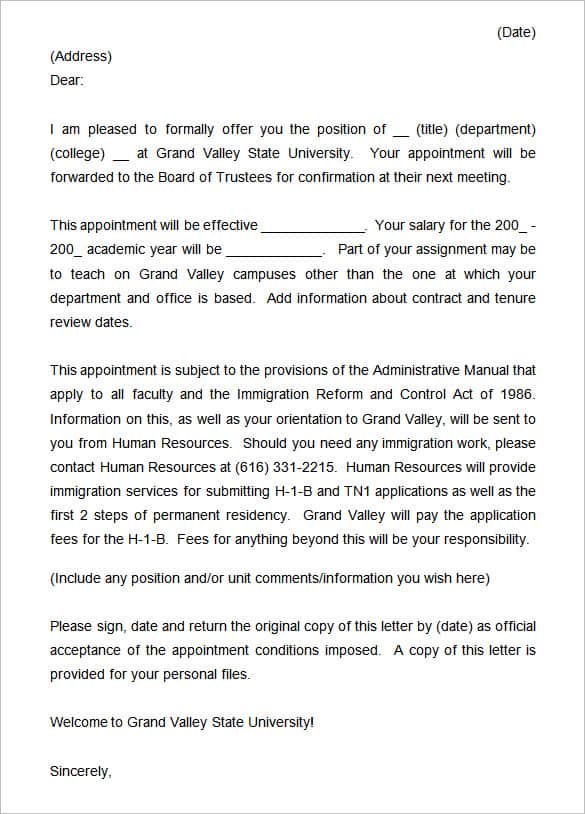
Here you can download 9+ free appointment letter templates in Word and PDF. They suit companies, schools, hospitals, NGOs and small businesses, and each one can be edited in minutes.
Offer Letter or Appointment Letter?
People mix these up all the time. An offer letter comes first: it proposes the job and invites the candidate to accept. The appointment letter follows once the offer is accepted, and it confirms the appointment in more formal detail. In some companies one letter does both jobs, but it helps to know the difference.
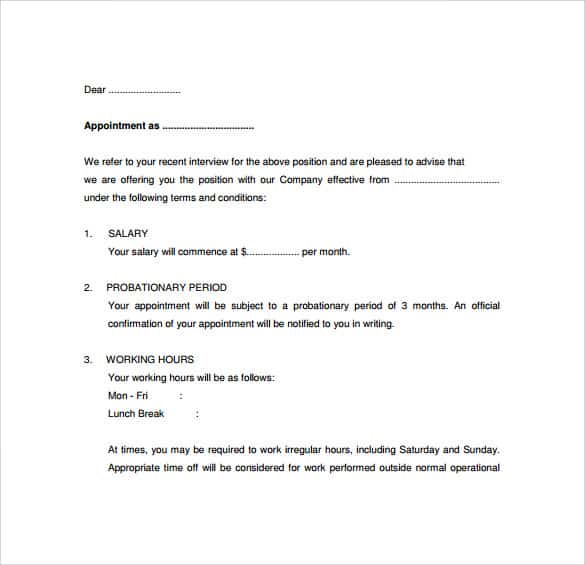
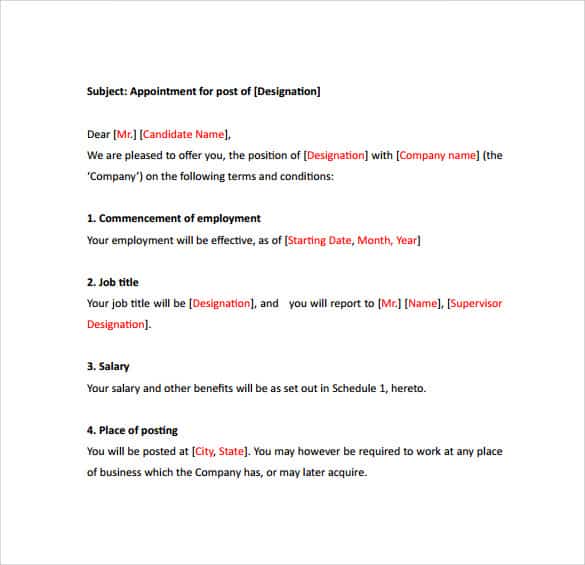
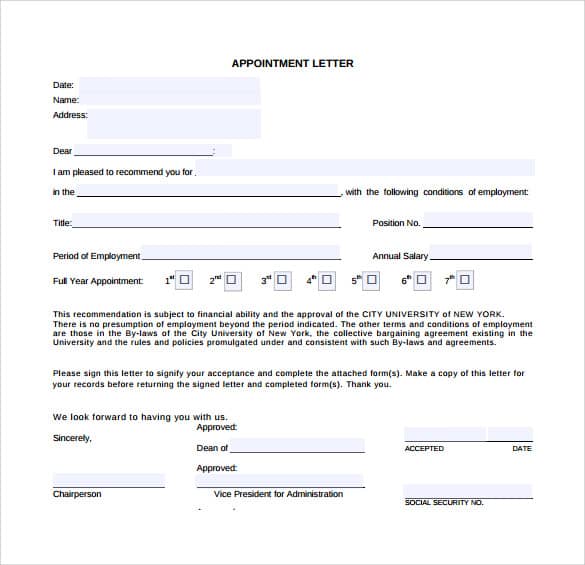
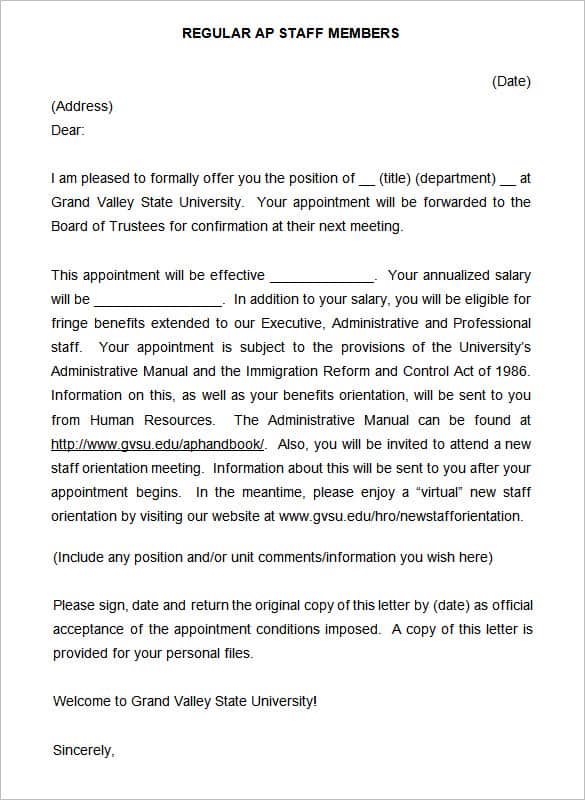
What to Include
| Item | Example |
|---|---|
| Date and reference number | Ref: HR/2026/045 |
| Employee name and address | As it appears on official ID |
| Job title and department | Accounts Executive, Finance |
| Start date and work location | 1 November, Head Office |
| Salary and benefits | Monthly salary, allowances, leave |
| Probation period | Three or six months |
| Working hours and notice period | 40 hours a week, one month’s notice |
| Acceptance section | Space for the employee to sign and return |
Download Appointment Letter Templates





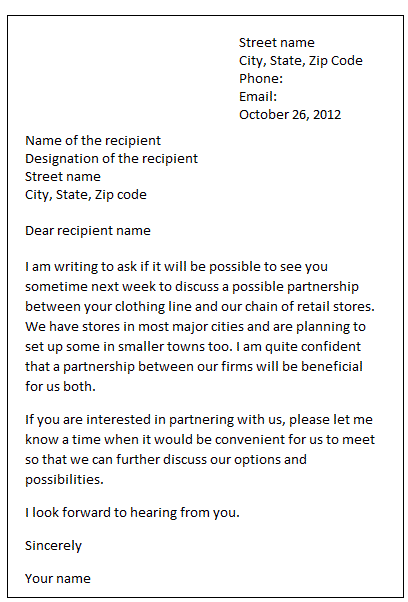
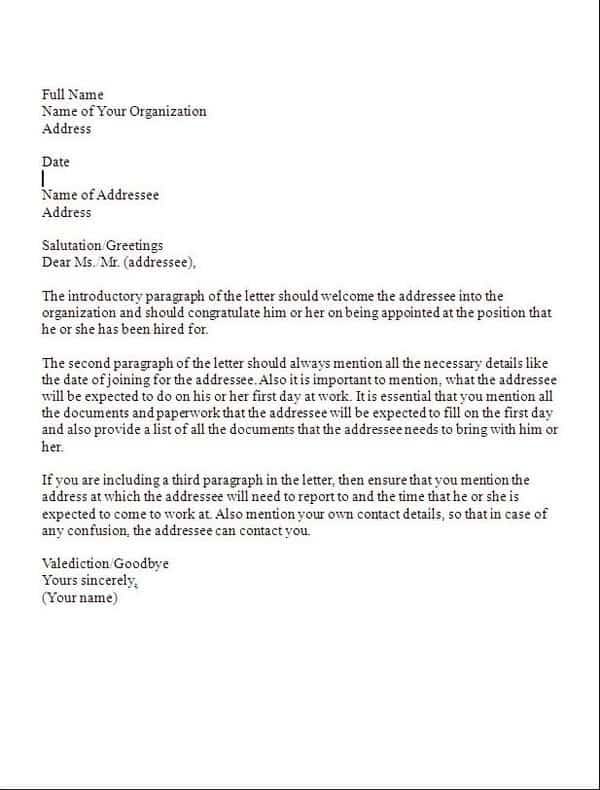
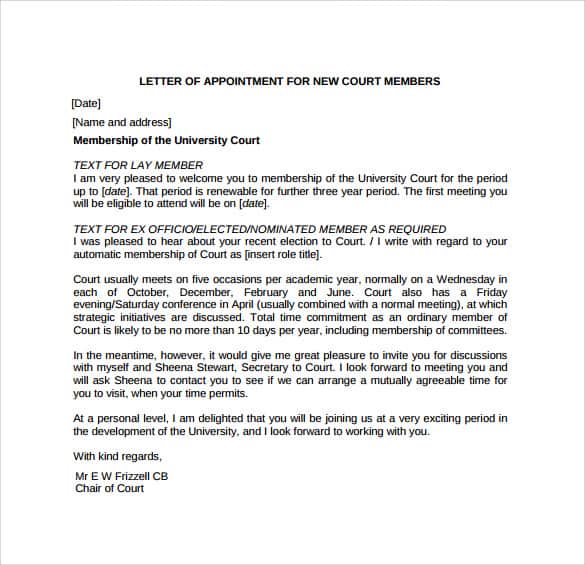
More Appointment Letter Examples


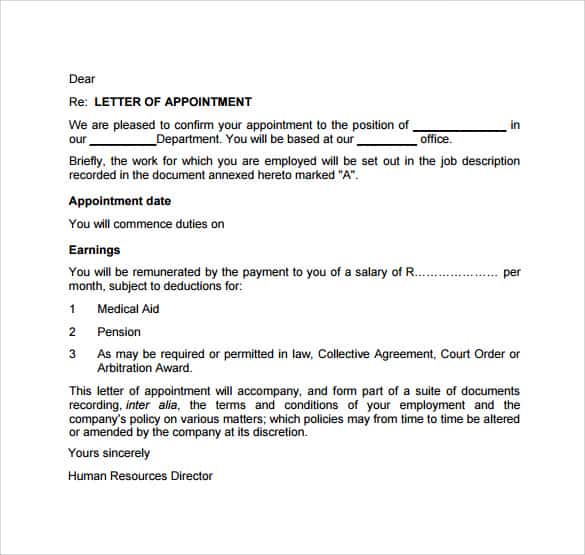

A Few Writing Tips
Keep the tone warm but precise. Welcome the new employee in the first line, then list the terms clearly, preferably as bullet points or a short table. Ask for a signed copy to be returned by a specific date. Print it on your company letterhead so it looks official.
Other HR letters you may need later include promotion letters, salary certificates and certificates of employment.
Frequently Asked Questions
Is an appointment letter legally binding?
Once signed by both sides, it usually forms part of the employment contract. The exact legal effect depends on local employment law.
When should an appointment letter be issued?
After the candidate accepts the offer and before, or on, the first working day.
Can I use these templates for a teacher or government post?
Yes. Change the job title, department and terms to match the institution’s rules and pay scales.
What format are the downloads?
The templates come as PDF and Word (DOC) files. The Word versions are easiest to edit.

