


A clear, consistent doctor’s note template helps clinics, private practices, school nurses and telehealth providers issue medical excuse notes quickly without retyping the same layout for every patient. This page collects 20 editable Word templates that a licensed practitioner or their office staff can fill in, sign and hand to a patient for work, school or travel.
One thing up front, because it matters: a doctor’s note is only valid when it is issued by the healthcare provider who actually saw the patient. These templates are meant for practices to use on their own stationery, or for administrators who design forms for their clinic. They are not a way for anyone to write their own excuse. Creating or altering a medical note to mislead an employer or school can lead to disciplinary action and, in some places, legal trouble, so if you are a patient, the right move is to ask your provider for a note.
Who Uses a Doctor’s Note Template?
Medical excuse notes come up far more often than most people expect, and the same office may need several versions.
- Family practices and urgent care centers write work and school notes for patients who were seen for an illness or injury.
- Specialists and therapists confirm that a patient attended an appointment or needs time to recover after a procedure.
- School and college health offices document visits and recommend when a student can return to class or sports.
- Occupational health providers record fitness-for-duty decisions and any temporary work restrictions.
- Telehealth services send signed notes as PDFs after a virtual visit.
- Practice managers standardize forms so every provider in the office issues notes that look the same.
If your practice is also updating its stationery, the doctor designs in our letterhead templates pair well with the notes below, and our doctor prescription templates use a similar layout for prescription pads.
What a Properly Issued Note Should Include
Employers and schools mostly want to confirm that a real visit happened and to know when the person can come back. Most notes do not need to reveal a diagnosis, and in many cases they should not. A solid note usually covers the following.
| Section | What to write | Why it matters |
|---|---|---|
| Practice details | Clinic name, address, phone number | Lets the employer or school verify the note if needed |
| Patient name | Full name as it appears in your records | Ties the note to a single person |
| Visit date | The date the patient was seen | Confirms the timing of the absence |
| Excused period | Start and end dates, or “until further notice” | Tells the reader exactly which days are covered |
| Return guidance | Full duty, light duty or specific restrictions | Helps the employer plan safe work or classes |
| Provider details | Printed name, credentials, signature and date | Shows who is responsible for the statement |
Privacy reminder: Share only what the reader needs. A note that says a patient “was seen in our office and may return to work on Monday” is often enough. Health privacy rules vary by state and country, so check your own obligations or ask your compliance contact before adding medical detail.
20 Editable Doctor’s Note Templates for Medical Offices
Every template below is a Word file you can open, add your practice details to and save as your own blank form. Use the button beside each preview to download it.
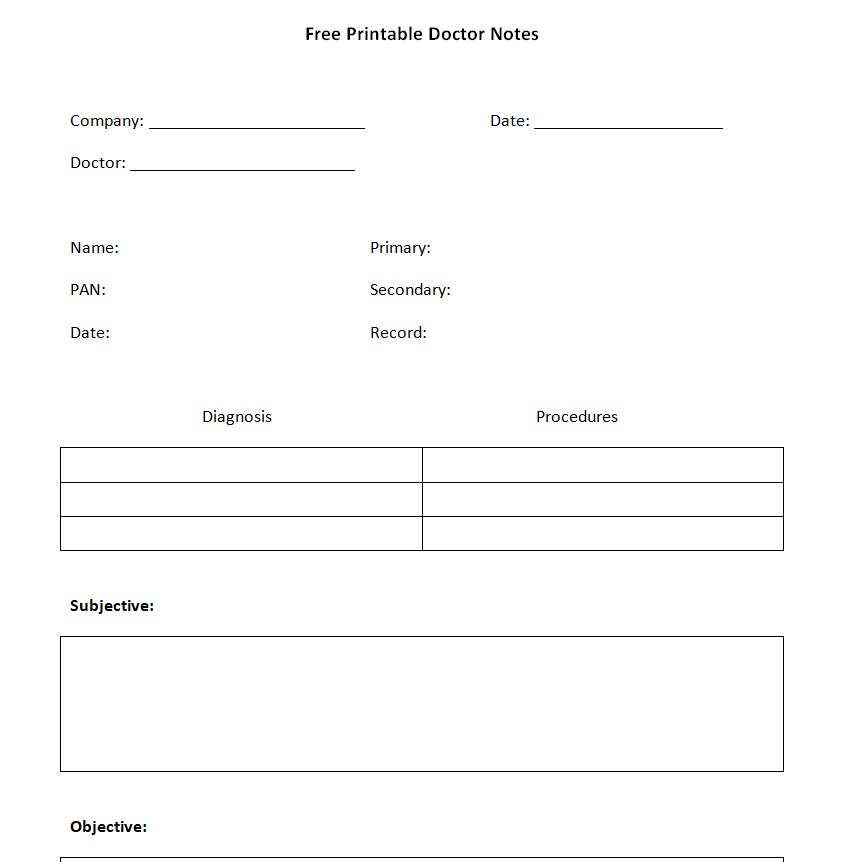
Free Printable Doctor’s Note Template


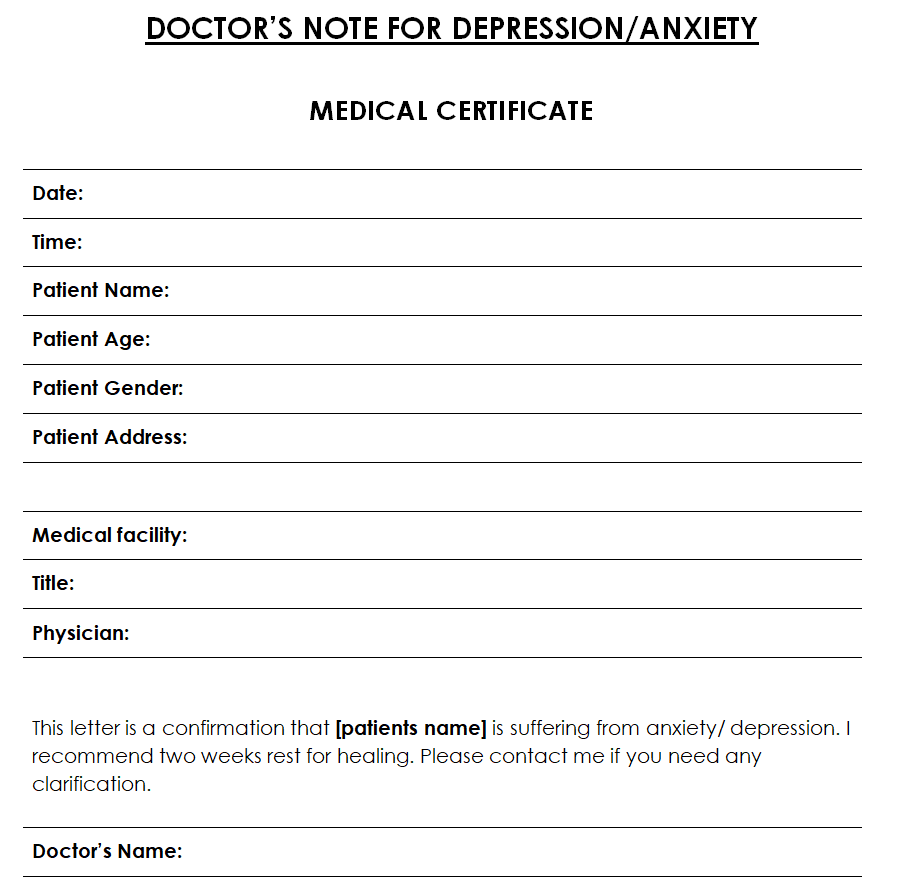
Doctor’s Note Template for Depression or Anxiety


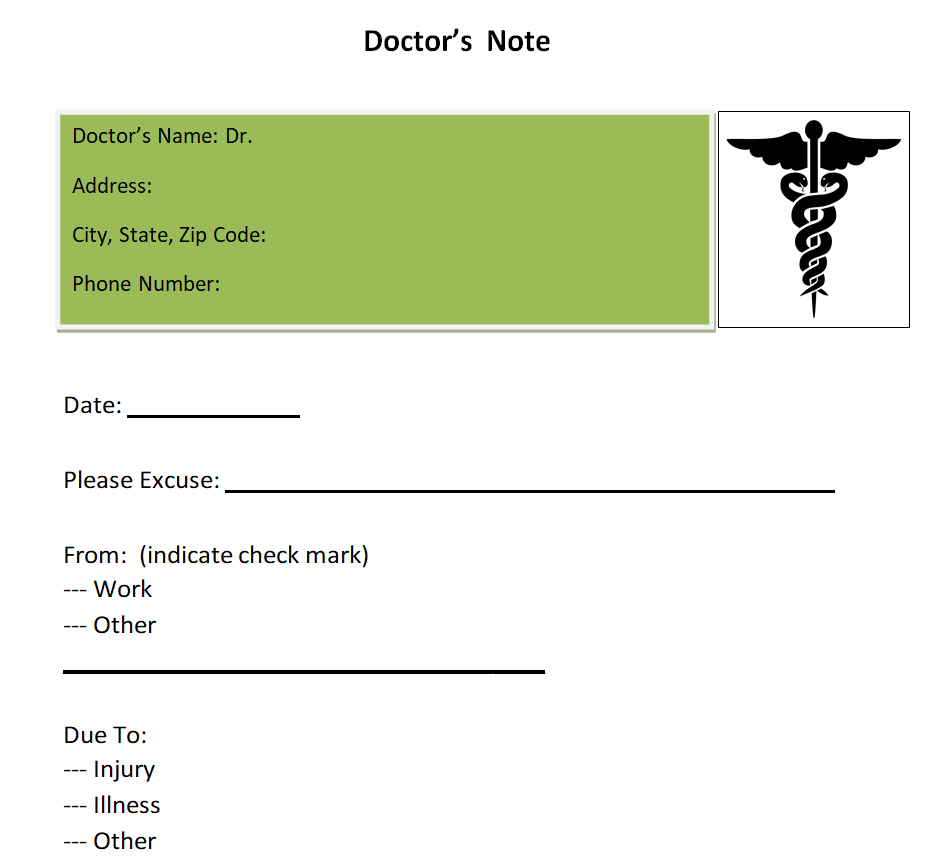
Free Editable Doctor’s Note Template Word


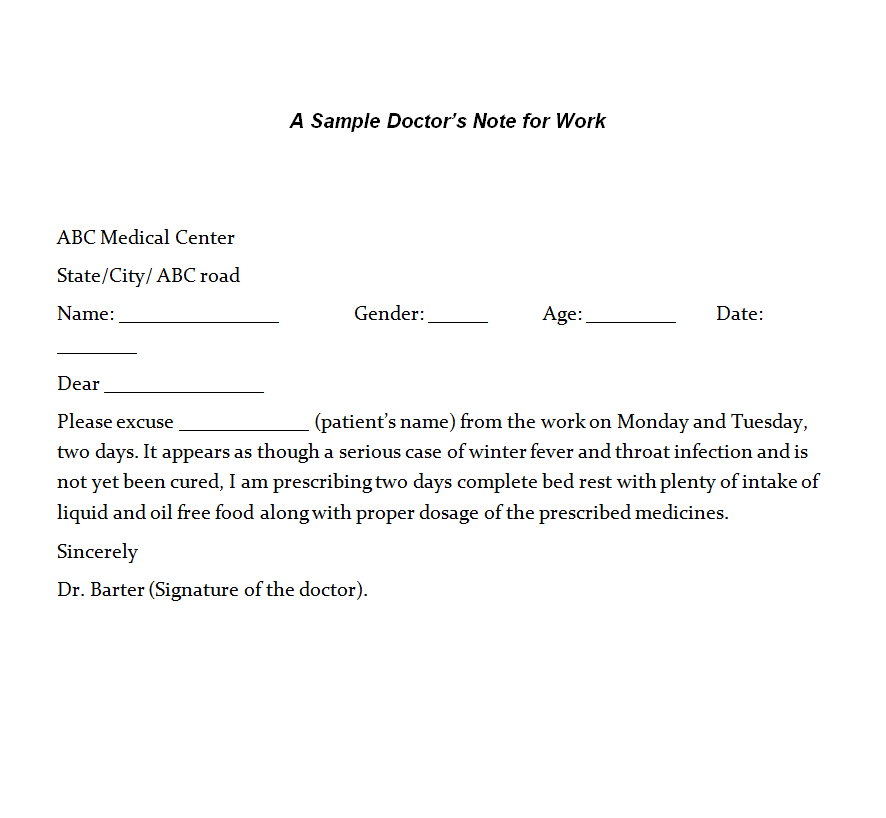
Simple Doctor’s Note Template for Work


Blank Doctor’s Note Sample Doc


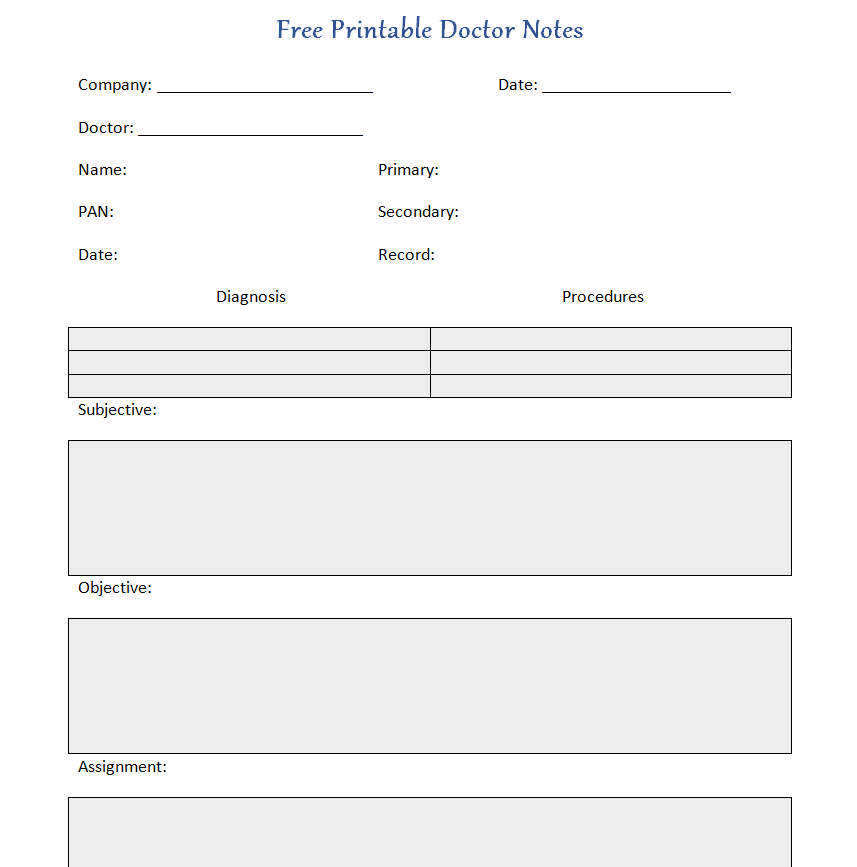
Doctor Excuse Form Example


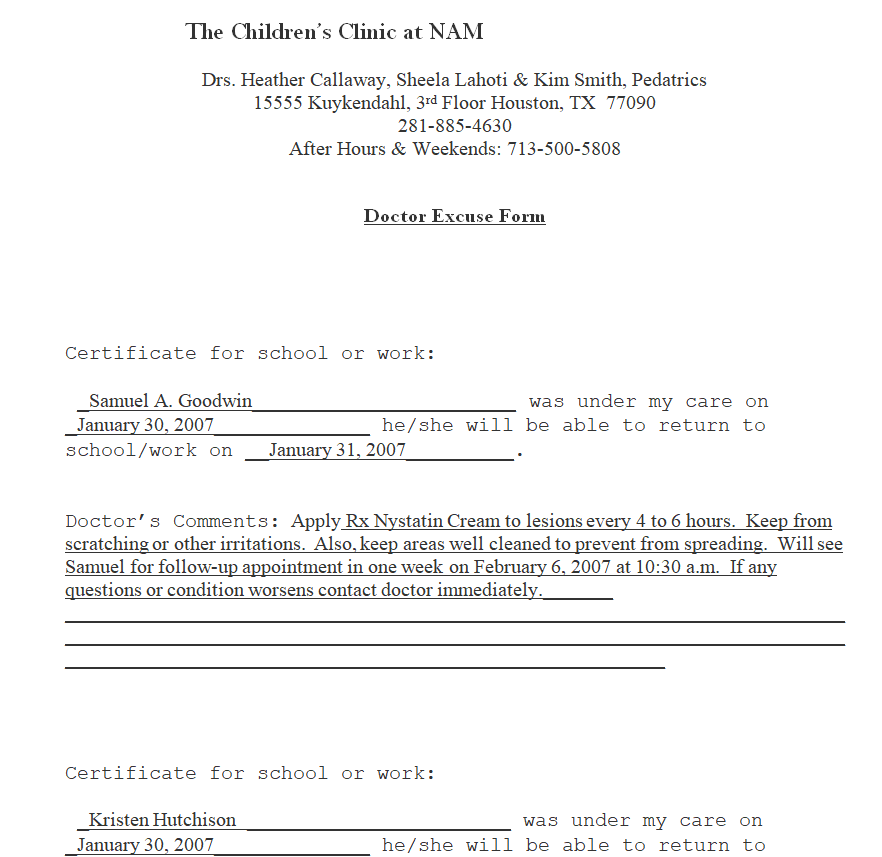
Official Doctor’s Note Word Template


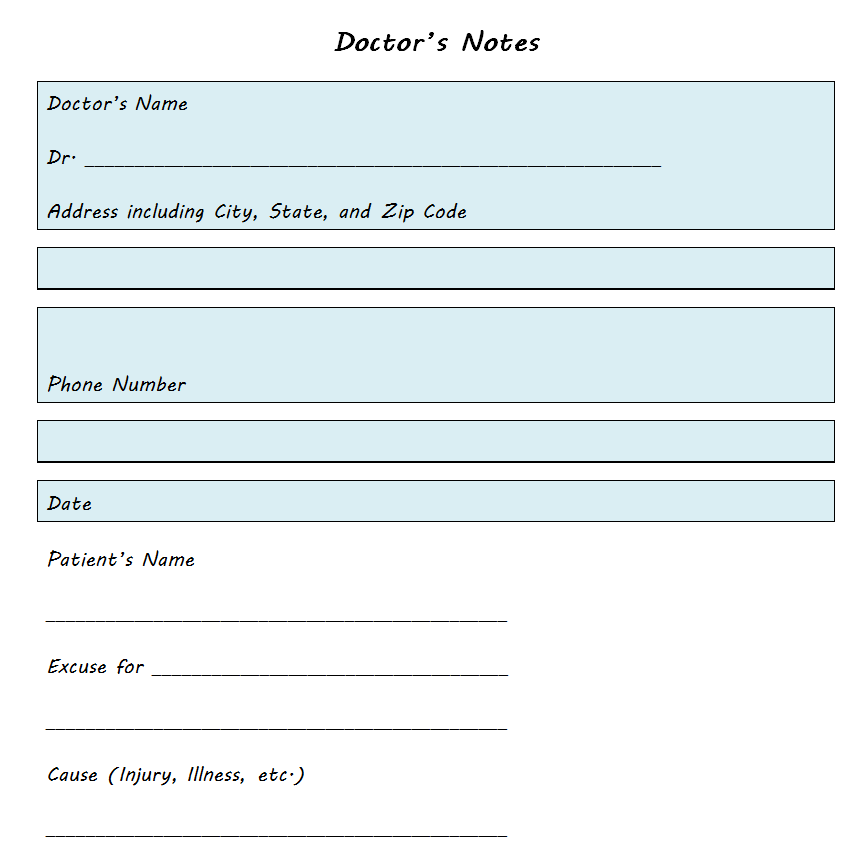
Standard Doctor’s Note Template


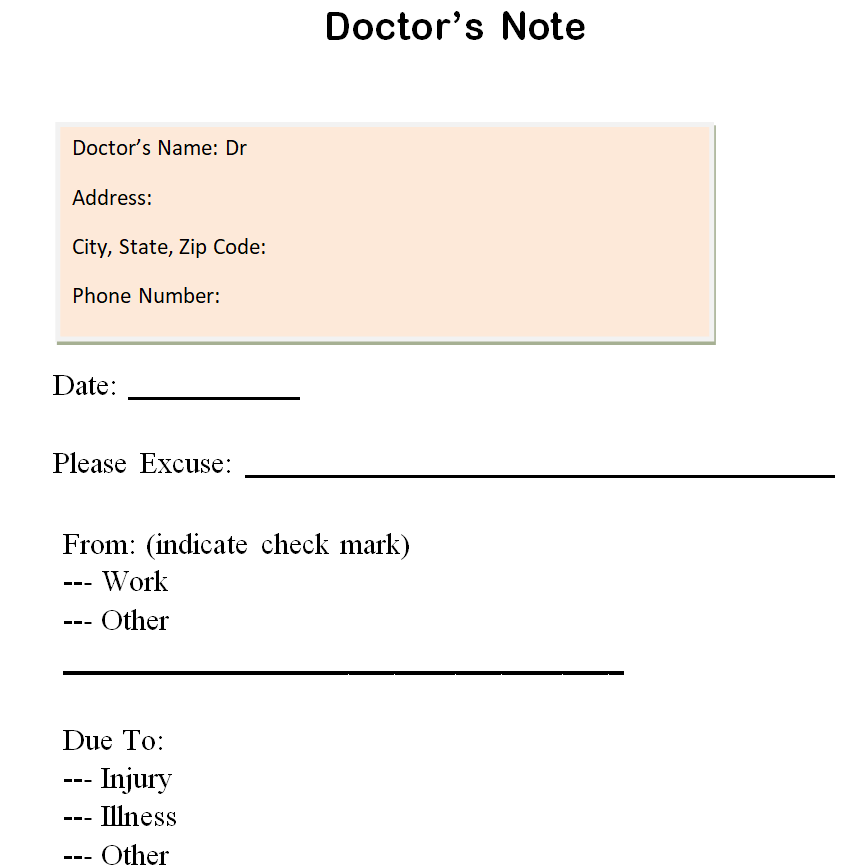
Doctor’s Excuse Slip Template


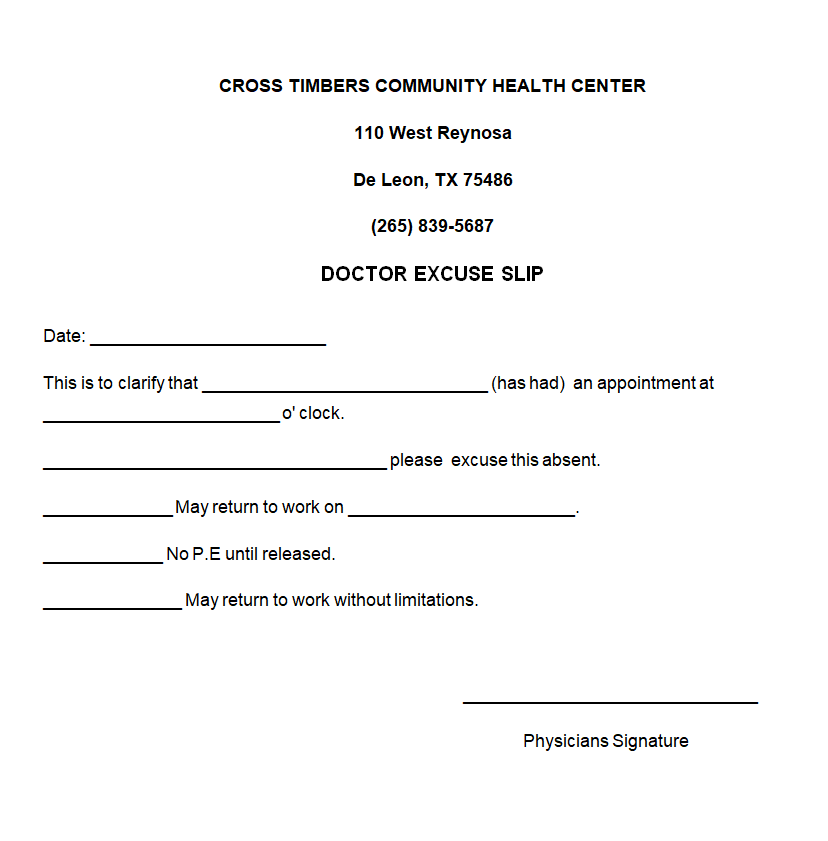
Sample Doctor’s Notes Template


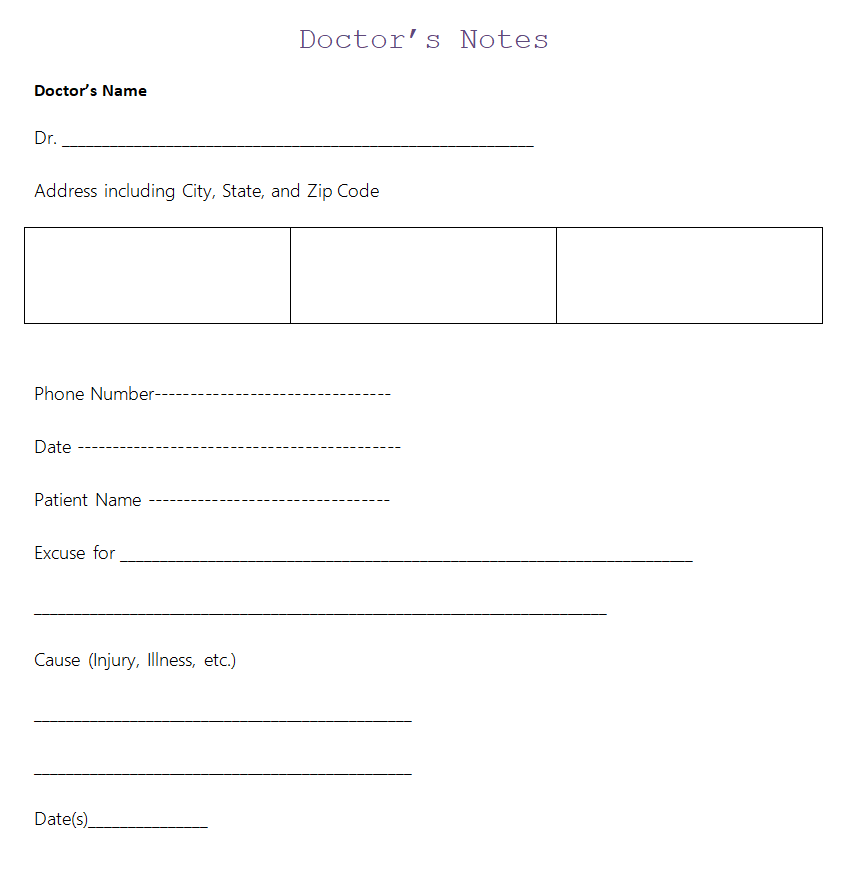
Doctor’s Note Template for Travel


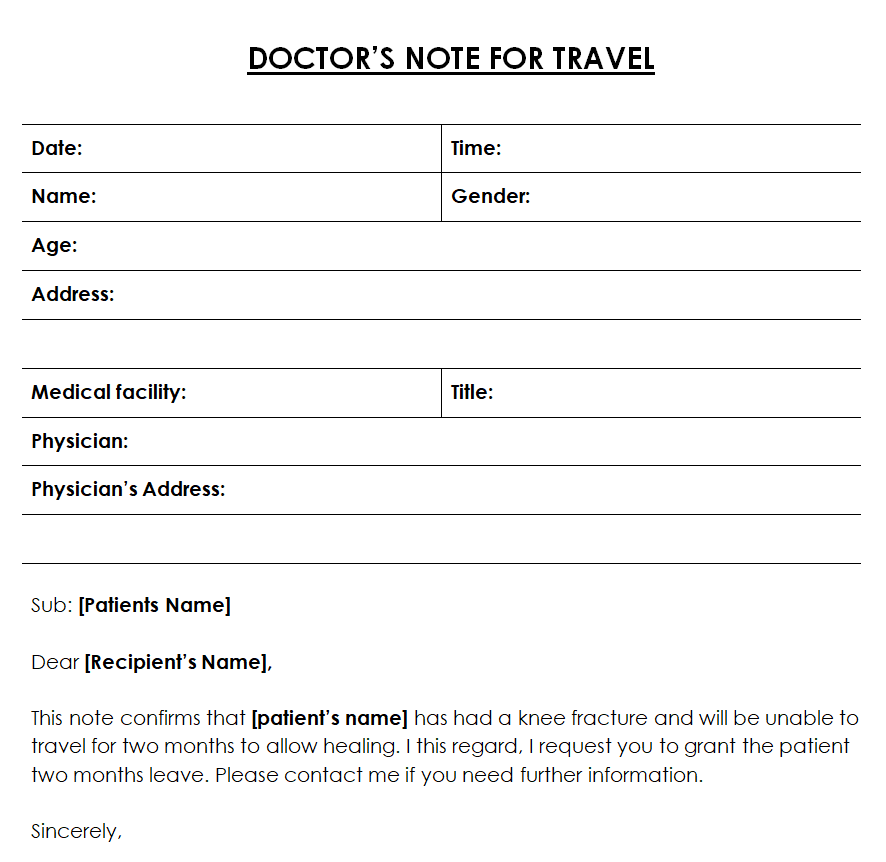
Basic Doctor’s Note Format Template


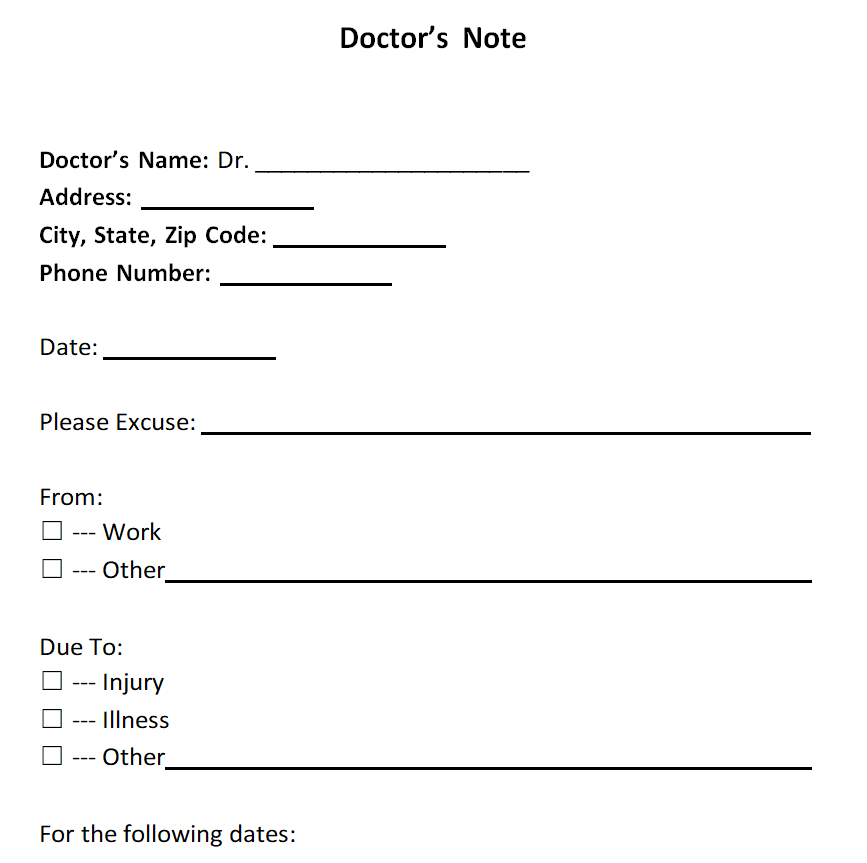
Free Printable Doctor’s Note Word Template


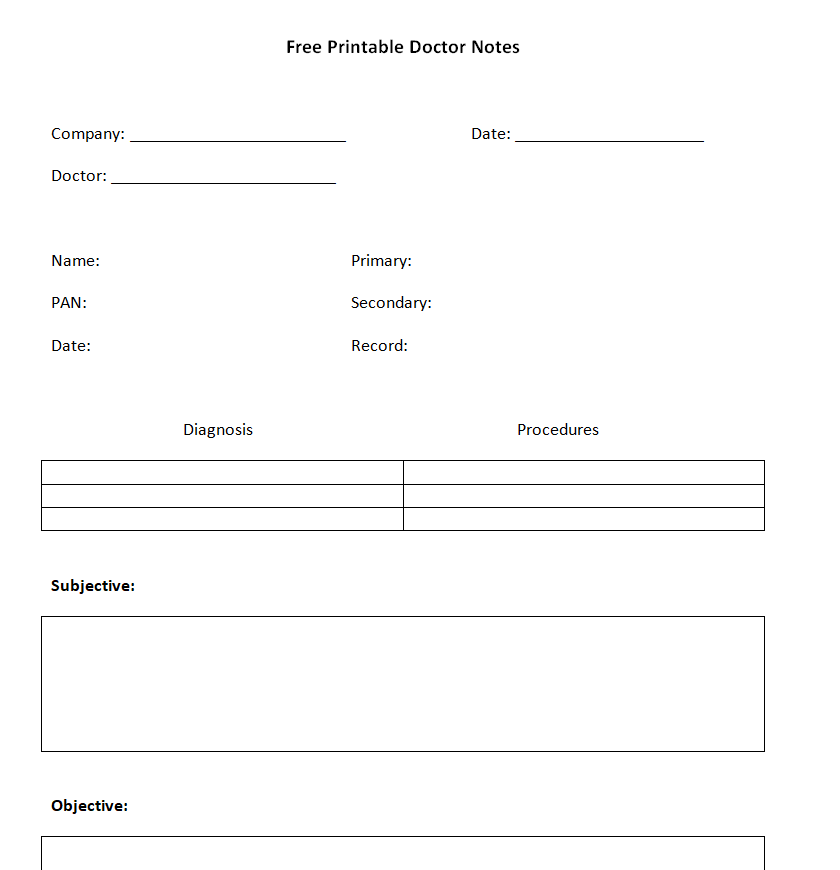
Official Doctor’s Note Template in MS Word


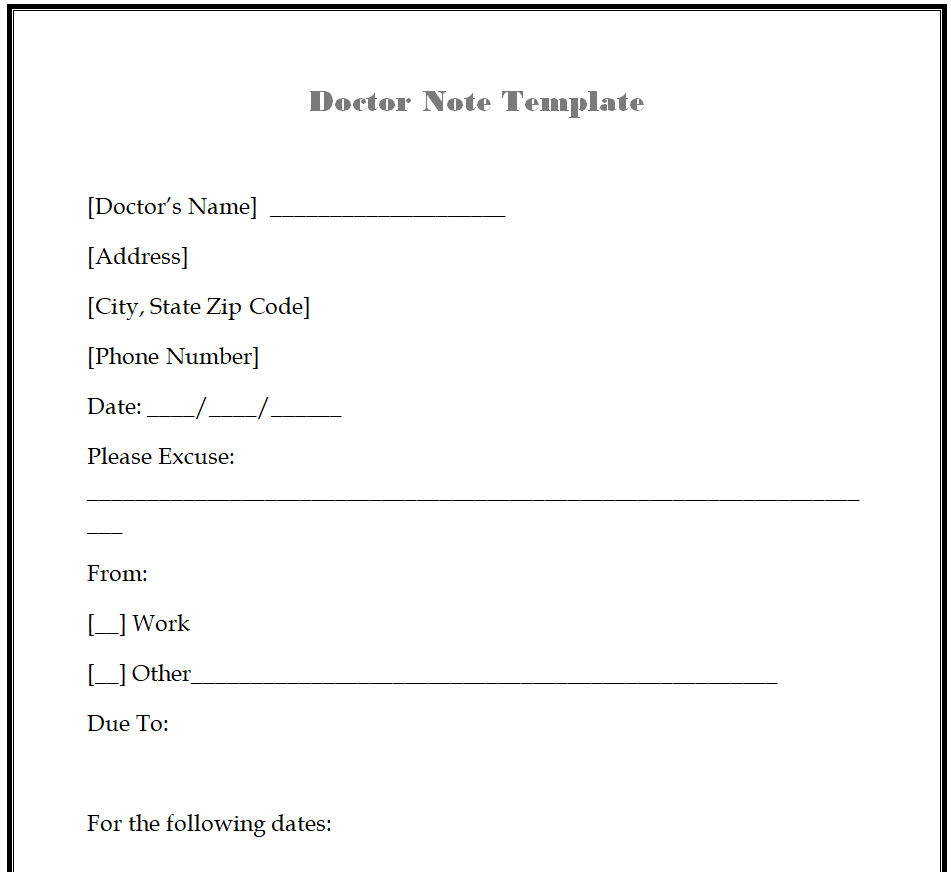
Medical Facility Doctor’s Note Template Doc


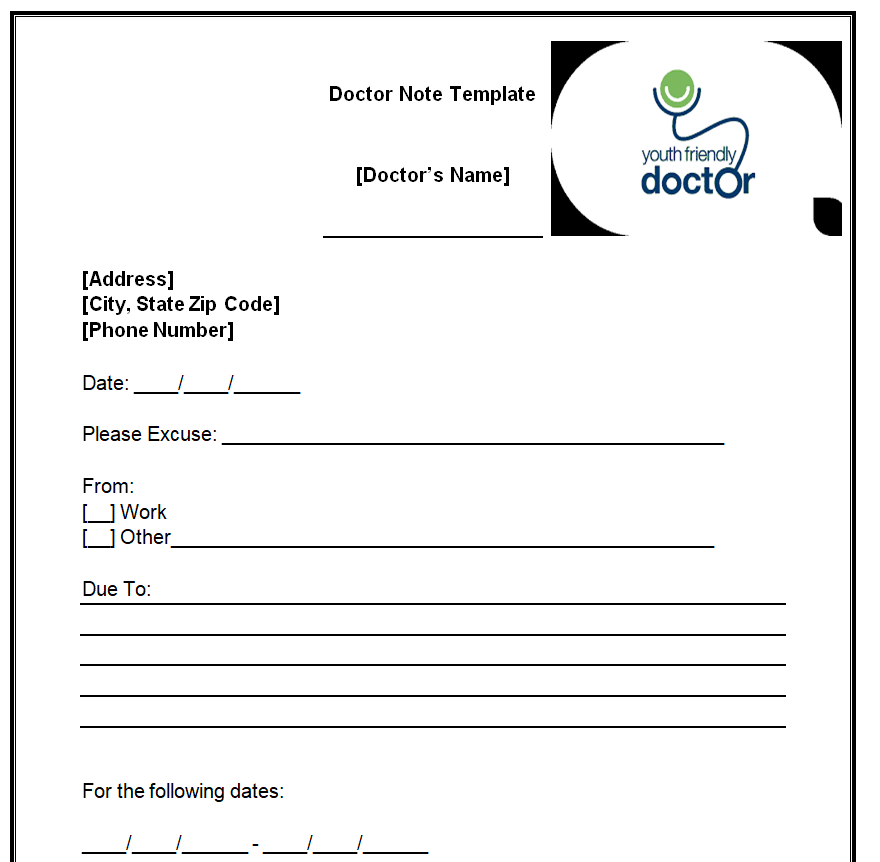
Clinical Doctor’s Note Example Doc


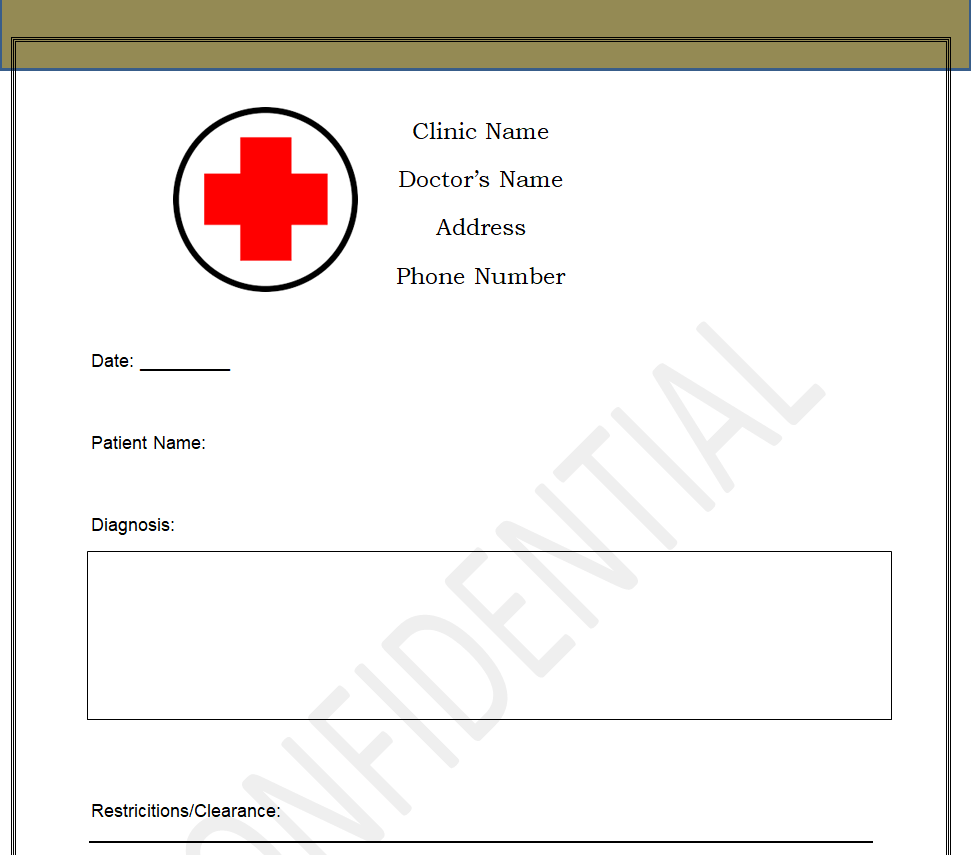
Customizable Doctor’s Note Template


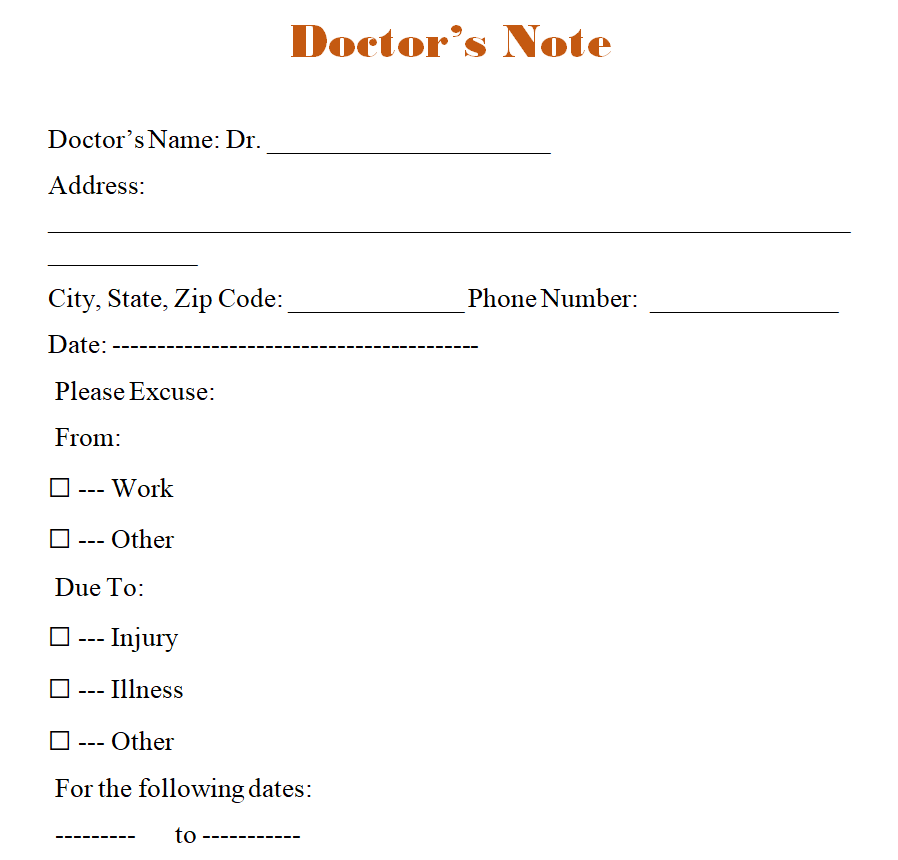
School or College Doctor’s Note Template


Sample Doctor’s Note for Work Word Template


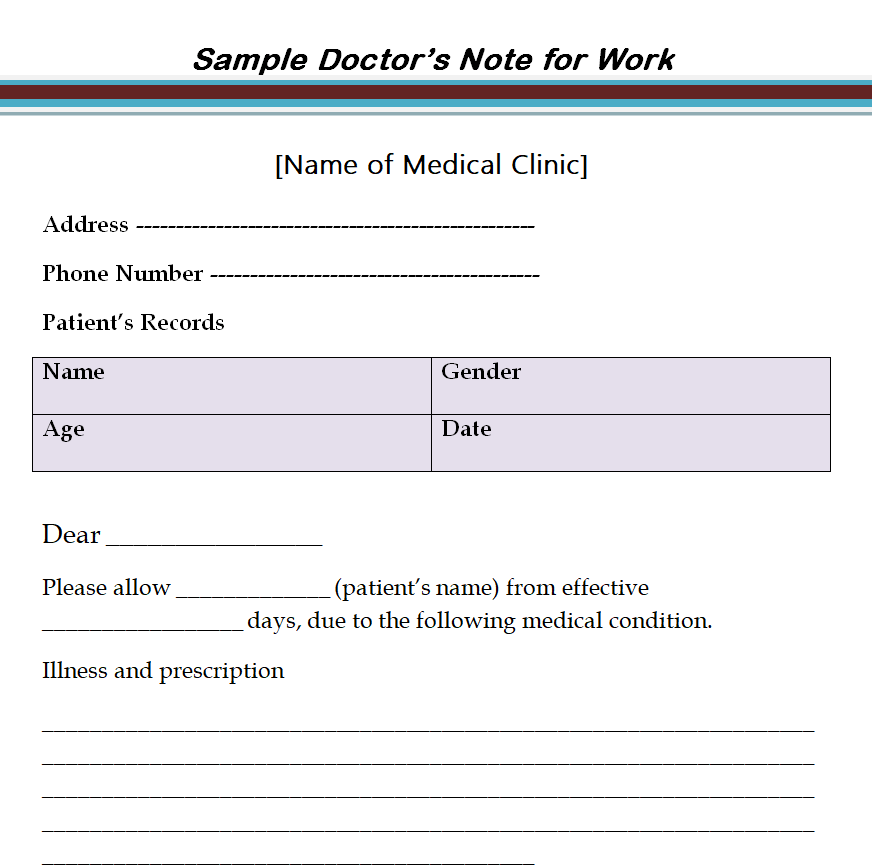
Certified Doctor’s Note for Work Template Word


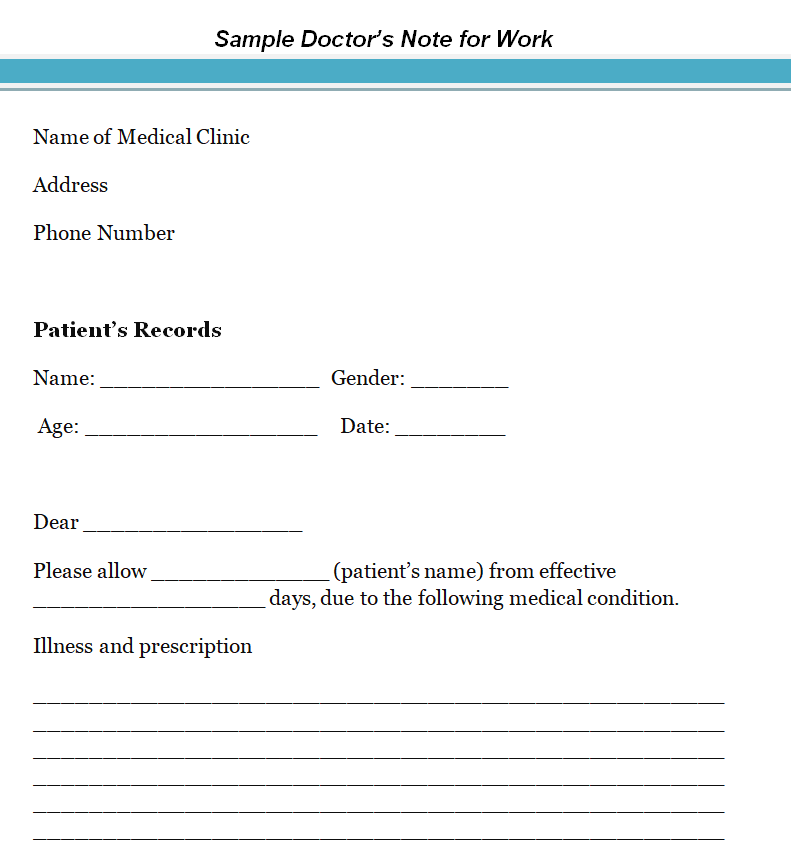
Setting Up the Templates for Your Practice
A few minutes of setup turns a generic layout into a form your staff can fill in correctly every time.
Step 1: Add your practice information
Replace the placeholder header with your clinic name, address, phone and, if you use one, your logo. Lock this part of the file or save it as a Word template (.dotx) so it cannot be changed by accident.
Step 2: Decide which fields are required
Mark the fields every note must have, such as visit date and return date, and remove ones you never use. Fewer blanks mean fewer mistakes.
Step 3: Choose how notes are signed
Some practices print and sign by hand; others use an approved electronic signature in their records system. Whatever you choose, make it consistent and only allow licensed providers or authorized staff acting on their instructions to sign.
Step 4: Keep a copy
Save a copy of each issued note in the patient record. If an employer or school calls to confirm a note, staff can check it quickly without sharing more than necessary.
Matching the Template to the Situation
- Routine sick visit: the Simple Doctor’s Note Template for Work or the Standard Doctor’s Note Template covers dates and return to work in a few lines.
- Students: the School or College Doctor’s Note Template and the Doctor’s Excuse Slip Template suit school nurses and campus health centers.
- Mental health appointments: the template for depression or anxiety lets a treating clinician confirm care and recommended time off without listing private details.
- Travel: the Doctor’s Note Template for Travel can confirm that a patient is fit to fly or needs to carry certain medical supplies, which airlines sometimes ask for.
- Hospitals and larger clinics: the Medical Facility, Clinical and Official templates give a more formal layout with room for department names.
- Practices that want a blank start: the Blank Doctor’s Note Sample and the Customizable Doctor’s Note Template are easy to restyle.
If You Are a Patient Who Needs a Note
You may have landed here because your employer or school asked for a medical note. The good news is that getting a legitimate one is usually simple.
- Ask for the note during your visit, before you leave the office or end a telehealth call.
- Tell the provider which dates you missed or expect to miss and whether you need any work restrictions.
- If you were seen but forgot to ask, call the office; many practices can issue a note after the fact based on your visit record.
- Check your employer’s handbook or the school’s policy so you know what the note needs to show and when to hand it in.
For planned absences such as surgery or recovery time, it also helps to file a time off request form with your employer as early as possible. Workplace leave rules and what an employer may ask for vary by state and country, so check with HR or a professional if you are unsure.
Example Wording for a Return-to-Work Note
Practices often ask what a short, privacy-friendly note looks like in practice. Here is a sample layout your office can adapt. The names and details are placeholders only.
[Patient name] was seen at [Clinic name] on [visit date]. Please excuse [him/her/them] from work from [start date] through [end date]. [Patient name] may return to full duty on [return date] / may return with the following temporary restrictions: [restrictions]. Please contact our office at [phone number] with any questions.
[Provider name, credentials]
[Signature] [Date]
Notice what the example leaves out: there is no diagnosis, no test results and no opinion about the patient’s job. It states the facts the reader needs and gives them a way to confirm the note. If restrictions are needed, keep them practical, such as “no lifting over a set weight” or “seated work only,” so a supervisor can act on them.
Common Errors That Make Notes Hard to Accept
- Missing provider signature or printed name.
- Vague dates such as “a few days” instead of exact start and end dates.
- No contact number, so the reader cannot verify the note.
- Too much medical detail, which can create privacy problems.
- Handwriting nobody can read; typing the key fields avoids this.
- Old template text, such as a sample clinic name, left in the header.
Busy front desks can also benefit from simple forms beyond notes. A waiting room sign-in sheet and a daily opening checklist help keep visits, paperwork and follow-ups in order.
Frequently Asked Questions
Who can sign a doctor’s note?
A licensed healthcare provider who treated the patient, such as a physician, nurse practitioner or physician assistant, depending on local rules. Office staff may prepare the form, but the provider is responsible for its content.
Can I fill in one of these templates myself to excuse an absence?
No. A medical note must come from the provider who saw you. Writing your own note or changing one is dishonest and can cost you a job or a place in school. Ask your doctor’s office for a genuine note instead.
Does a doctor’s note need to include a diagnosis?
Usually not. Most employers and schools only need confirmation of the visit and the dates excused. Including a diagnosis is the patient’s and provider’s decision, guided by local privacy law.
Can these templates be used for telehealth visits?
Yes. Fill in the note, add an approved signature and send it as a PDF through your secure patient portal or email system.


