


A clear invitation saves you a week of “wait, what time is it again?” replies, and email invitation templates make that clarity easy. Whether you’re inviting a client team to a project kickoff, asking staff to join a training webinar or sending a formal invitation to a company event, a good template puts the who, what, when and where in a layout people can scan in seconds.
This page offers five templates you can download: a detailed meeting invitation, a professional meeting invitation, a sample invitation PDF, a formal email or letter invitation, and a webinar invitation. Before the downloads, we’ll cover how to structure the message, write a subject line people actually open, and follow up without becoming a nuisance.
Email Invitation or Calendar Invite?
These two tools work best together, but they do different jobs:
| Email invitation | Calendar invite | |
|---|---|---|
| Purpose | Explains the event, sets the tone and gives context | Blocks time and sends automatic reminders |
| Best for | Formal events, external guests, webinars, anything that needs background | Internal meetings, recurring calls, quick check-ins |
| Design | Can include branding, images and a structured layout | Plain text, limited formatting |
| RSVP | Reply, form link or registration page | Accept, decline or tentative buttons |
A common approach for important events is to send a well-designed email invitation first, then follow with a calendar invite once someone confirms.
What a Strong Invitation Email Includes
- A specific subject line that names the event and date.
- A short opening that tells the reader why they’re invited.
- The essentials: date, start and end time with time zone, location or video link, and who is hosting.
- The agenda or highlights in a few bullet points, or a link to a full agenda.
- A clear RSVP request with a deadline and one way to respond.
- Practical notes such as parking, dress code, what to prepare or accessibility information.
- A contact name for questions.
For meetings in particular, attaching or linking a short agenda helps people arrive prepared. Our meeting agenda templates pair well with the meeting invitations below.
Sample Invitation You Can Adapt
Subject: Invitation: Q3 Project Kickoff, Thursday, July 9, 10:00 a.m. ET
Hi Jordan,
We’d like to invite you to the kickoff meeting for the website redesign project. We’ll introduce the team, walk through the timeline and agree on the first milestones.
When: Thursday, July 9, 10:00 to 11:00 a.m. ET
Where: Conference Room B, or join by video (link below)
Please bring: any brand guidelines or past site analytics you’d like us to review
Could you confirm by Monday, July 6? Just reply to this email.
Thanks,
Alex
Subject Lines That Get Opened
The subject line decides whether your invitation is read today or lost under newer messages. Keep it specific and front-load the important words:
- “You’re invited: Annual Partner Breakfast, Oct 15”
- “Webinar invitation: Year-End Tax Planning Basics (Nov 4, 1 p.m. ET)”
- “Please join us: Training Session on the New Scheduling System”
- “Save the date: Company Holiday Dinner, Dec 12”
Avoid all caps, lots of exclamation marks and vague phrases like “Important!” on their own. They’re easy to ignore and can trigger spam filters.
Picking the Right Template for Your Event
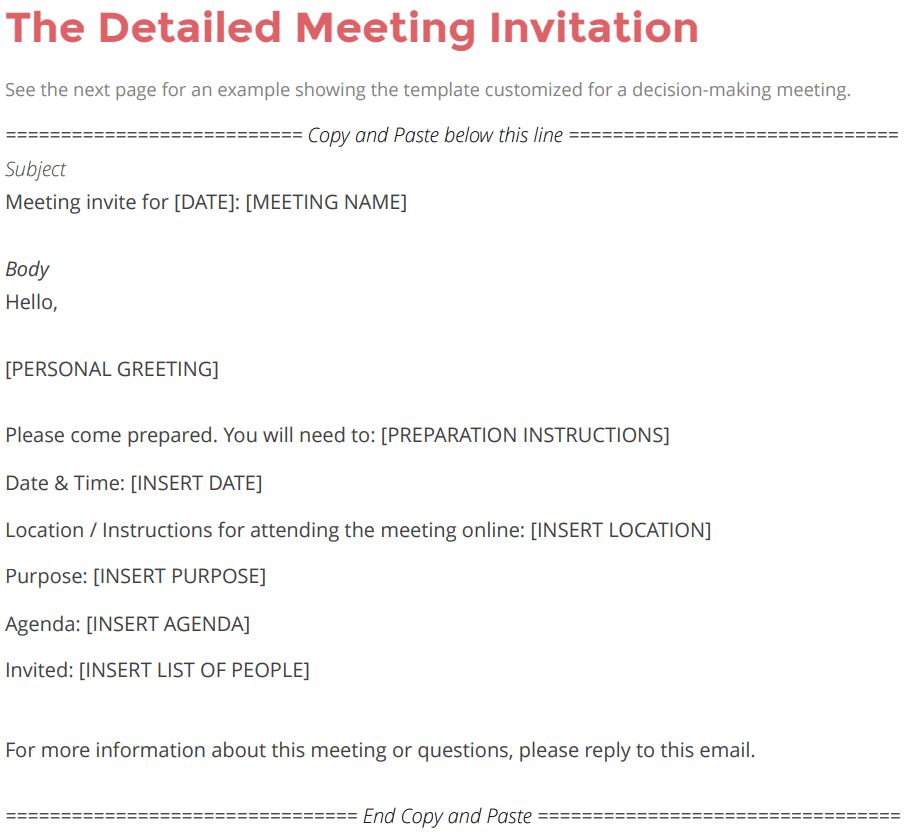
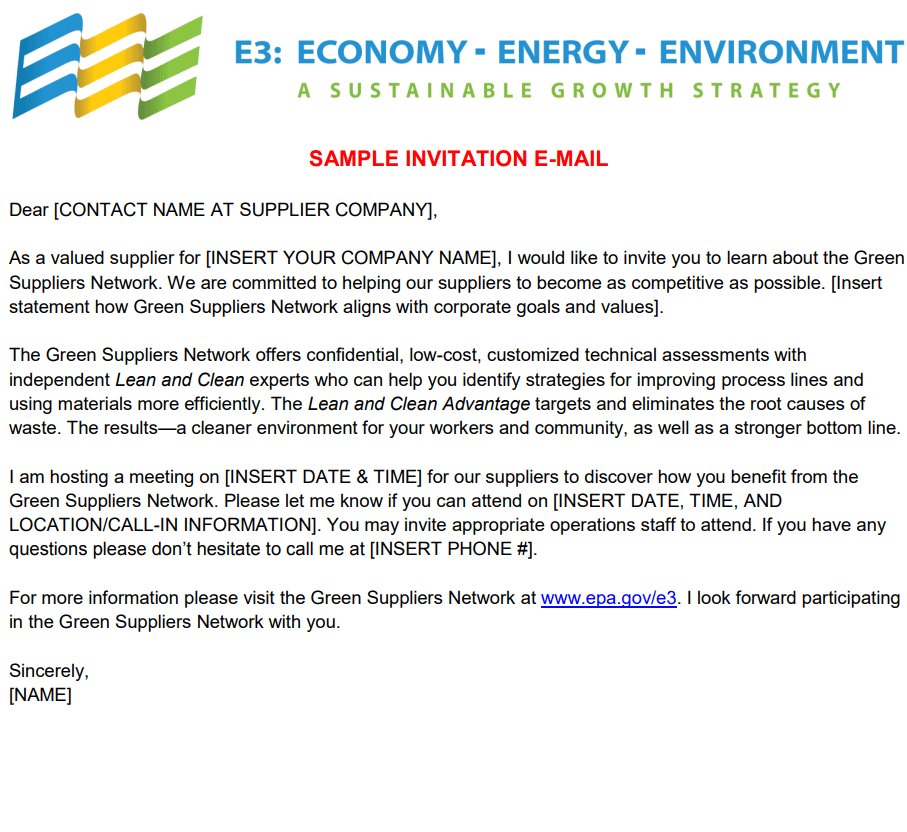
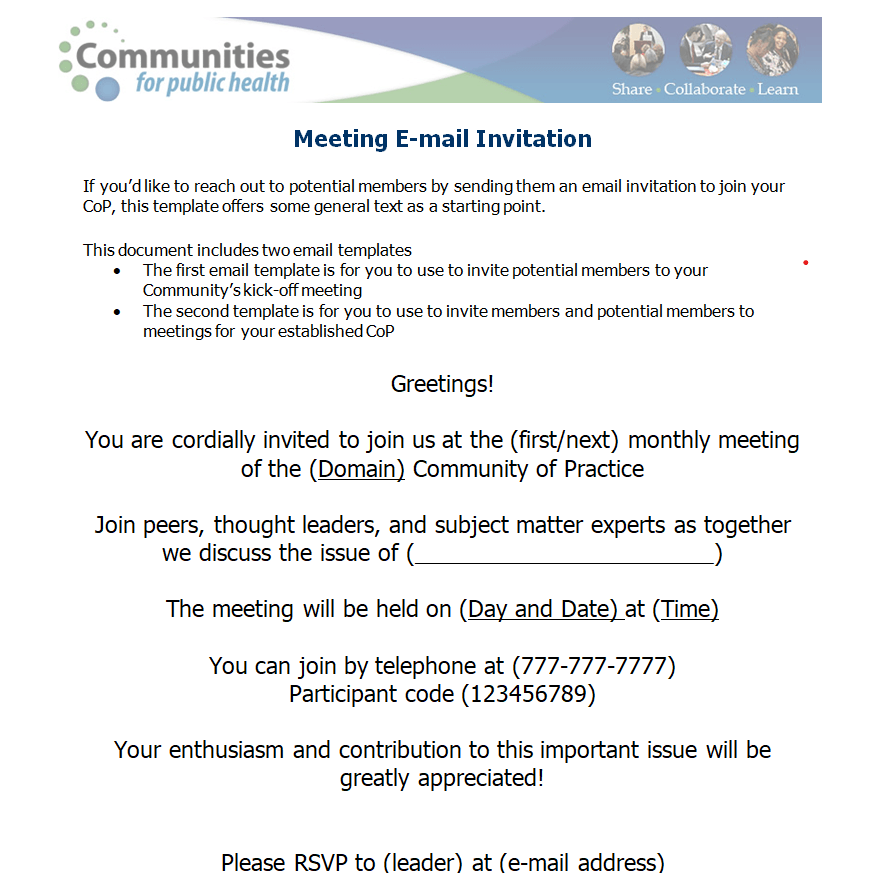
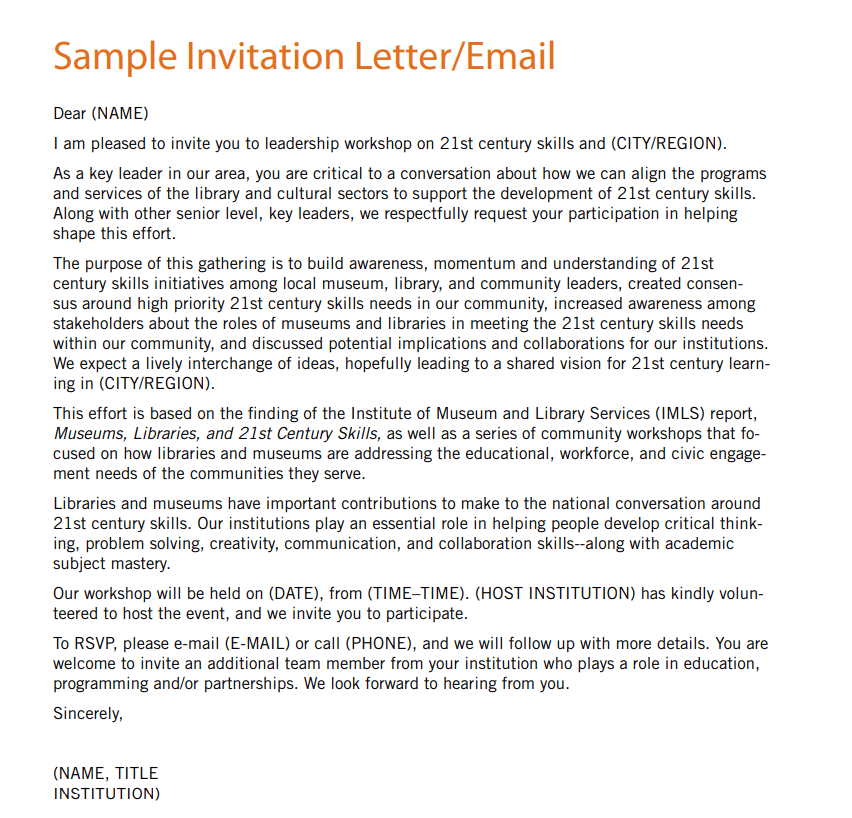
Each of the five layouts below is aimed at a slightly different situation. Reach for the detailed meeting invitation when you have an agenda and logistics to share, such as a longer session or a meeting with several presenters. The professional meeting invitation is a natural fit for client calls and partner meetings. The sample invitation PDF is a good general-purpose starting point. The formal email or letter invitation suits company dinners, award evenings and official functions where tone matters. And the webinar invitation is the one to adapt for online sessions, where the registration link, session description and speaker names need to stand out.
If your event sits between two styles, start with the more formal one. It’s easier to relax a formal tone than to make a casual invitation feel official.
5 Email Invitation Templates to Download
Detailed Meeting Email Invitation Template


Sample Email Invitation PDF Template


Professional Meeting Email Invitation Template


Formal Email / Letter Invitation Sample PDF


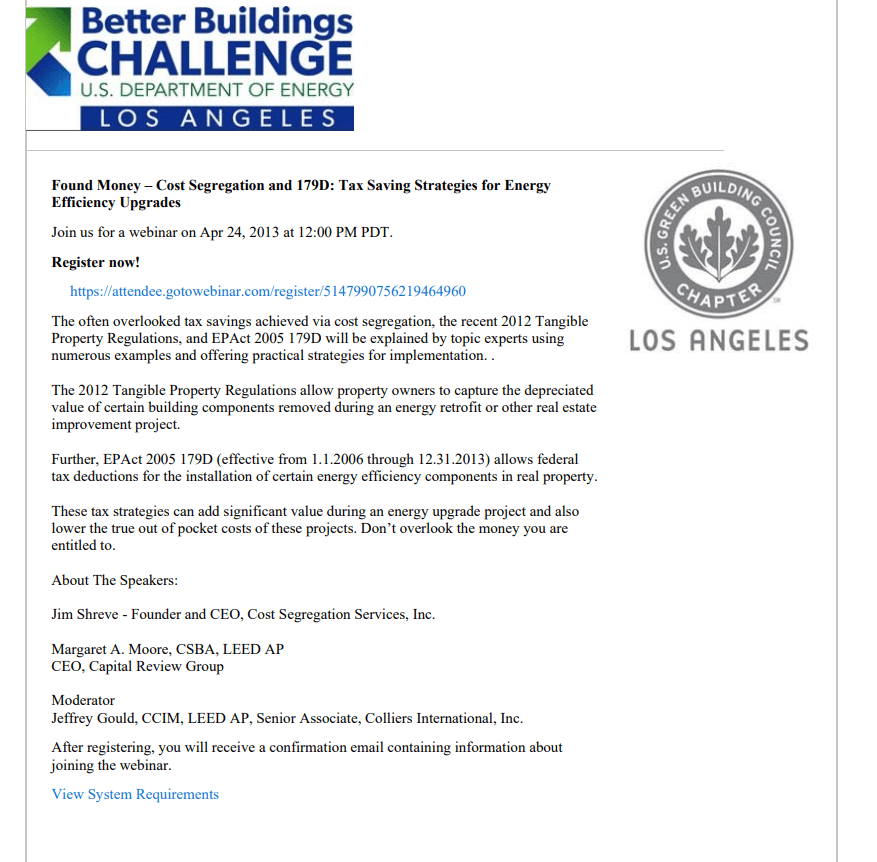
Webinar Email Invitation Template PDF


How to Use These Templates
The downloads come as ZIP files. Inside you’ll find the layout for each invitation. Depending on the file, you can:
- Copy the wording and structure straight into the body of your email and adjust the details.
- Edit the PDF version in a PDF editor and attach it to your message for formal events.
- Recreate the design in your email platform’s template editor if you send invitations to a larger list.
- Print the formal letter version for guests who prefer a paper invitation.
Whichever route you choose, test the email by sending it to yourself first. Check it on a phone as well as a computer, click every link and confirm that the time zone is correct.
One more tip: keep the key details in live text inside the email, not only inside an attached image or PDF. Some email apps block images by default, and screen readers can’t read text that’s baked into a picture. A design attachment is a nice extra, but the date, time, place and RSVP instructions should always be readable in the message itself.
Timing Your Invitations and Reminders
| Type of event | Send the invitation | Send a reminder |
|---|---|---|
| Internal team meeting | 2 to 5 business days ahead | Morning of the meeting, if needed |
| Client or partner meeting | 1 to 2 weeks ahead | 1 to 2 days before |
| Webinar or online training | 2 to 3 weeks ahead | 1 day before and 1 hour before |
| Formal company event or dinner | 3 to 6 weeks ahead | 1 week before, with final details |
These are common starting points rather than strict rules. Adjust for travel time, busy seasons and how far guests are coming.
Etiquette for Formal and Business Invitations
- Use BCC for large external lists. It protects guests’ email addresses and avoids reply-all chains.
- Address people correctly. Check name spellings and titles, especially for senior guests or partners.
- Be clear about who is invited. If plus-ones are welcome, say so; if not, avoid leaving it ambiguous.
- State costs upfront if attendees need to pay for anything.
- Respect privacy and consent. Send marketing-style invitations only to people who have agreed to hear from you. Email marketing rules differ by country, so check the requirements if you’re inviting a large external audience.
Adjusting the Tone for Different Audiences
Your own team
Keep it brief and friendly. Colleagues mainly need the purpose, time, place and anything they should prepare. A one-line explanation of why the meeting matters goes a long way.
Clients and partners
Be warm but polished. Explain what they’ll get out of attending, confirm who from your side will be there, and offer an alternative time if the date might not work.
Senior leaders or VIP guests
Lead with the purpose and the time commitment. Send the invitation well in advance, through their assistant if that’s how they prefer to schedule, and include a short agenda.
Webinar audiences
Focus on the value of the session: what attendees will learn, who’s presenting and how long it lasts. Make the registration button or link impossible to miss, and mention whether a recording will be shared afterward.
When Plans Change
Events move. If you need to reschedule or cancel, send a new email with a clear subject line such as “Rescheduled: Project Kickoff now Thursday, July 16.” Put the change in the first sentence, update any calendar invites at the same time, and thank people for their flexibility. If guests registered through a form, let them know whether their registration carries over automatically or whether they need to sign up again.
Managing RSVPs and Attendance
For small meetings, replies to the email are enough. For anything bigger, it’s easier to collect responses through a form. A simple registration form template helps you gather names, dietary needs and session choices in one place. On the day, a sign-in sheet at the door records who actually attended.
For multi-part events such as a conference day or a training program, send an event itinerary with your final reminder so guests know where to be and when. After a meeting, share notes using a meeting minutes template so decisions and action items are on record.
Frequently Asked Questions
What should I write in the subject line of an invitation email?
Name the event and the date, for example “Invitation: Sales Training, March 3.” Specific subject lines are easier to find later and more likely to be opened.
Is it okay to send a formal invitation by email?
Yes, for most business events. For very formal occasions, some hosts send a printed invitation as well, and the formal letter template works for both.
How do I ask people to RSVP politely?
Give a clear deadline and one simple way to respond: “Please let us know by Friday, May 2, by replying to this email.”
Can I use these templates for personal events?
They’re designed with business events in mind, but the structure works for reunions, celebrations and club gatherings too. Just warm up the wording and swap the agenda for a few event highlights.
Should I include the agenda in the invitation?
For meetings, a short list of topics or a linked agenda helps people prepare. For social events, a few highlights are usually enough.


