


Parents start planning summer earlier every year, and summer camp flyer templates help you land on their radar before the calendar fills up. Whether you run a week of soccer drills, a language immersion program, a music history class or a beach recreation day camp, a bright, well-organized flyer answers the questions families ask first and gets your program onto the fridge door.
Below are 23 editable designs in Microsoft Word, ranging from playful kids’ layouts to sports camps for basketball and baseball, plus versions for schools, middle school students, community education programs and children with special needs. Before the gallery, we’ll walk through what parents look for, how to word your flyer, and a few layout habits that make a camp look organized and trustworthy.
Think Like a Parent Reading Your Flyer
A parent glancing at a flyer on a school notice board usually has about ten seconds and four questions. If your design answers them quickly, you’ve done most of the selling already.
| What parents want to know | Where it belongs on the flyer |
|---|---|
| Is this right for my child’s age? | Next to the camp name, in large type (“Ages 6 to 10”) |
| When is it, and what are the hours? | Directly under the headline, with exact dates and daily times |
| What will my kid actually do? | A short list of 3 to 5 activities with small icons or photos |
| How much, and how do I sign up? | Bottom section: fee, early-bird deadline, phone, website or QR code |
Everything else, such as staff bios, a packing list or a day-by-day plan, can live on a separate handout or your website. Trying to squeeze it all onto one page is the most common reason camp flyers look cluttered.
Writing Copy That Fits on One Page
Headline
Lead with the experience rather than the logistics. “Hoops and Fun Basketball Camp” or “Summer Science Explorers” is more inviting than “2026 Summer Program Registration.”
Activity list
Use short, concrete phrases: “daily swim time,” “build and launch a rocket,” “final-day concert for families.” Specific activities help kids get excited, and excited kids are very persuasive.
Practical details
Include dates, drop-off and pick-up times, location, fees, what’s included (lunch, T-shirt, supplies) and the registration deadline. If spots are limited, say so plainly.
Trust signals
Parents want to know who’s in charge. Mention the organizing school, club or community center, and whether staff are trained in first aid. Only include claims you can back up, and check what your local licensing or insurance rules require you to state.
Quick test: hand a draft to someone who knows nothing about your camp. Ask them the age range, the dates and the price. If they hesitate on any of the three, enlarge that detail.
Once families are interested, a clear registration form makes sign-up easy, and you can link to it from the flyer with a short URL or QR code.
Choosing a Design That Suits Your Program
The collection covers several kinds of camps, so it helps to narrow things down before you scroll:
- Young kids and day camps: the vibrant, catchy, stylish, attractive and friendly kids’ designs are aimed at younger campers, so start there if your program is mostly play and activities.
- Academic and enrichment camps: the French language, music history, advanced students and educational school designs are good starting points when you need to describe what campers will learn.
- Sports camps: the girls’ basketball, baseball and student sports designs suit clinics and skills weeks.
- Community and inclusive programs: the community education, speech and language, and special children’s designs fit programs where parents want reassurance as much as excitement.
- Outdoor and recreation camps: the beach recreation and recreational designs fit nature, water and adventure themes.
Don’t worry if the sample wording doesn’t match your camp exactly. Every text box can be rewritten, so choose by layout and mood first and fix the words afterward.
23 Summer Camp Flyer Templates in Word
Kids Summer Camp Flyer Template


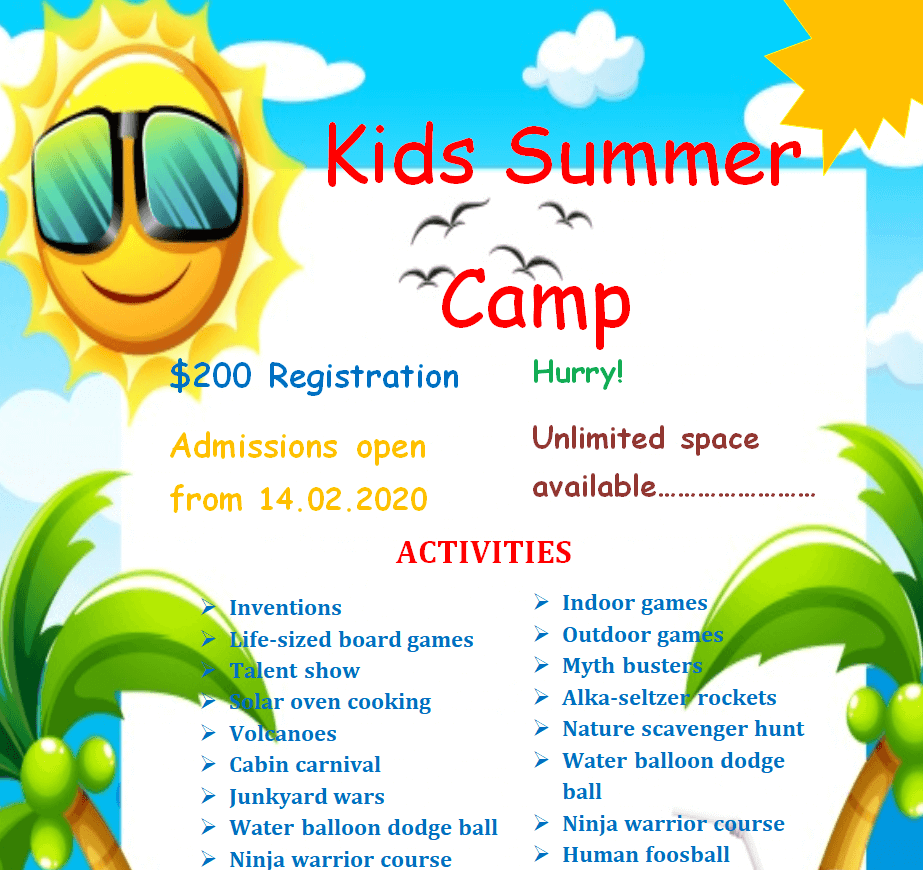
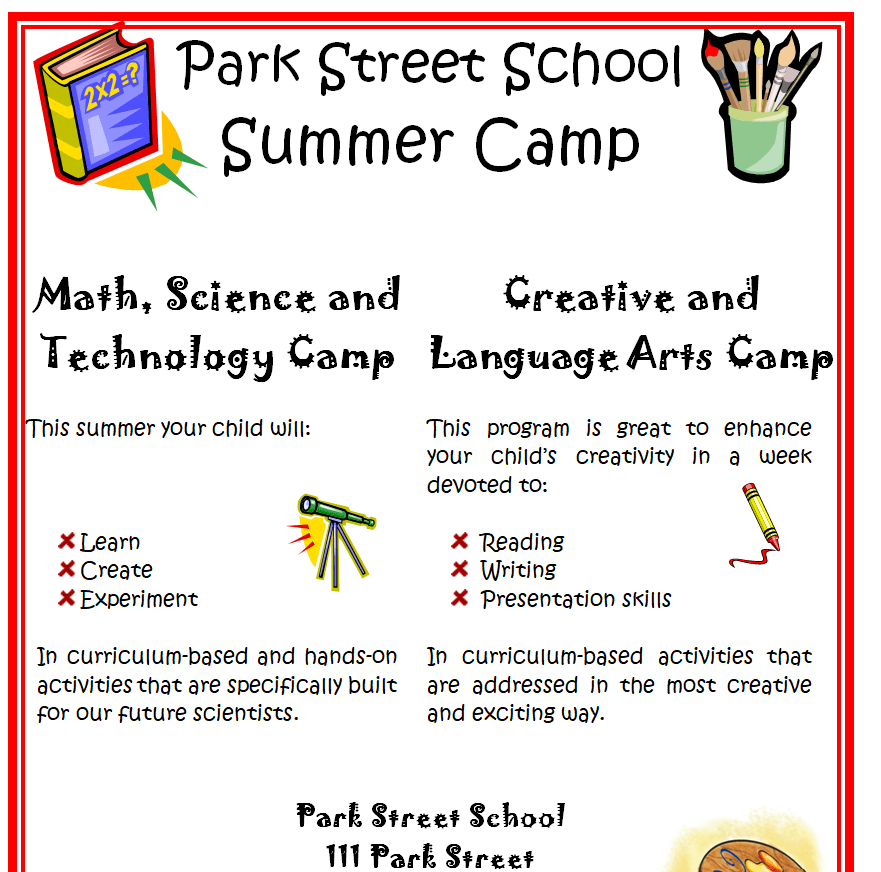
School Summer Camp Flyer Template Word


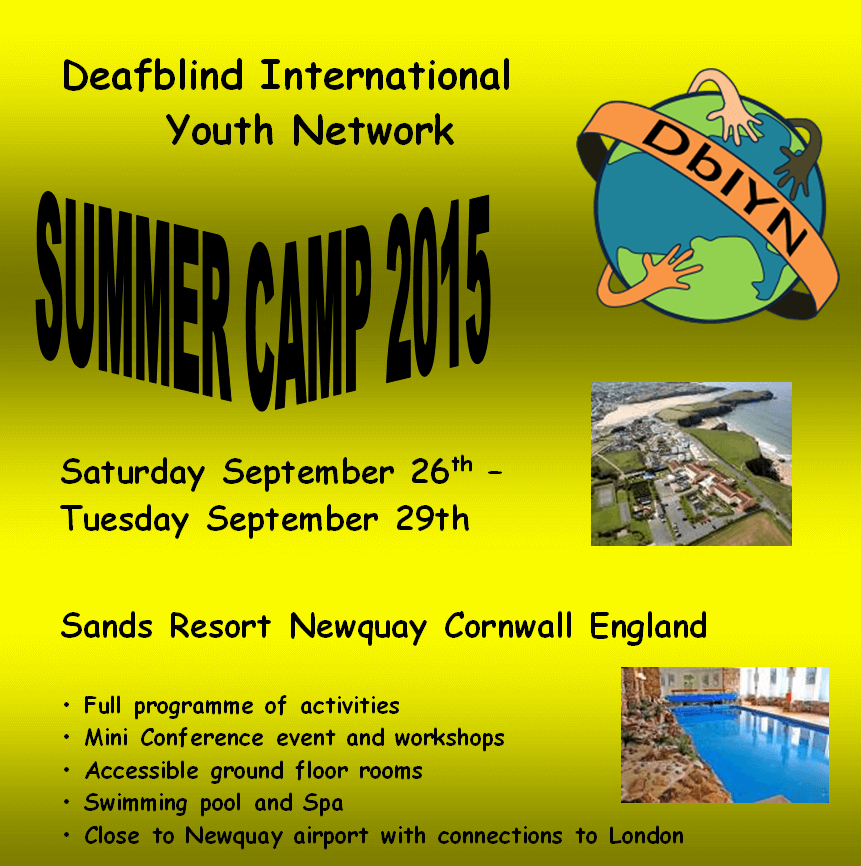
Attractive Design Kids Summer Camp Flyer Template


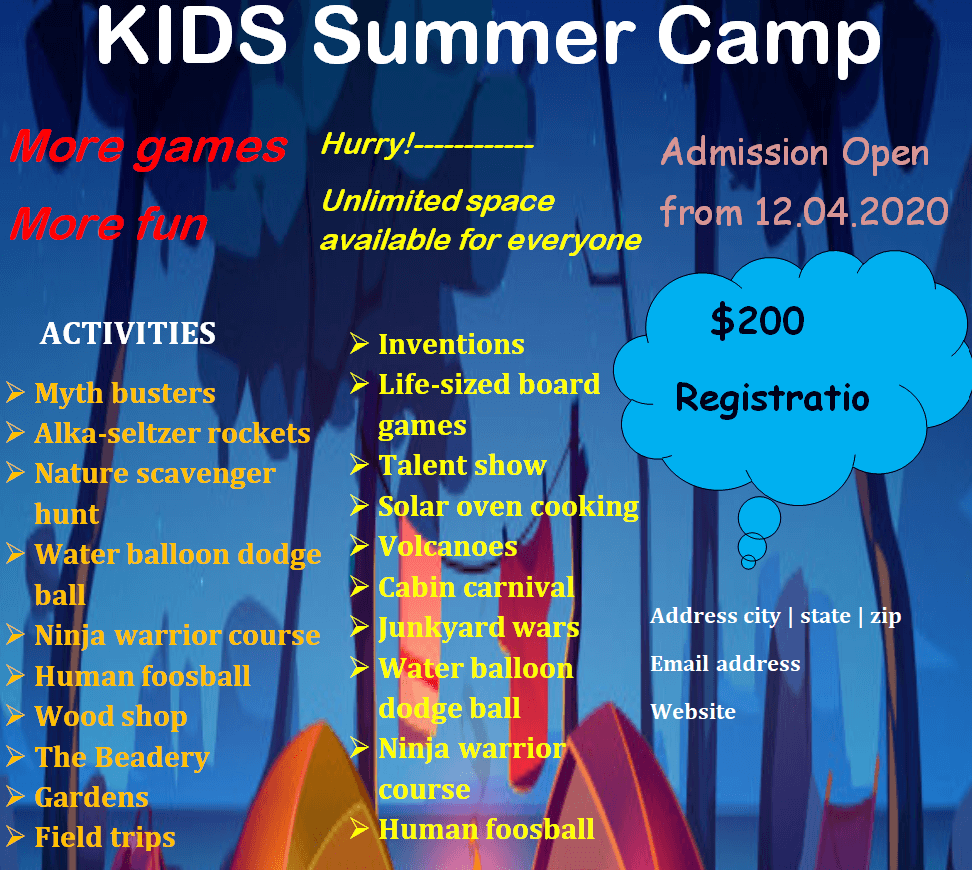
French Language Summer Camp Flyer Doc Template


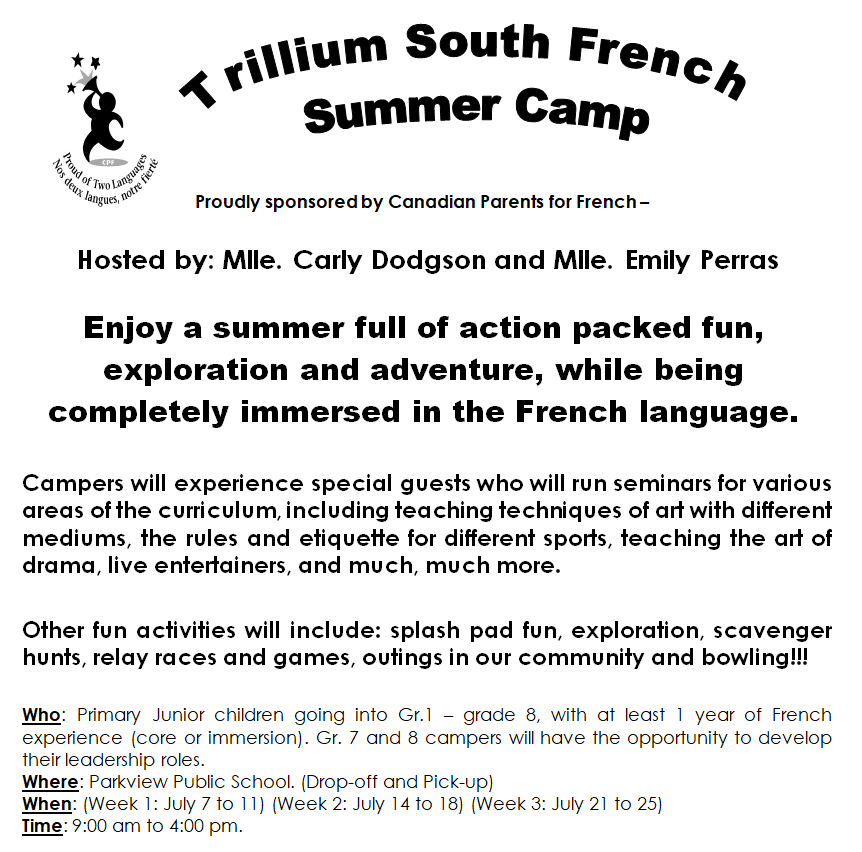
Music History Summer Camp Flyer Sample Doc


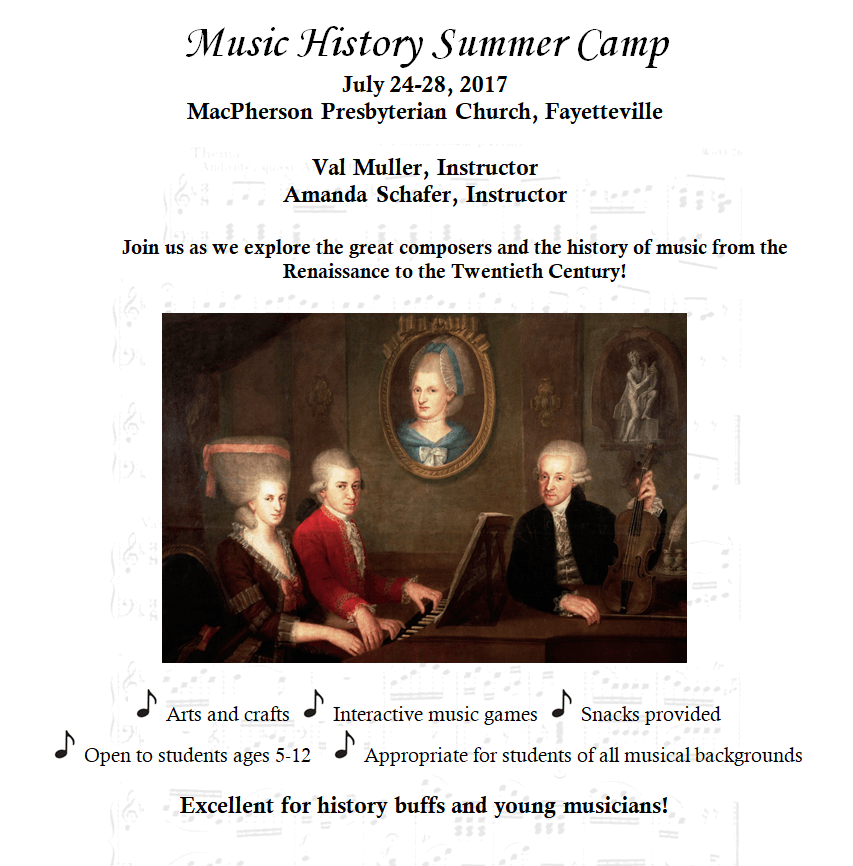
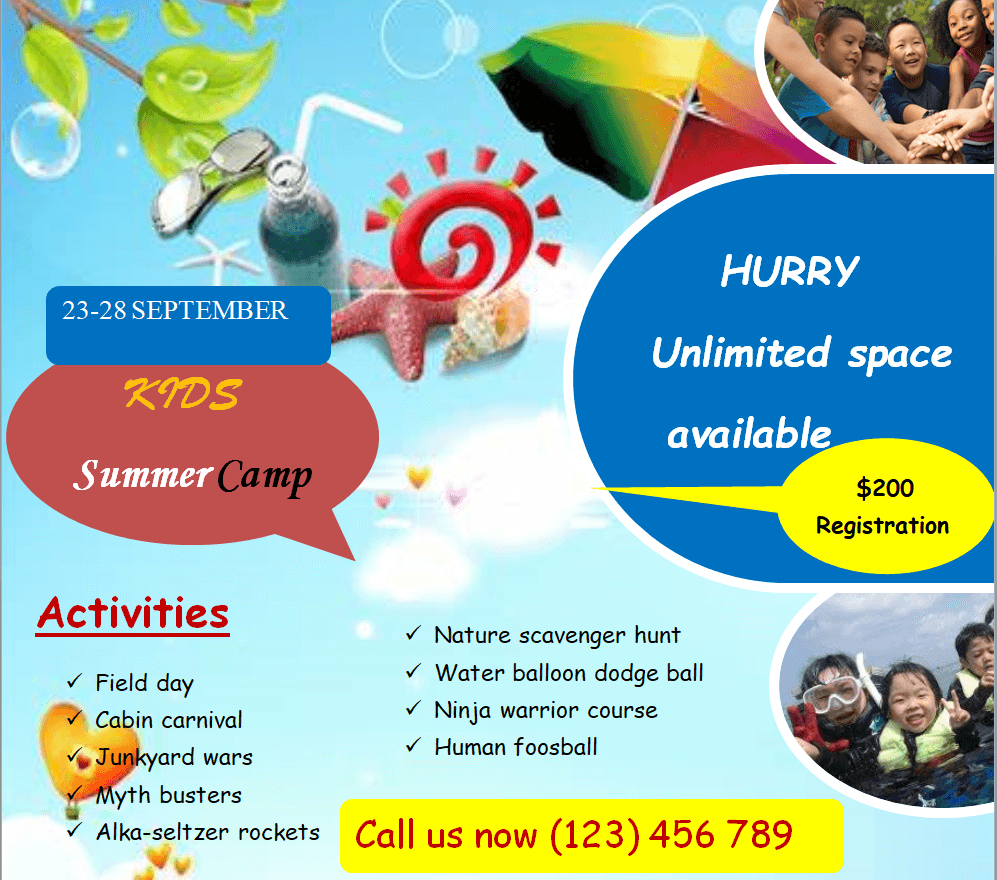
Elegant Design Kids Summer Camp Flyer Template


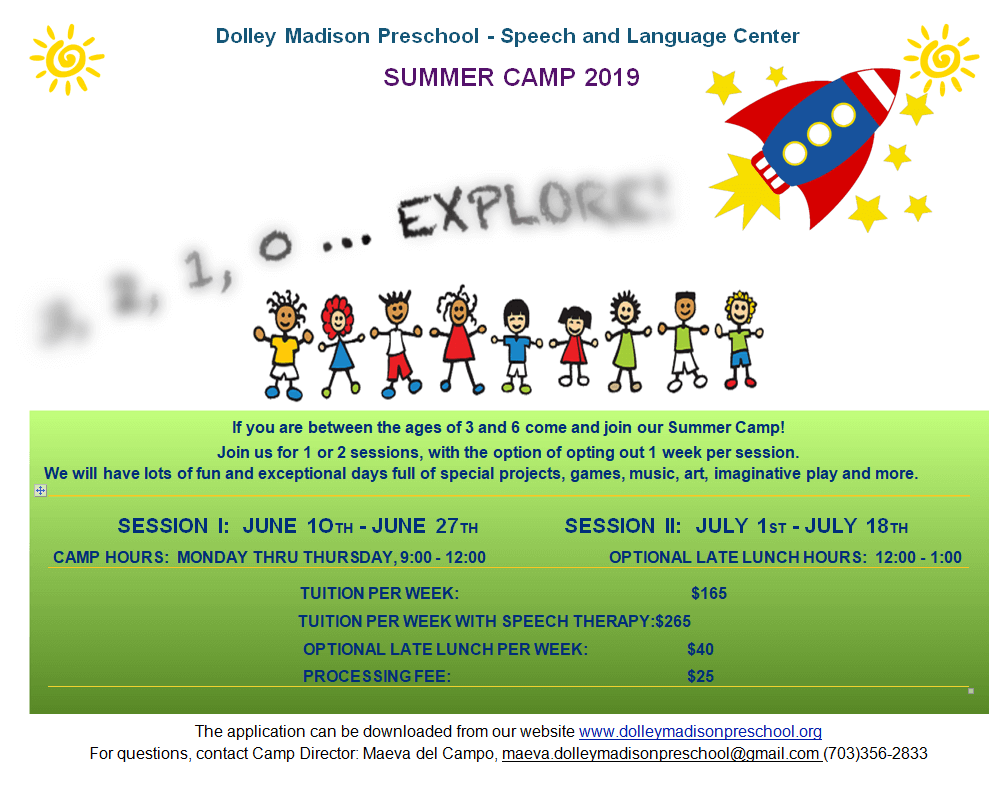
Speech and Language Center’s Summer Camp Flyer Template for Kids


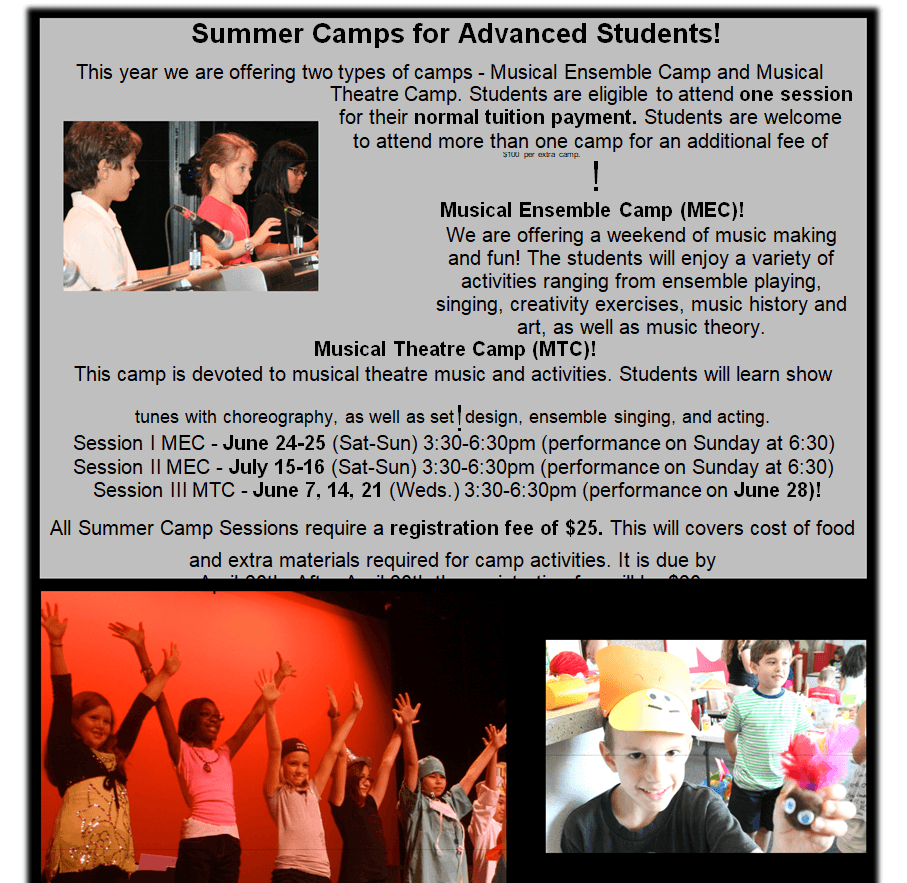
Advanced Students Summer Camp Flyer Word Template


Simple Summer Skills Camp Flyer Template


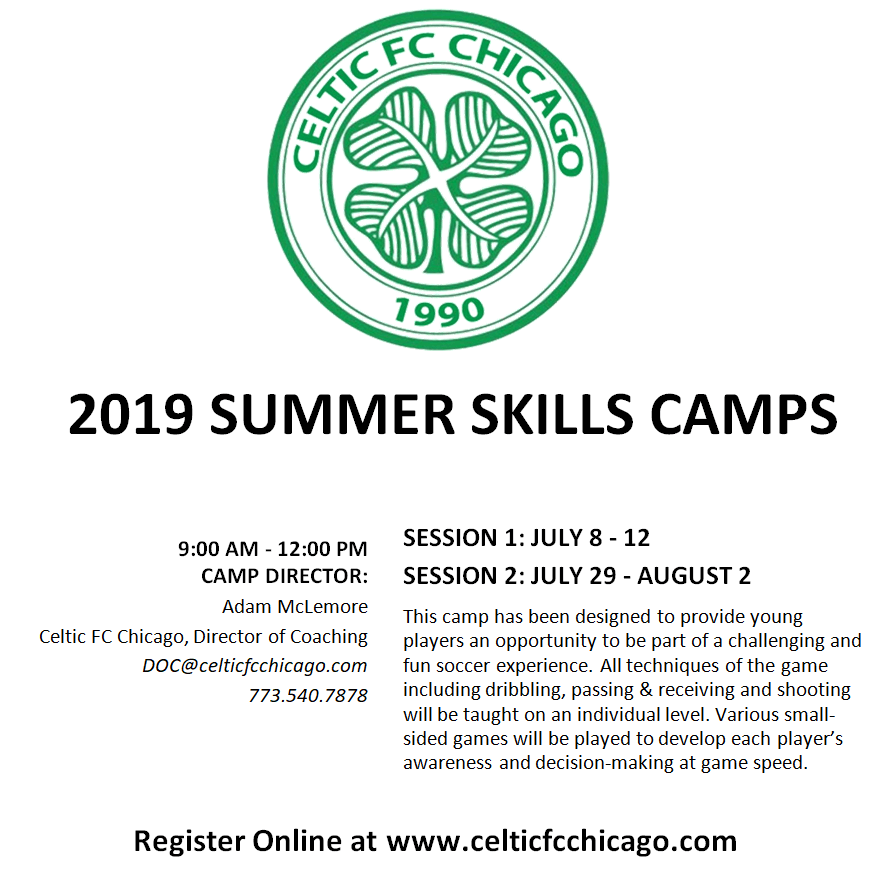
School Student Sports Summer Camp Flyer Example


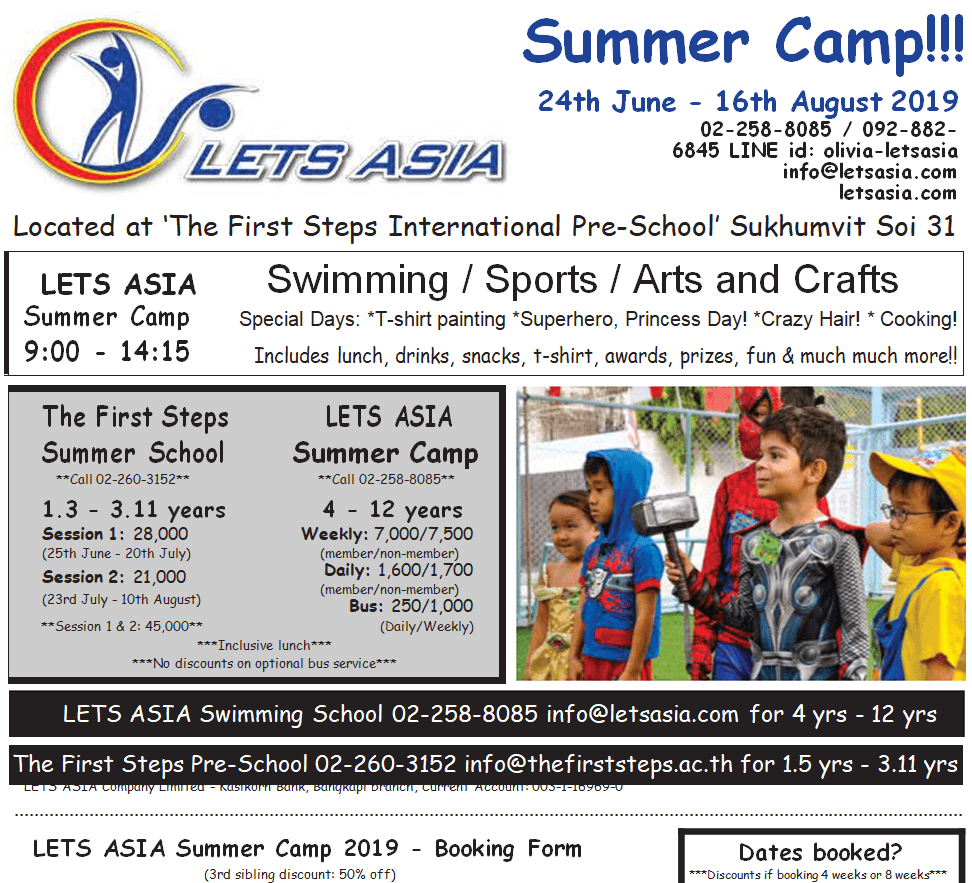
Community Education Summer Camp Flyer Template in MS Word


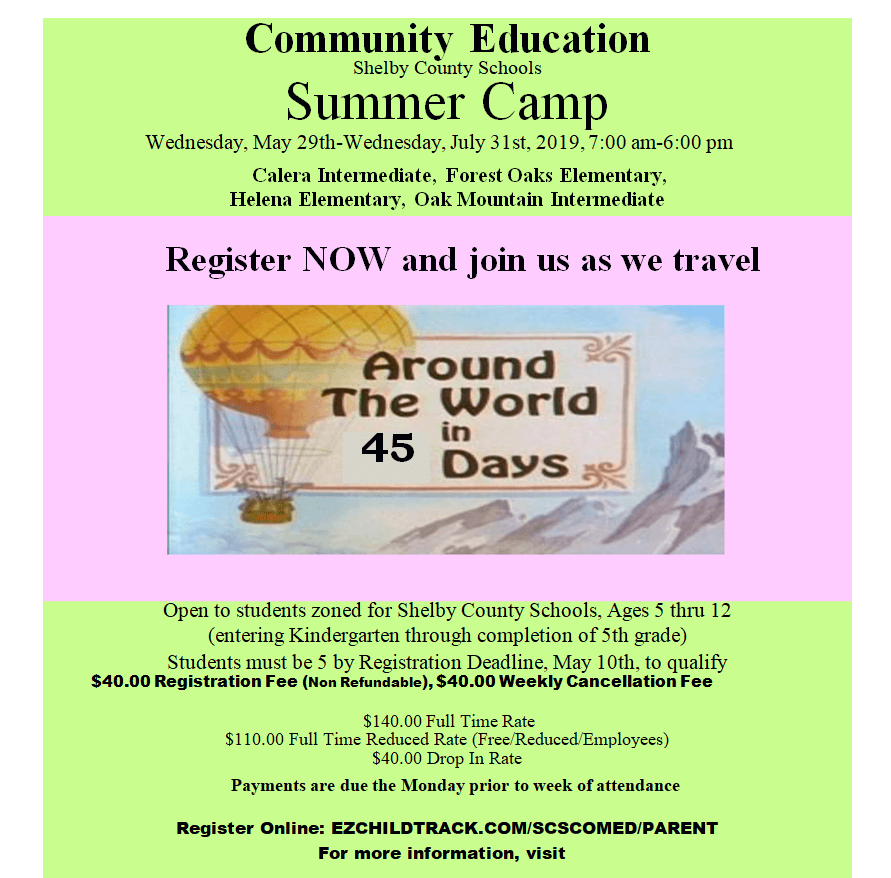
Catchy Kids Summer Camp Flyer Template


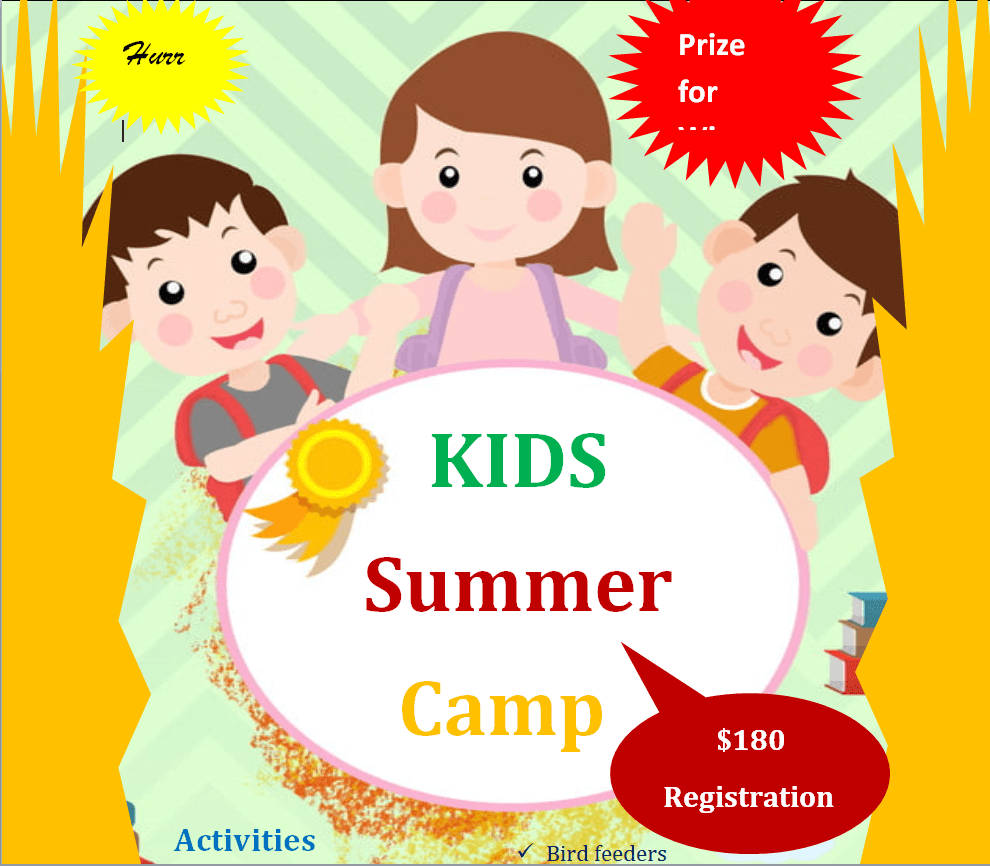
Stylish Kids Summer Camp Flyer Example


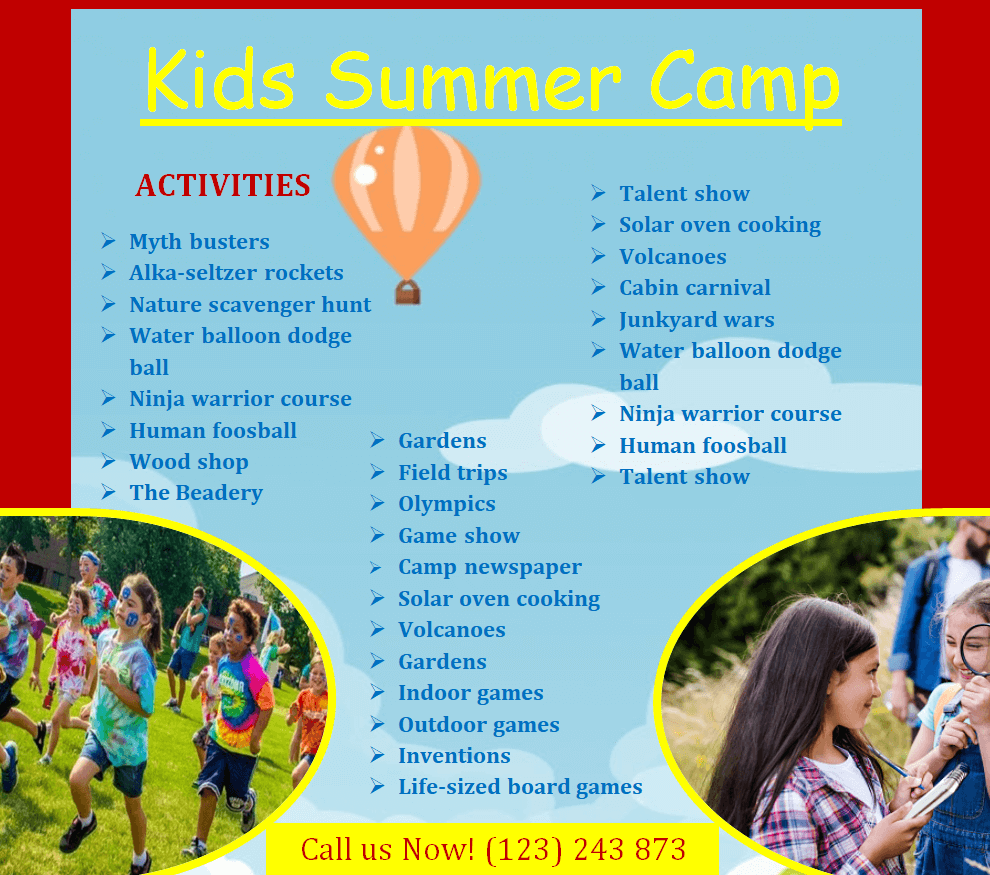
Middle School Students Summer Camp Flyer Word Template


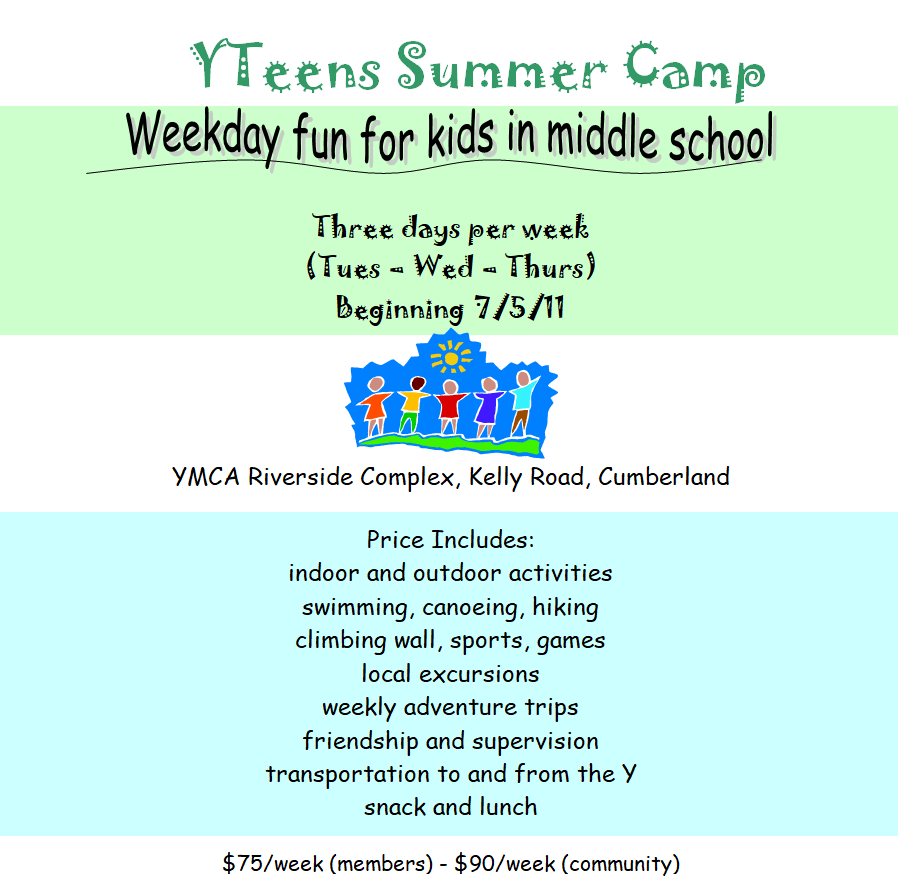
Special Children Educational Summer Camp Flyer Template


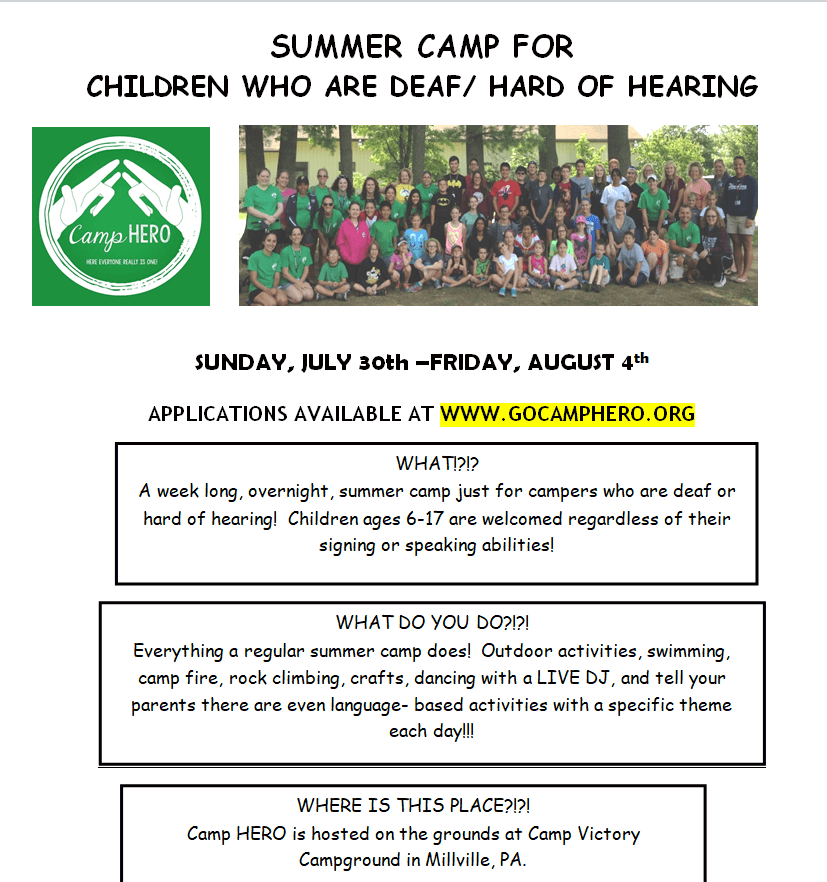
Recreational Summer Camp Flyer Doc Template


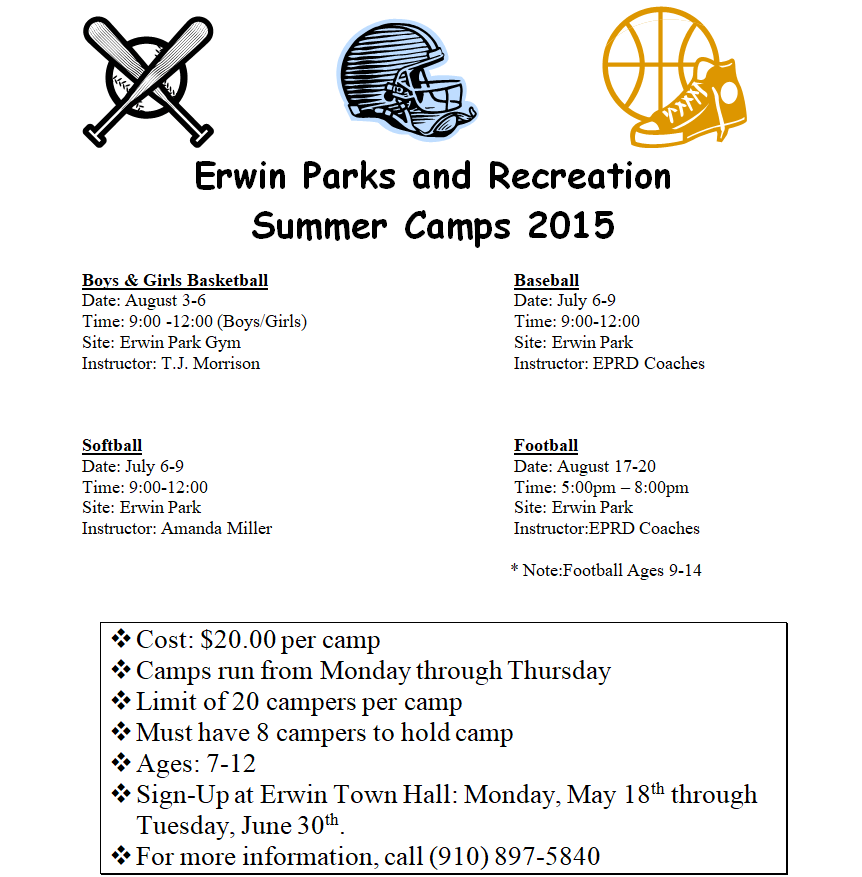
Girls Basketball Summer Camp Flyer Sample


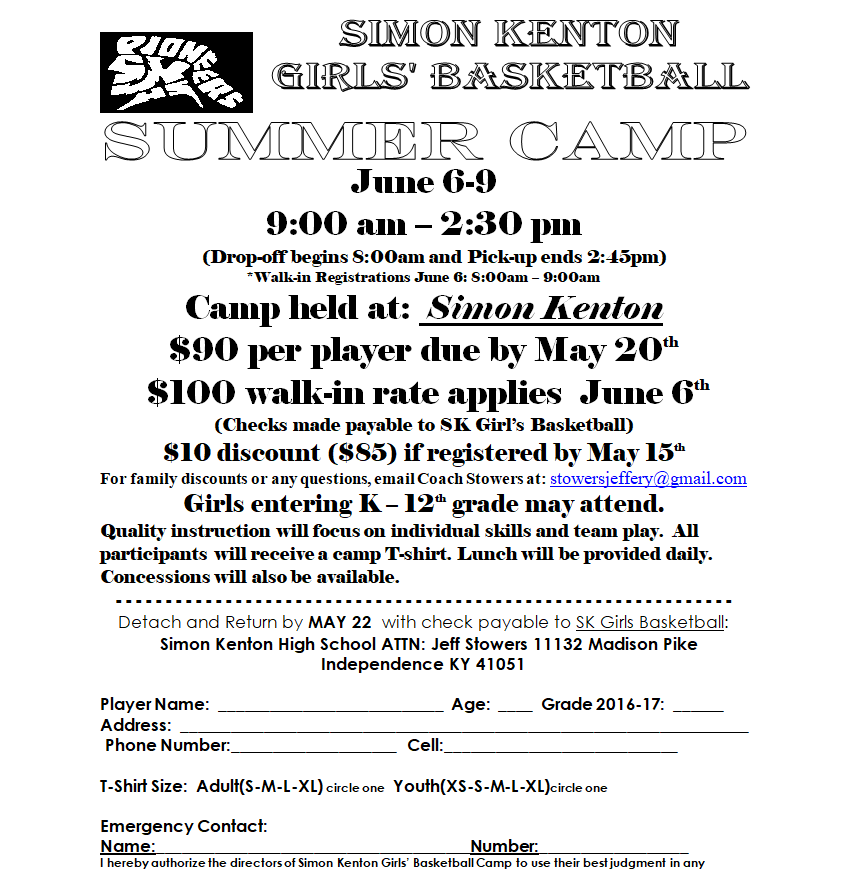
Vibrant Kids Summer Camp Flyer Template


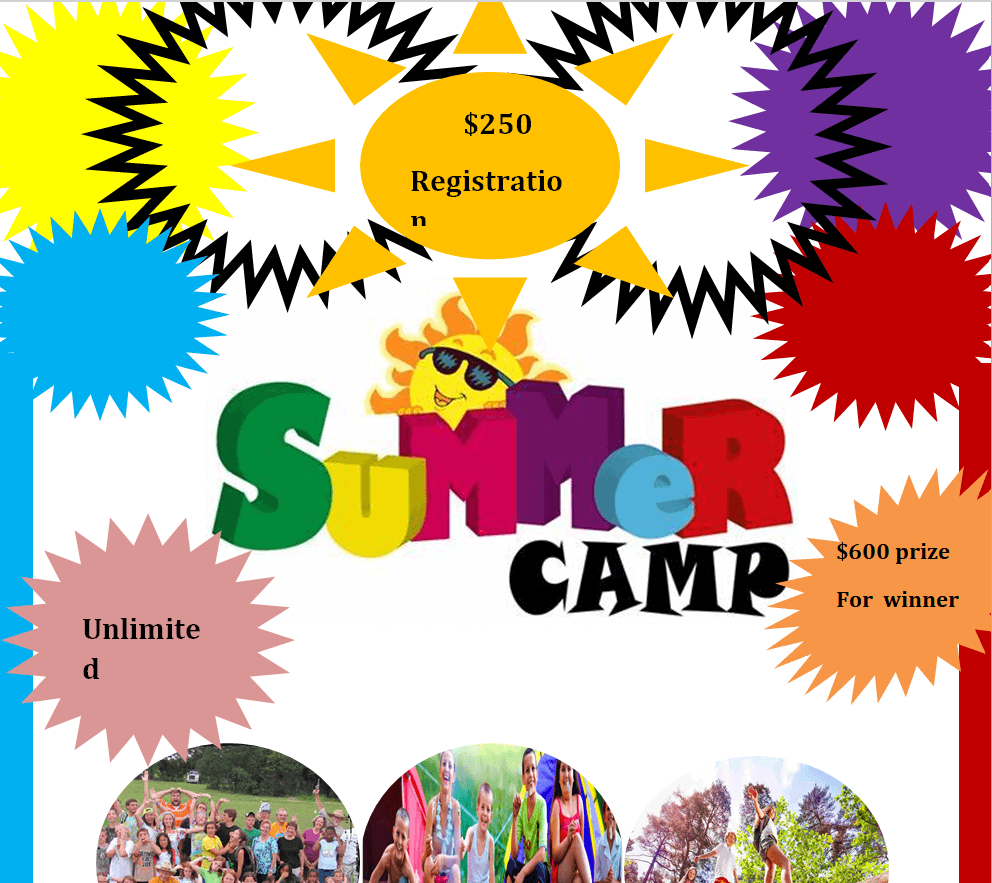
Friendly Summer Camp Template for Children


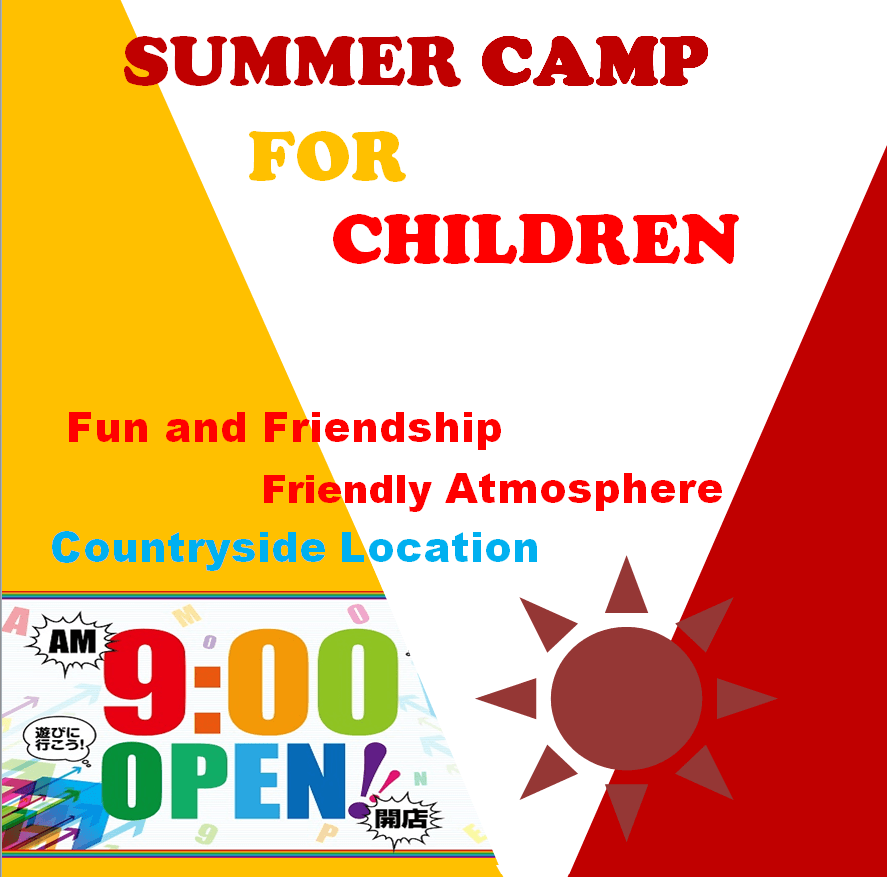
Extracurricular Activities Summer Camp Flyer Word Template


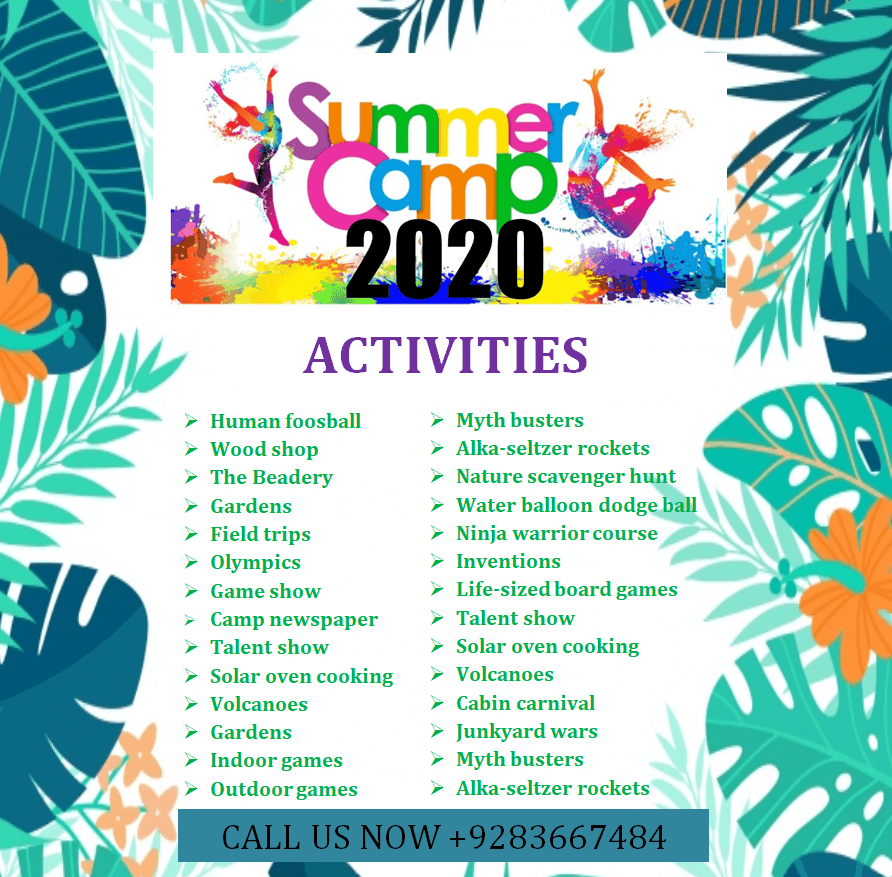
Educational Summer Camp Flyer Template for School Students


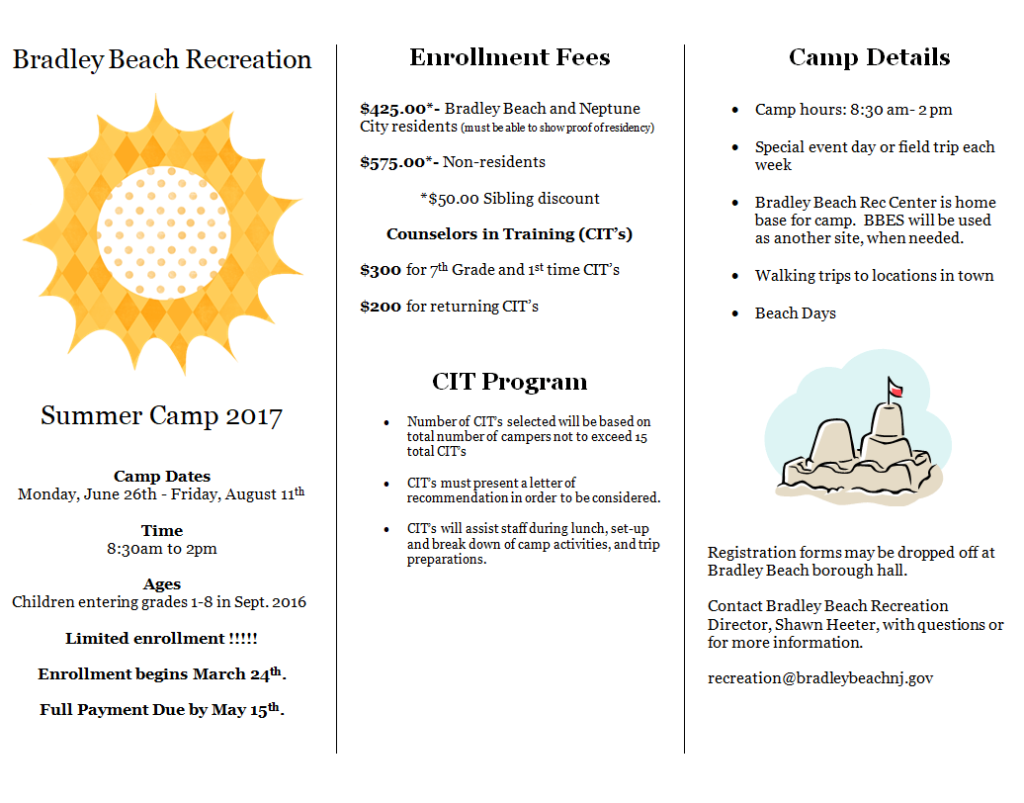
Beach Recreation Summer Camp Word Template


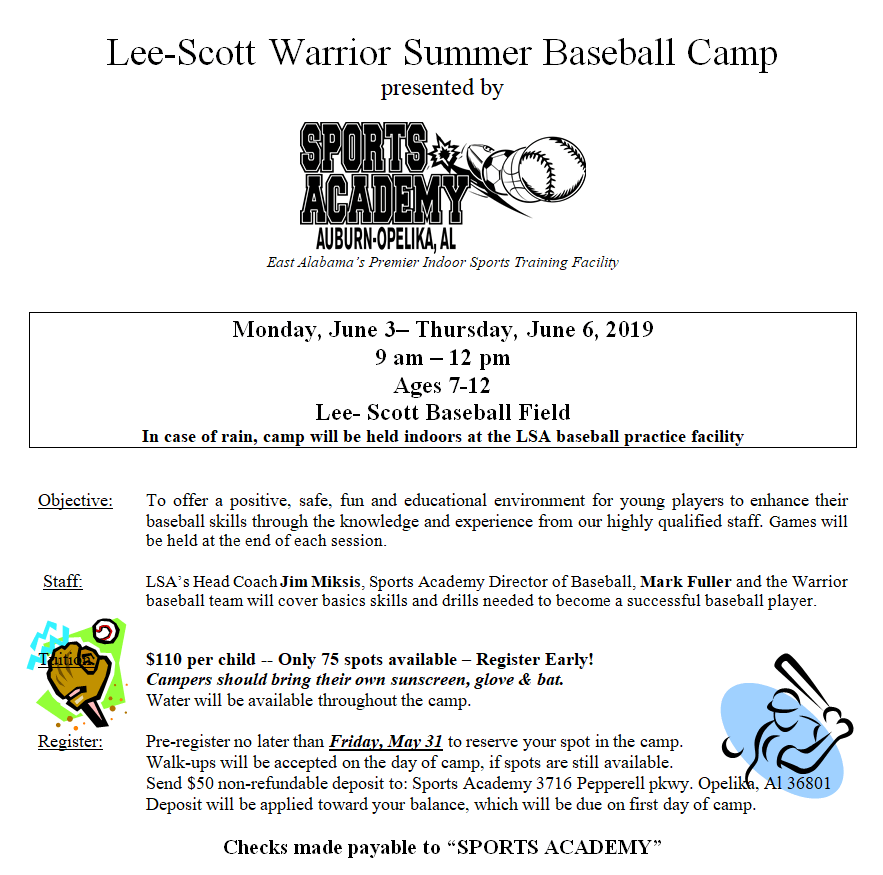
Free Customizable Summer Baseball Camp Template


Editing a Word Flyer in Five Minutes
- Unzip the download and open the Word file in Microsoft Word (recent versions of other word processors often open them too, though layouts may shift slightly).
- Click into each text box and replace the sample wording. Keep the original font sizes for the headline and dates so the hierarchy stays clear.
- Right-click a picture and choose Change Picture to drop in your own photos. Use images you own or have permission to use, and get parents’ consent before showing campers’ faces.
- Adjust colors through the shape fill options to match your school or club colors.
- Save as PDF for printing and emailing. A PDF keeps fonts and spacing intact on other people’s devices.
Before You Print: A Short Checklist
- Dates include the day of the week and the year.
- Ages or grade levels are clear.
- Fees, discounts and deadlines match your registration page.
- Phone number and website have been tested.
- Text isn’t too close to the page edge (most home printers can’t print to the very edge).
- A colleague has proofread the final version.
Getting Flyers in Front of Families
Good placement is half the battle. These spots tend to reach parents and kids directly:
- School offices and take-home folders, with the principal’s permission
- Public libraries, community centers and recreation departments
- Pediatric dental offices, kids’ clothing stores and toy shops that welcome local postings
- Youth sports fields and swimming pools in spring
- Parent groups and school newsletters (send a PDF or image version)
If you’re short on helpers to hand out flyers or staff the camp itself, a volunteer application template helps you recruit and screen extra hands. For the camp week, an event schedule template keeps each day’s activities organized for staff and parents.
Making Your Flyer Easy for Everyone to Read
A camp flyer reaches grandparents, busy working parents and families who speak more than one language at home. A few small choices help it work for all of them:
- Use dark text on a light background for the key details, even if the rest of the design is colorful.
- Keep body text at a comfortable size; if you need to squint on a printed test copy, it’s too small.
- Avoid putting important information only inside a photo or decorative graphic.
- If your community includes many families who speak another language, consider a second version of the flyer in that language.
- Mention any accessibility support you offer, such as wheelchair access or staff experienced with additional needs, only if it’s accurate.
After the Camp Ends
A flyer starts the relationship, and how you wrap things up decides whether families come back next year. Many camps give each child a certificate on the last day; our certificate of attendance templates work well for that. A daily sign-in sheet also helps you track drop-off and pick-up, which parents appreciate and which many programs need for their own records.
It’s also worth asking a few parents for short feedback at pick-up on the final day. What made them choose your camp? Where did they first see the flyer? Those answers tell you which placements to repeat and which to skip, so next year’s print budget goes further.
Keep a copy of this year’s flyer and note what questions parents kept asking. Next spring, answer those questions on the flyer itself, and you’ll spend less time on the phone.
Frequently Asked Questions
Are these summer camp flyers free to edit?
Yes. They’re Word files, so you can change the text, colors and pictures to fit your camp.
What’s the best time to start promoting a summer camp?
Many families plan in late winter or early spring, so starting your flyers then gives parents time to compare options and budget.
Can I use these flyers for a day camp or a sports clinic?
Absolutely. Swap the headline and activities. The basketball, baseball and sports layouts suit clinics, while the general kids’ designs fit day camps.
Can I print these flyers at home?
Yes. Check the page size under Word’s Layout settings first (US Letter or A4) so it matches your printer and paper. For large runs, a local print shop is usually cheaper per copy and gives brighter colors.
Should I put prices on the flyer?
If your fee is fixed, include it. Parents appreciate knowing the cost upfront, and it saves you from answering the same question repeatedly.


