

Two weeks after a meeting, nobody remembers who agreed to what. Good minutes fix that. They capture the decisions, the action items and the names next to them, so the next meeting starts with progress instead of “Wait, what did we decide?” A solid meeting minutes template makes the note-taker’s job far easier.
This collection has 27 free meeting minutes templates in MS Word: board and executive board minutes, staff and departmental meetings, project and site meetings, school and university committees, plus formal, informal and blank layouts.
Minutes Are Not a Transcript
The most common mistake is trying to write down everything people say. Minutes should record outcomes: what was discussed in a sentence or two, what was decided, and who will do what by when. Anything more and nobody will read them.
The Standard Sections
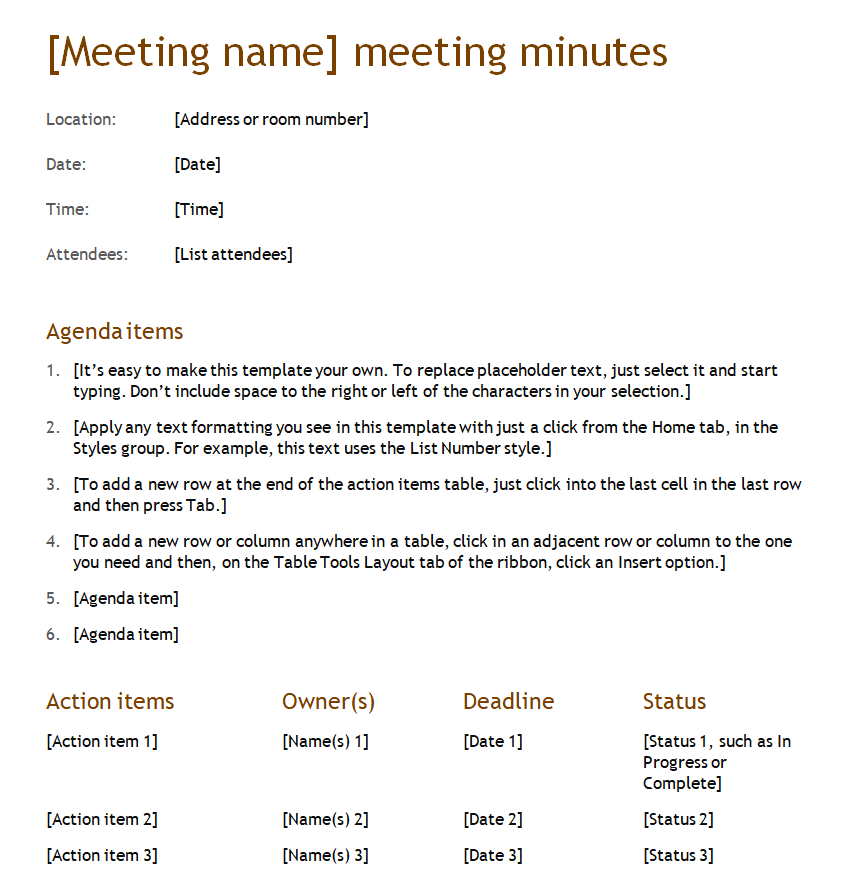
- Organization name, meeting type, date, time and location
- Attendees, apologies and who chaired the meeting
- Approval of the previous meeting’s minutes
- Agenda items, each with a short summary and any decision or vote
- Action items with an owner and a deadline
- Date of the next meeting and time of adjournment
Meeting Minutes Templates in Word
Sample Meeting Minutes Template

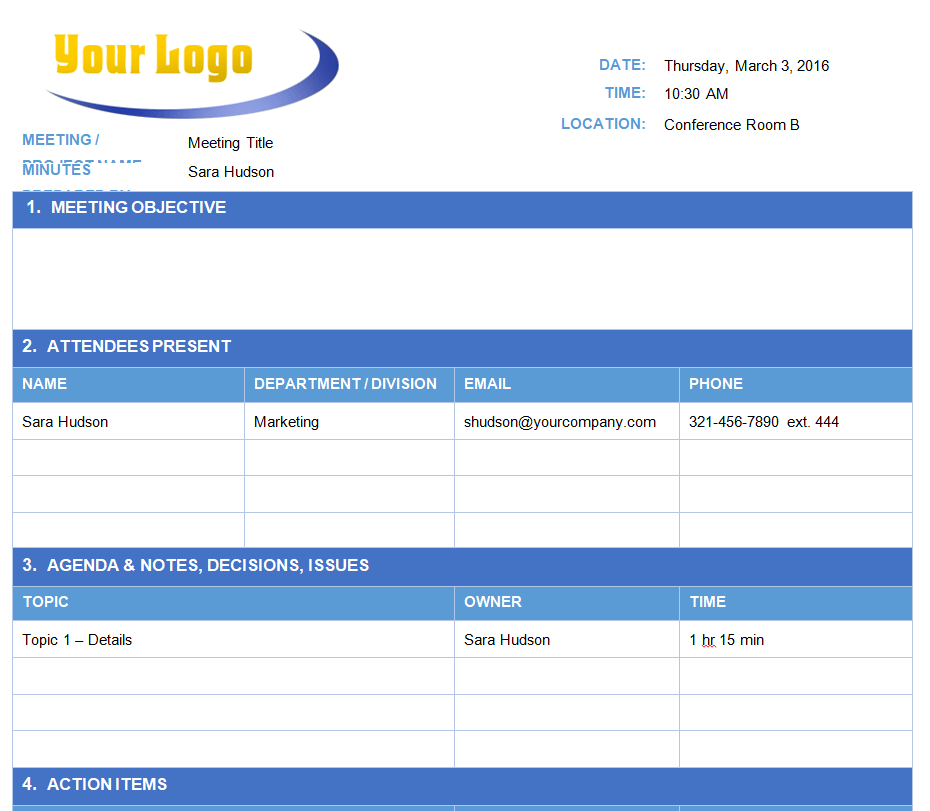
Free Editable Meeting Minutes Word Template

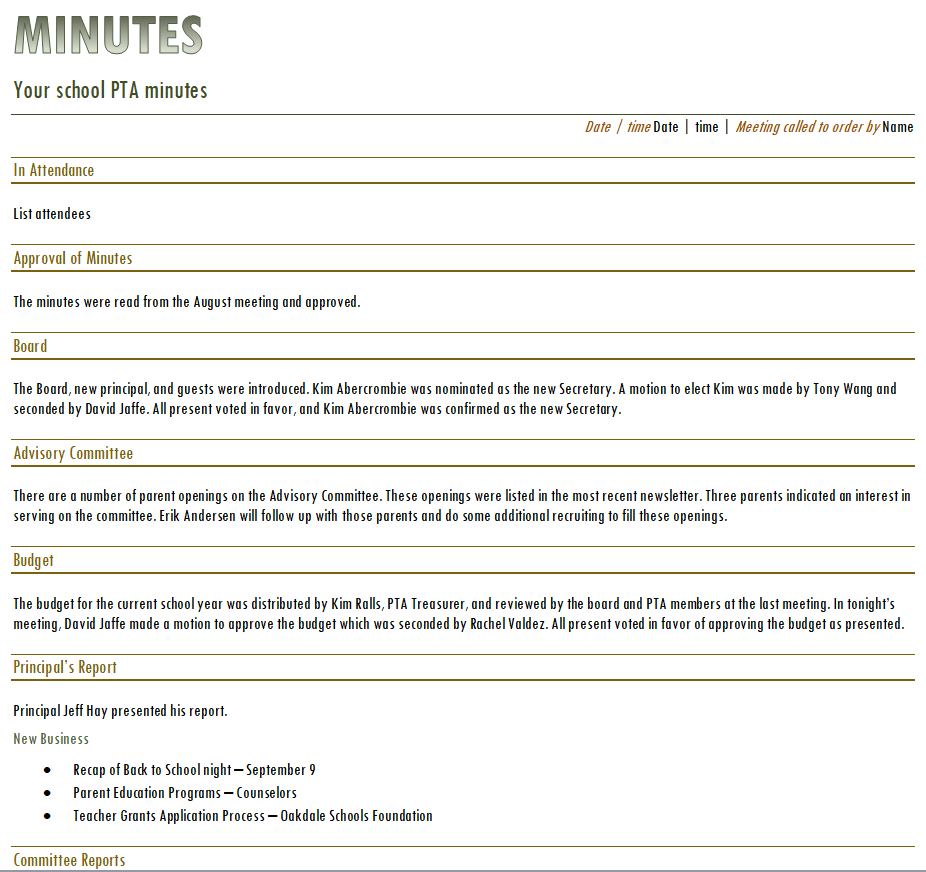
Professional Meeting Minutes Template

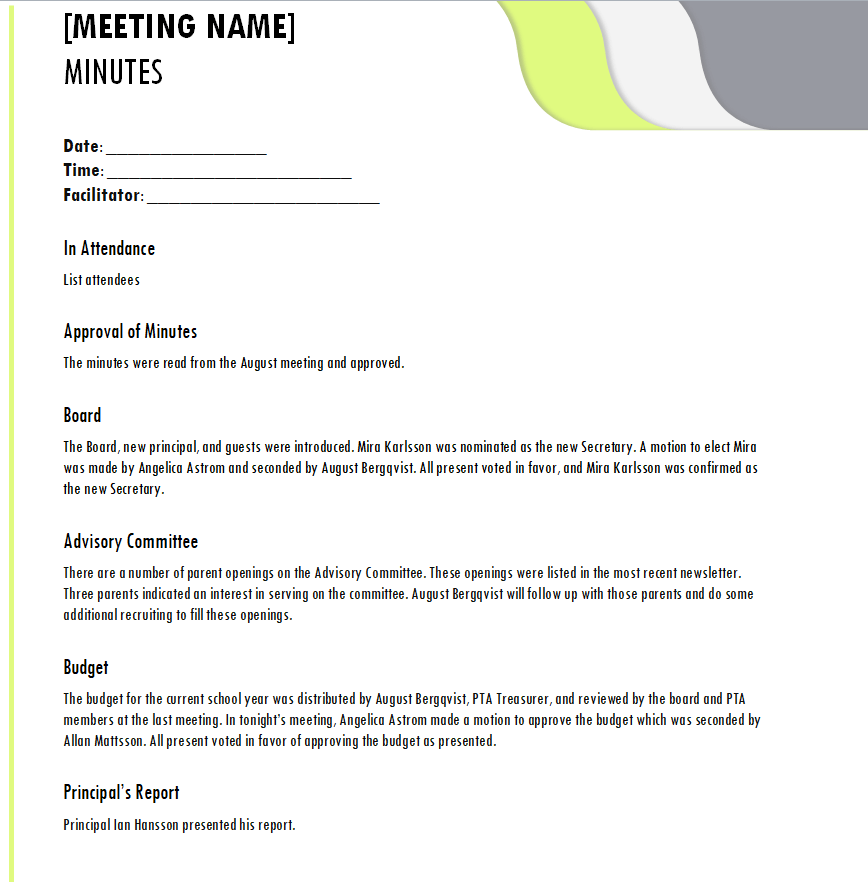
Project Meeting Minutes Template

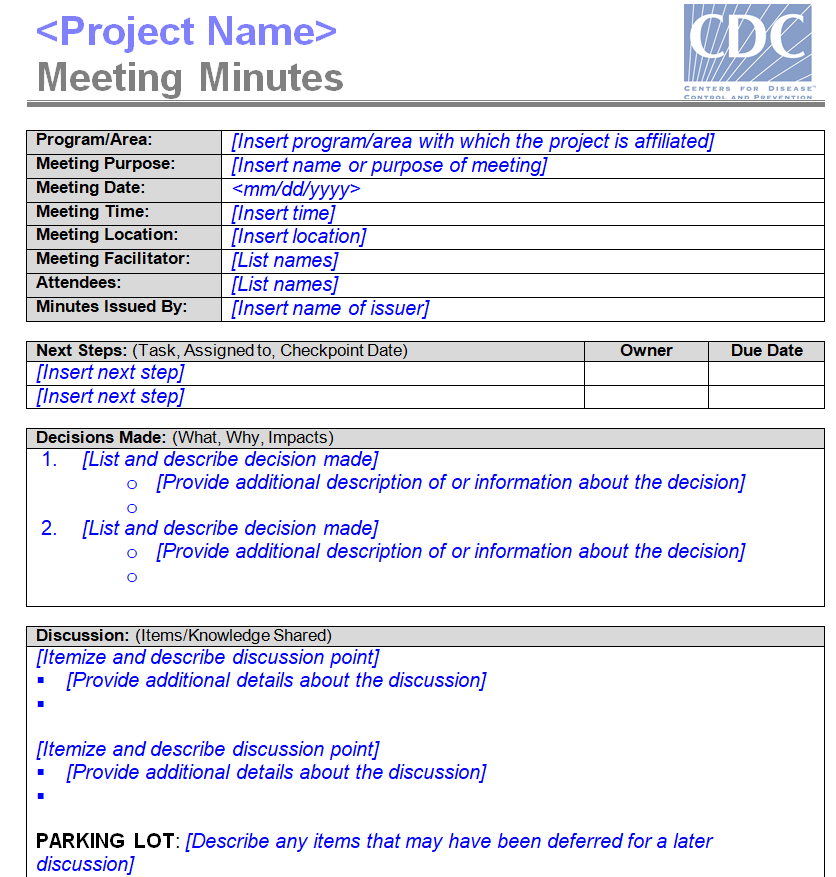
Meeting Minutes Template for a Corporate Meeting

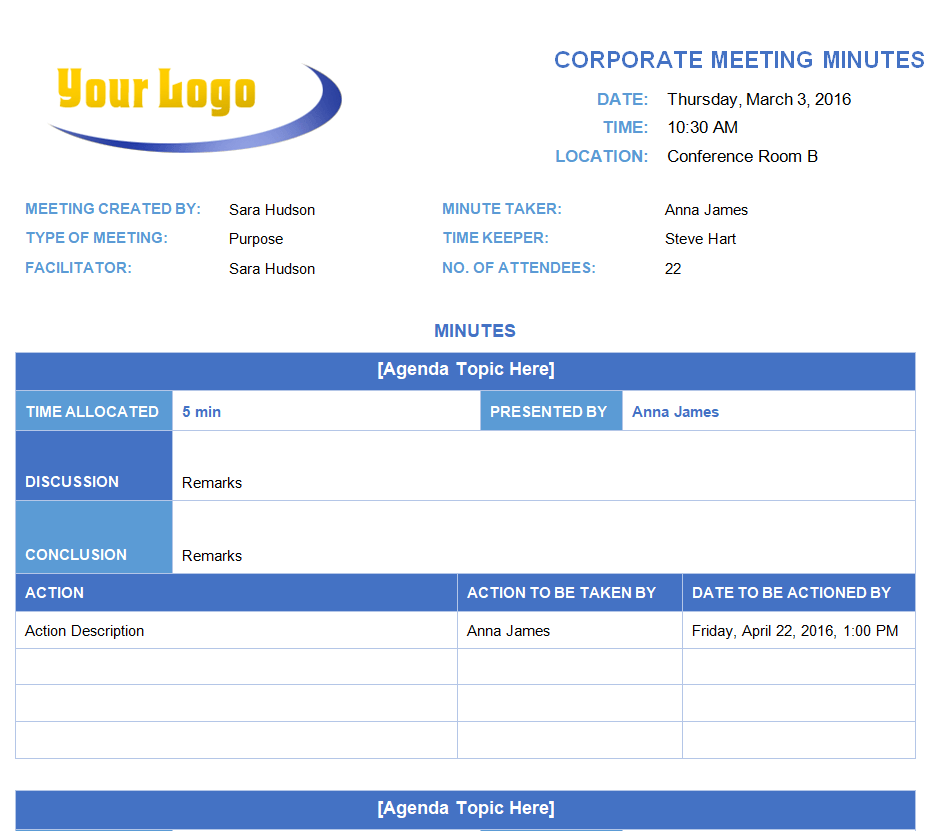
Departmental Meeting Minutes Doc Template


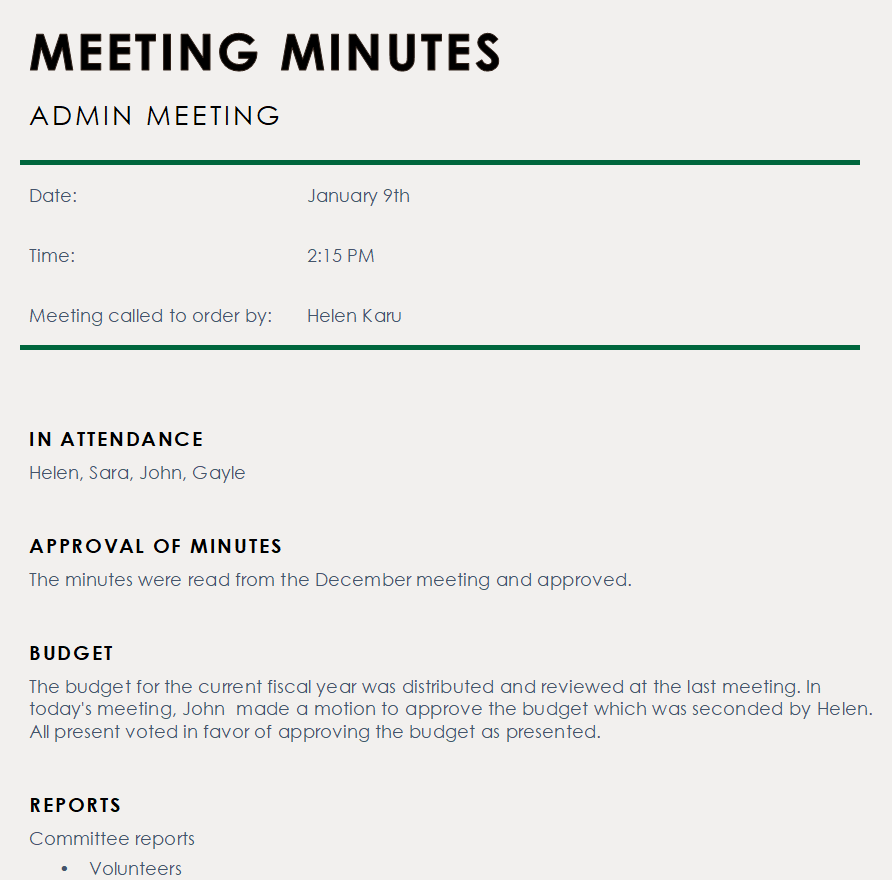
Admin Department Meeting Minutes Example

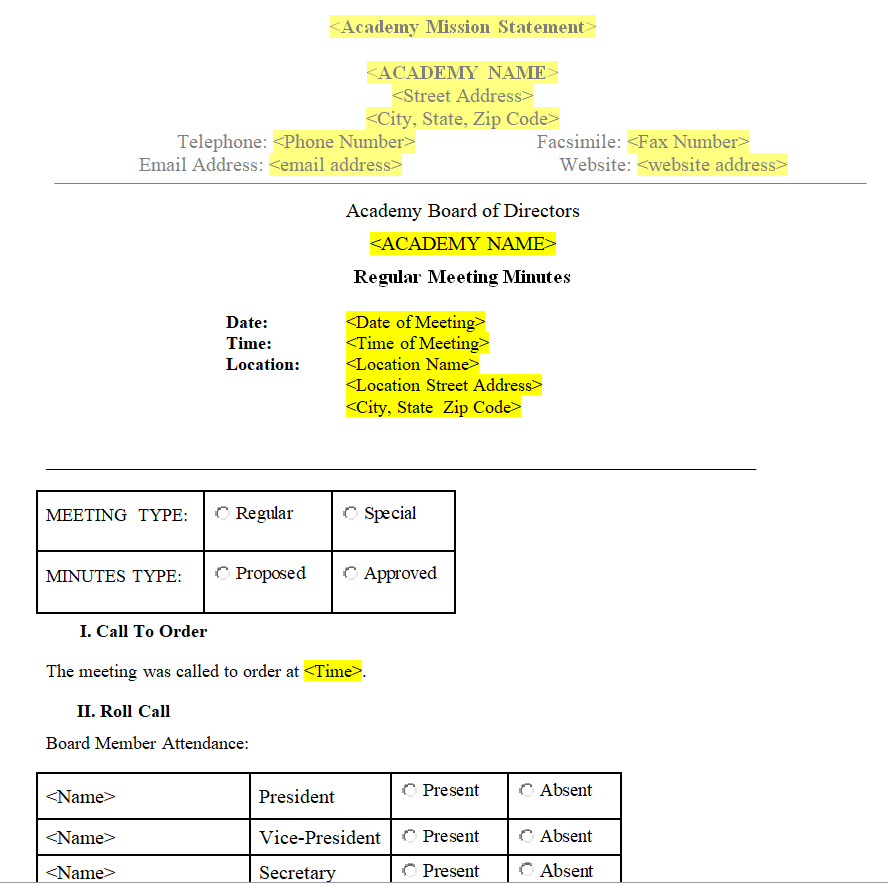
Simple Academy Board Meeting Minutes Format

Board Meeting Minutes Word Template

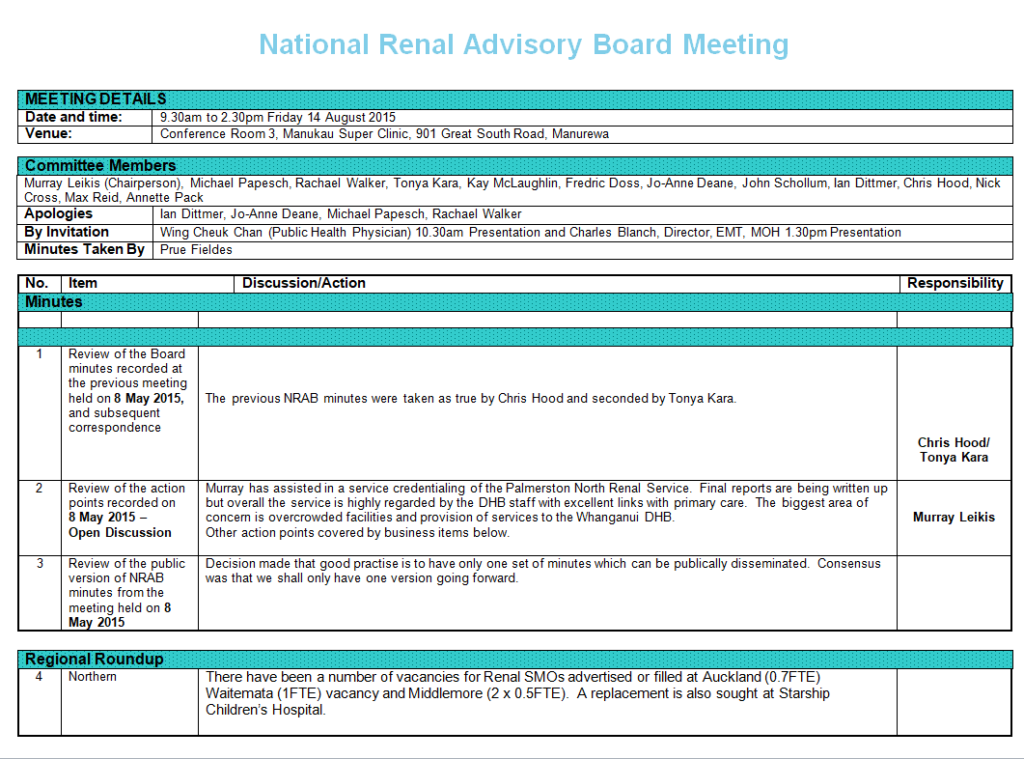
Management Committee Meeting Minutes Template

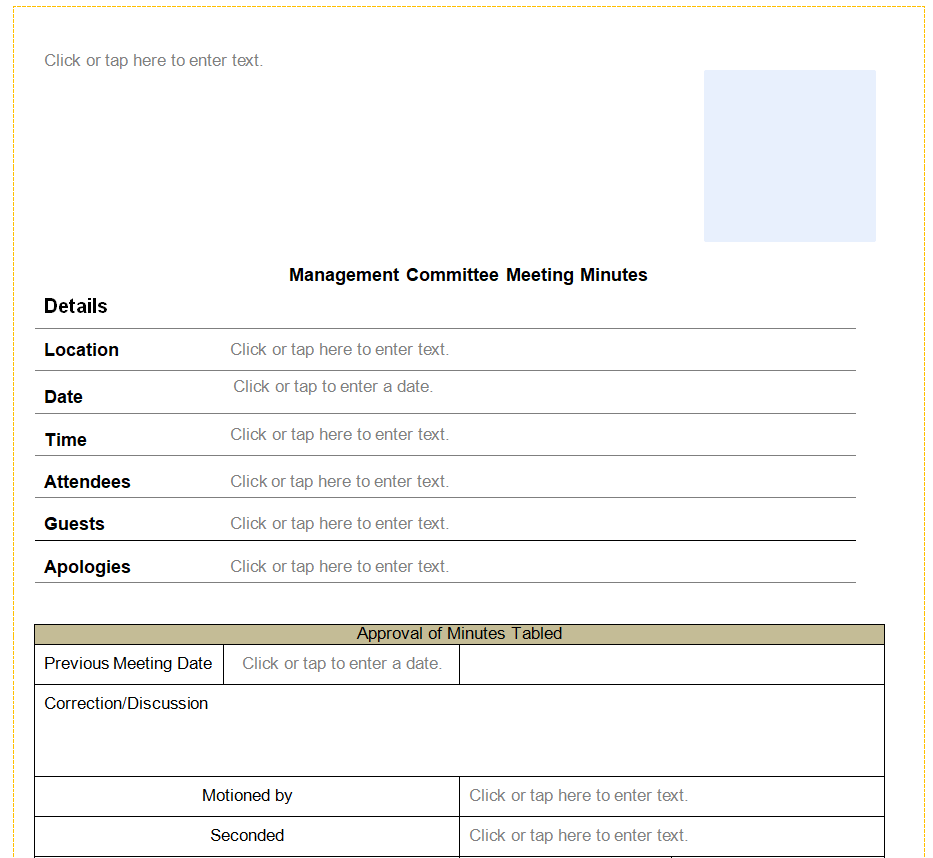
Sample Meeting Minutes Draft Template

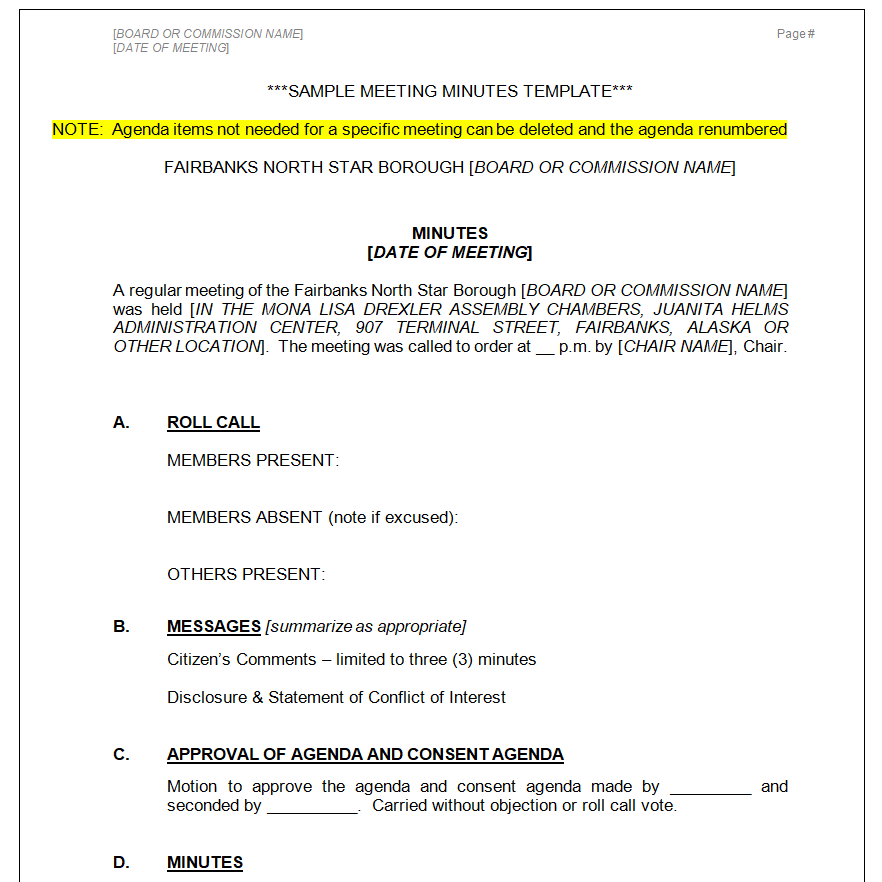
Formal Meeting Minutes Sample MS WORD

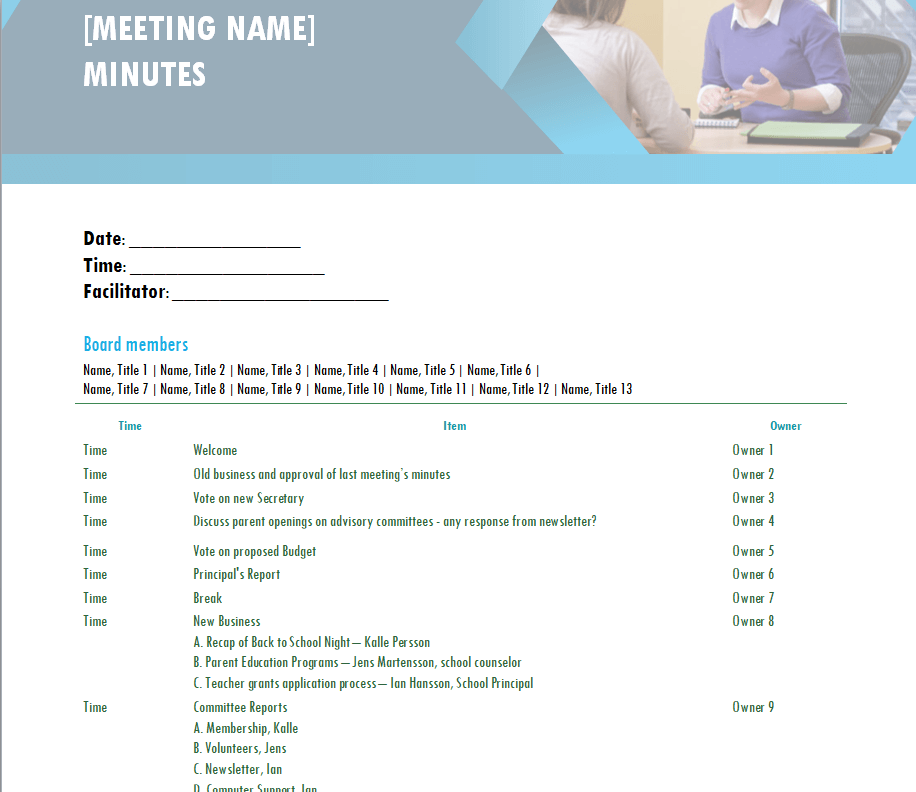
Editable Staff Meeting Minutes Template


Classical Board Meeting Minutes Layout Template

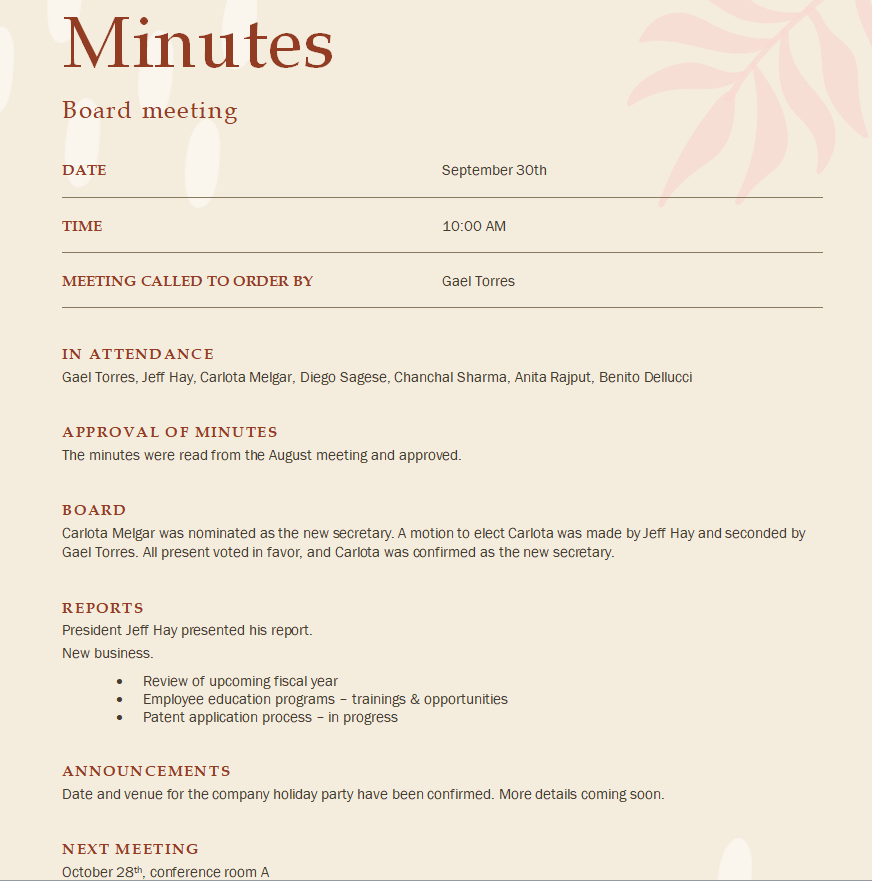
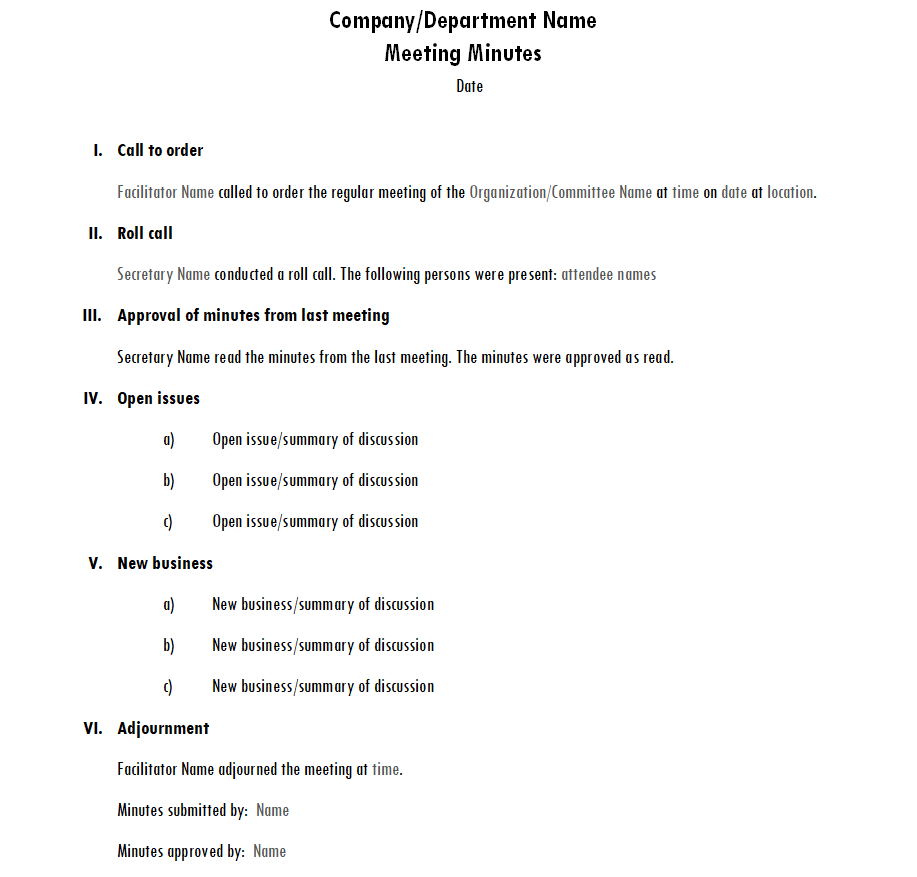
Organization’s Meeting Minutes Template

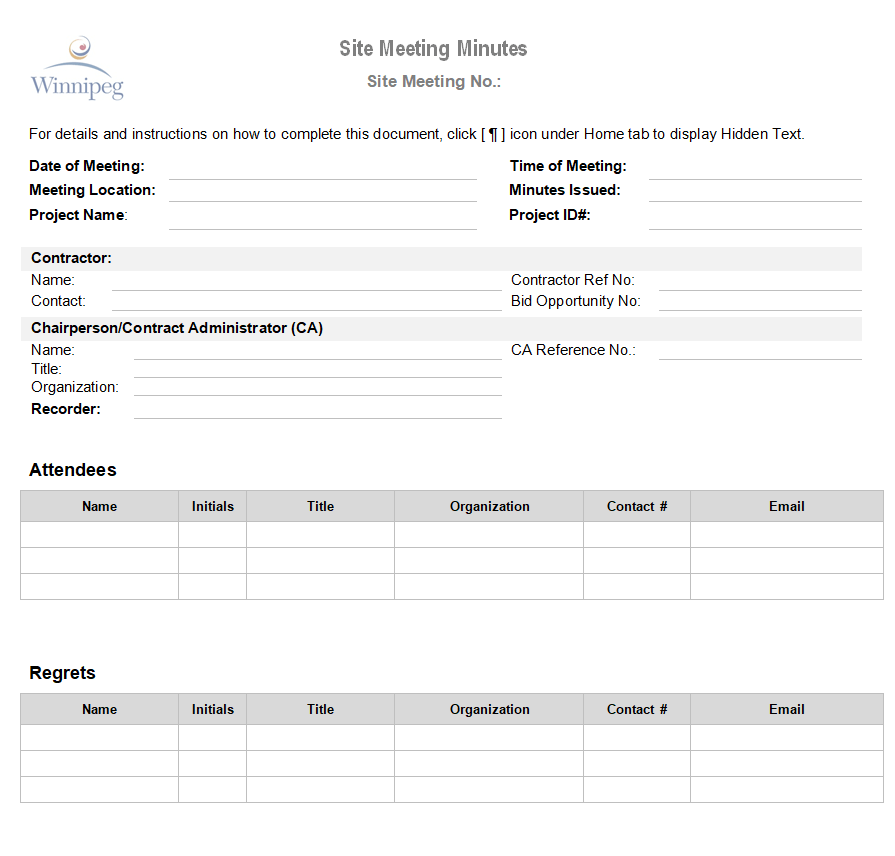
Site Meeting Minutes Template Word

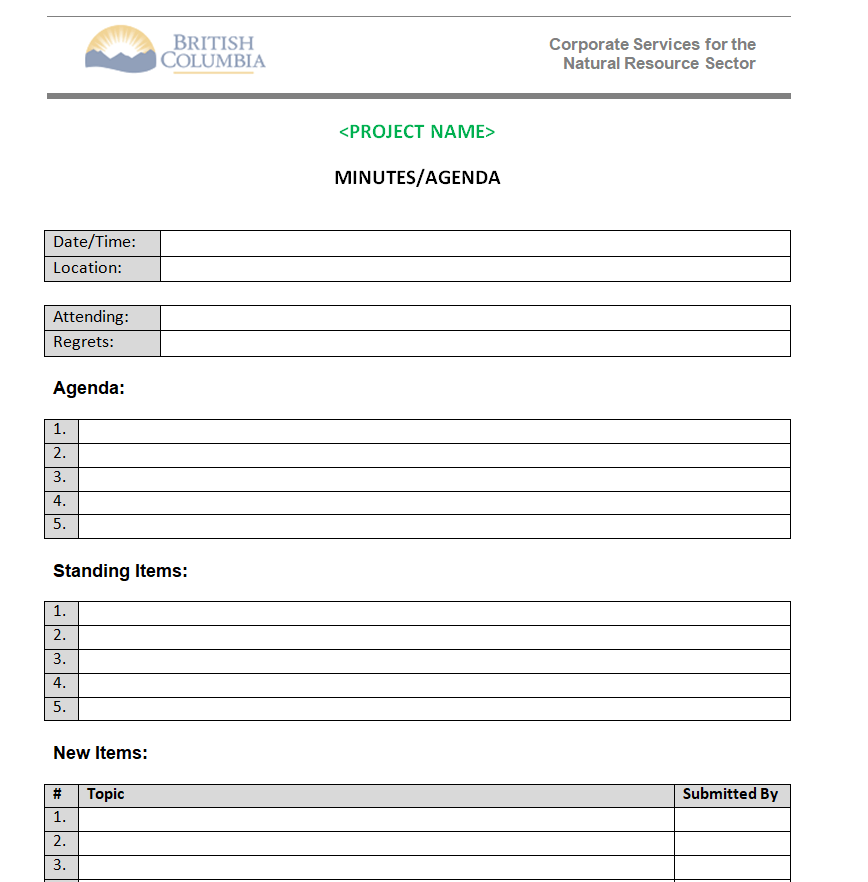
Corporate Project Meeting Minutes Template
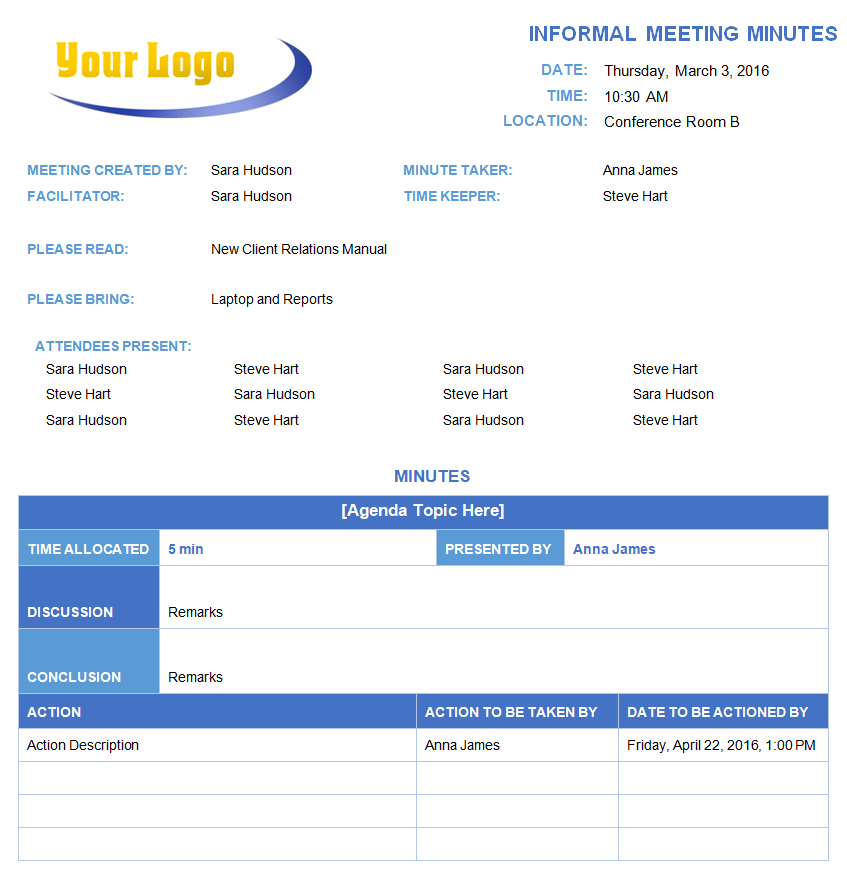
Informal Meeting Minutes Template Doc

School Committee Meeting Minutes Template

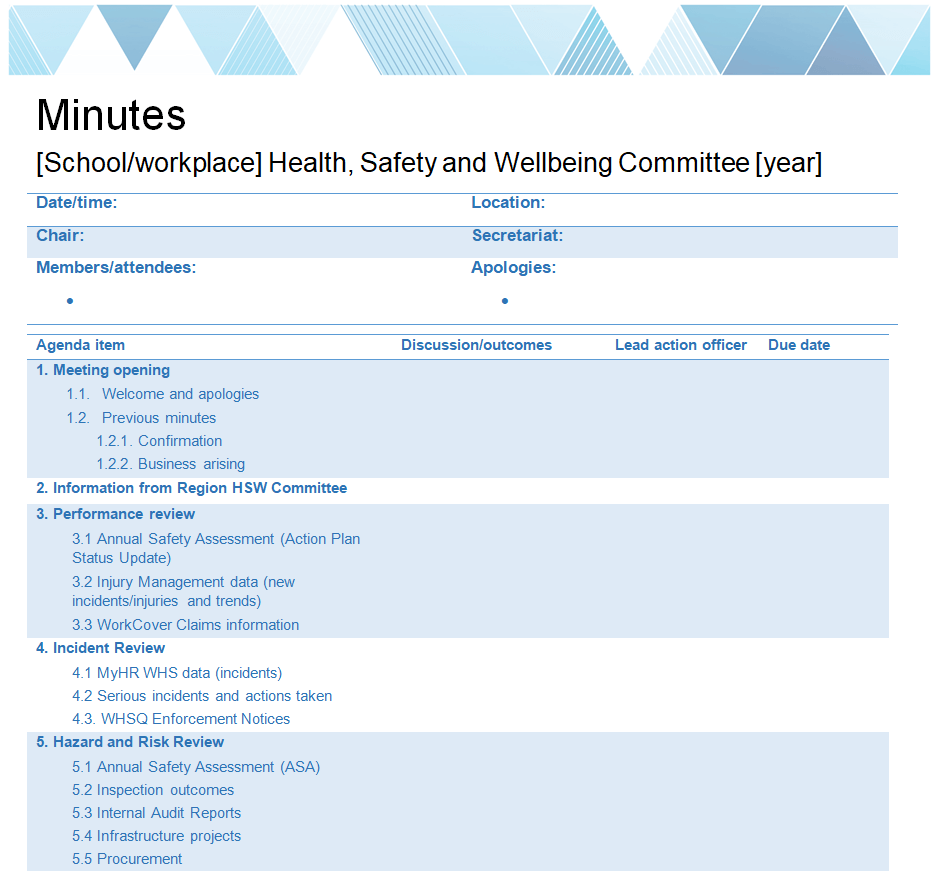
Executive Board Meeting Minutes Word Template

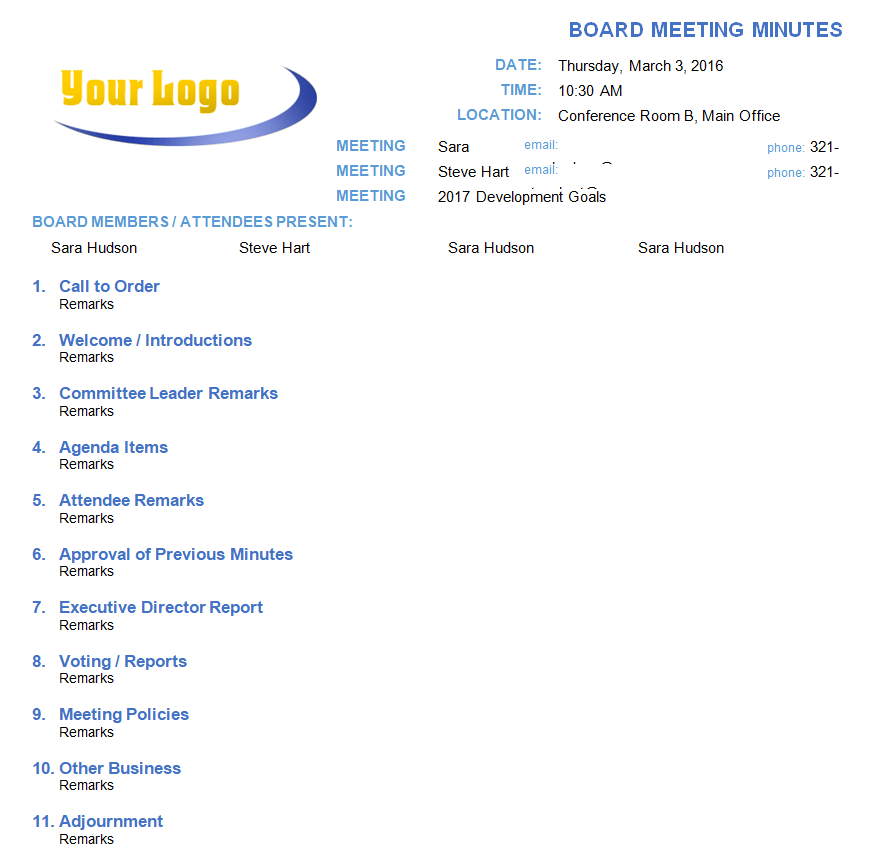
Customizable Management Meeting Minutes Template

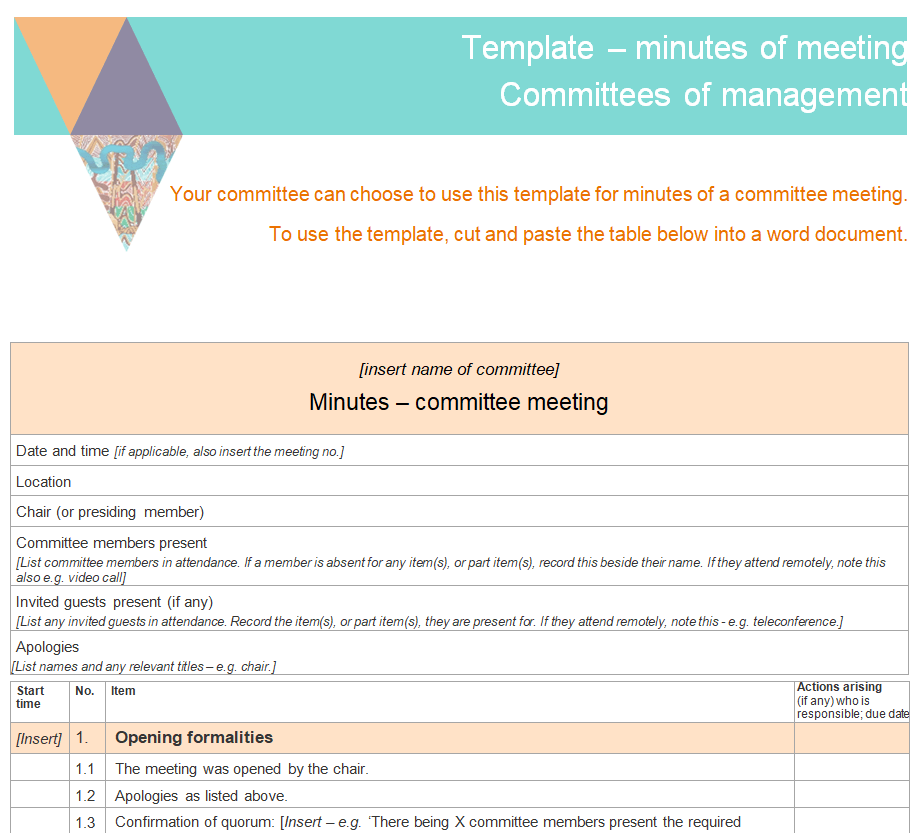
Office Meeting Minutes Template

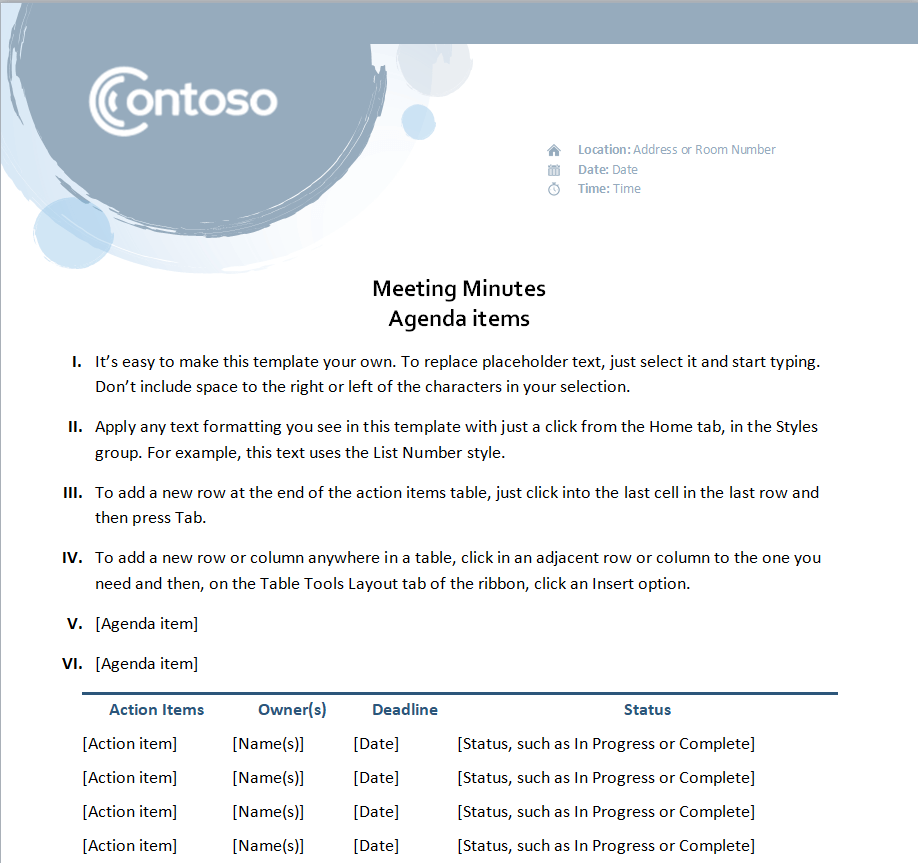
Blank Official Meeting Minutes Template

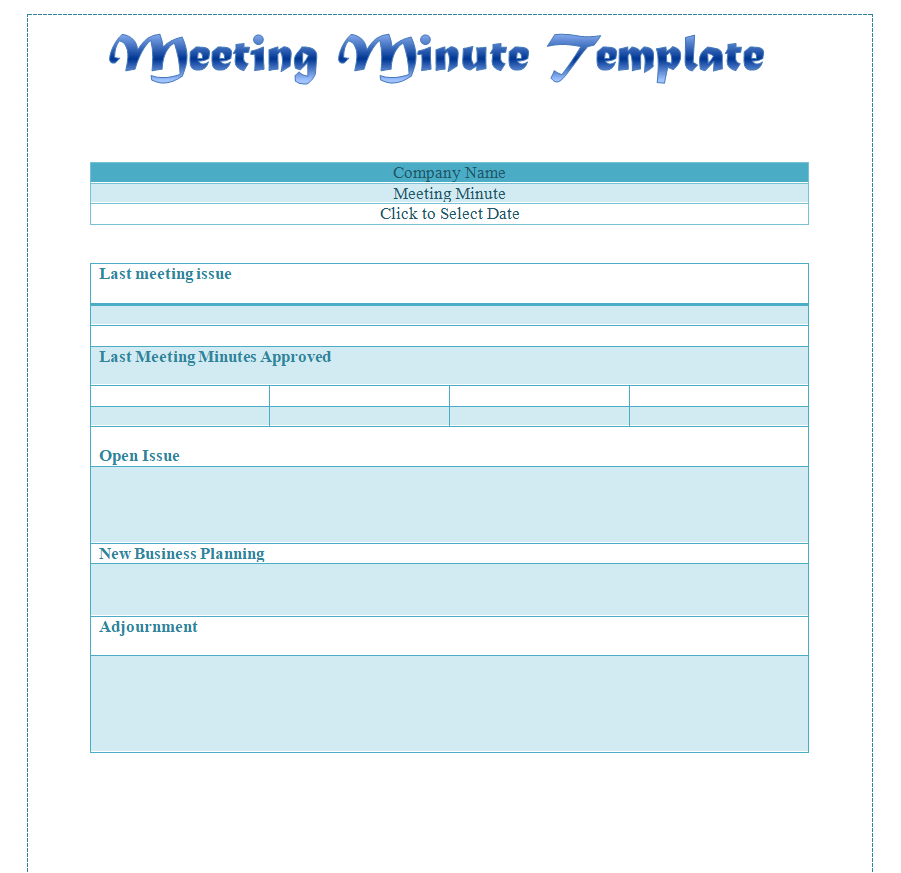
Business Meeting Minutes Format Word

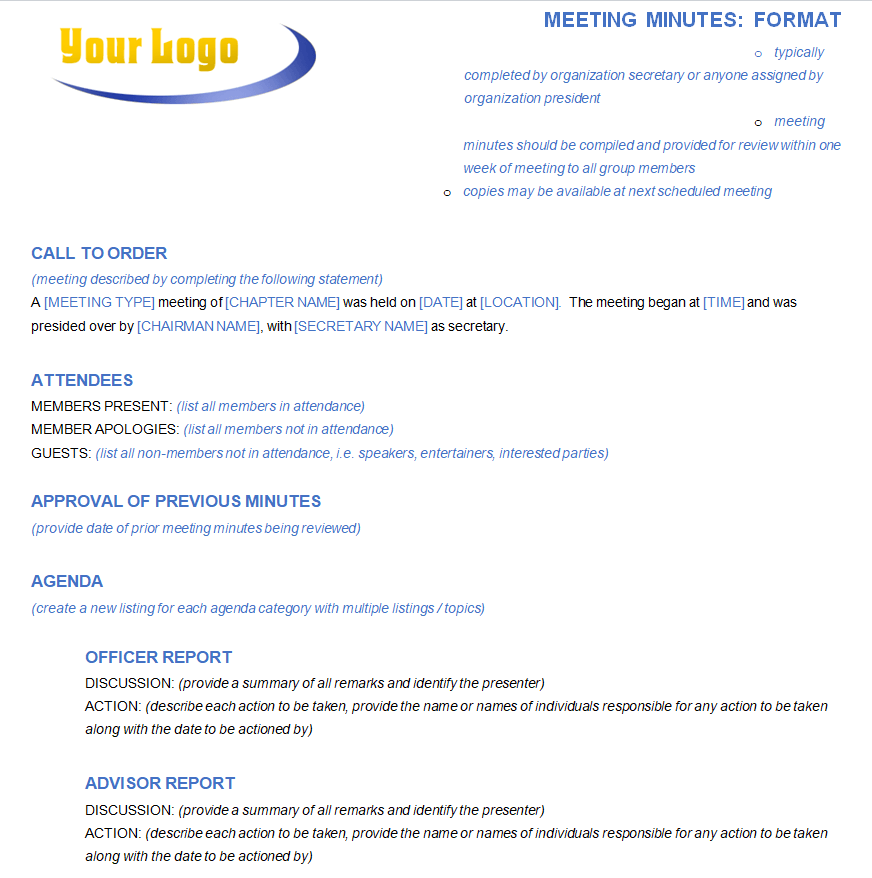
University Board Meeting Minutes Template

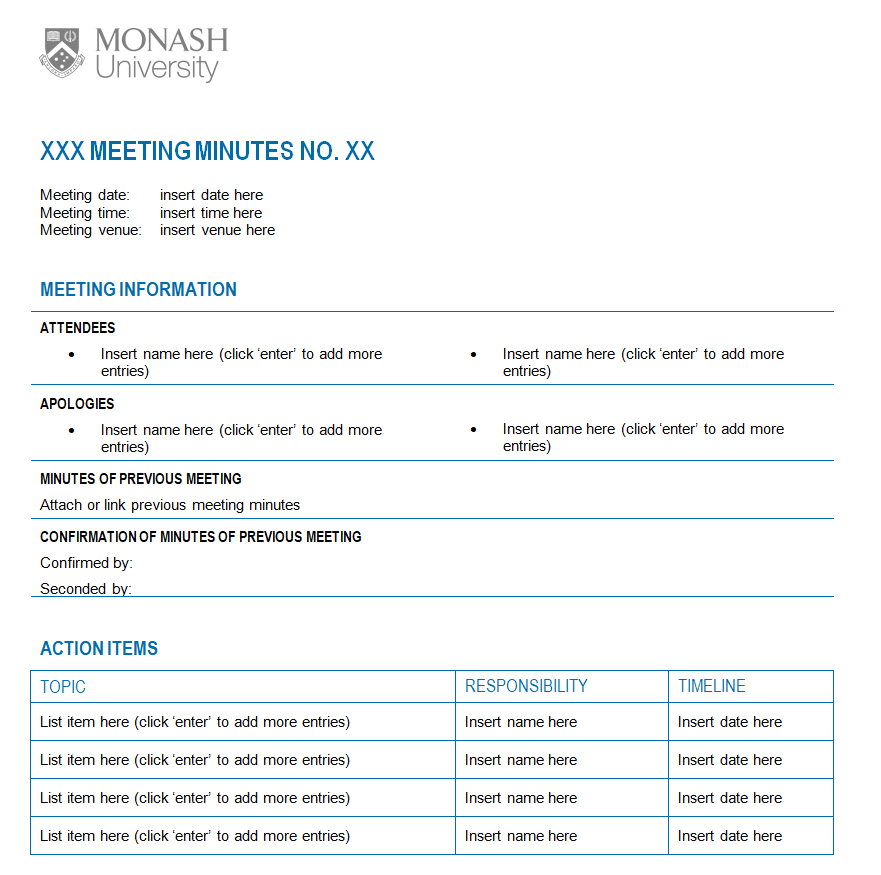
Professional Meeting Minutes Example Doc

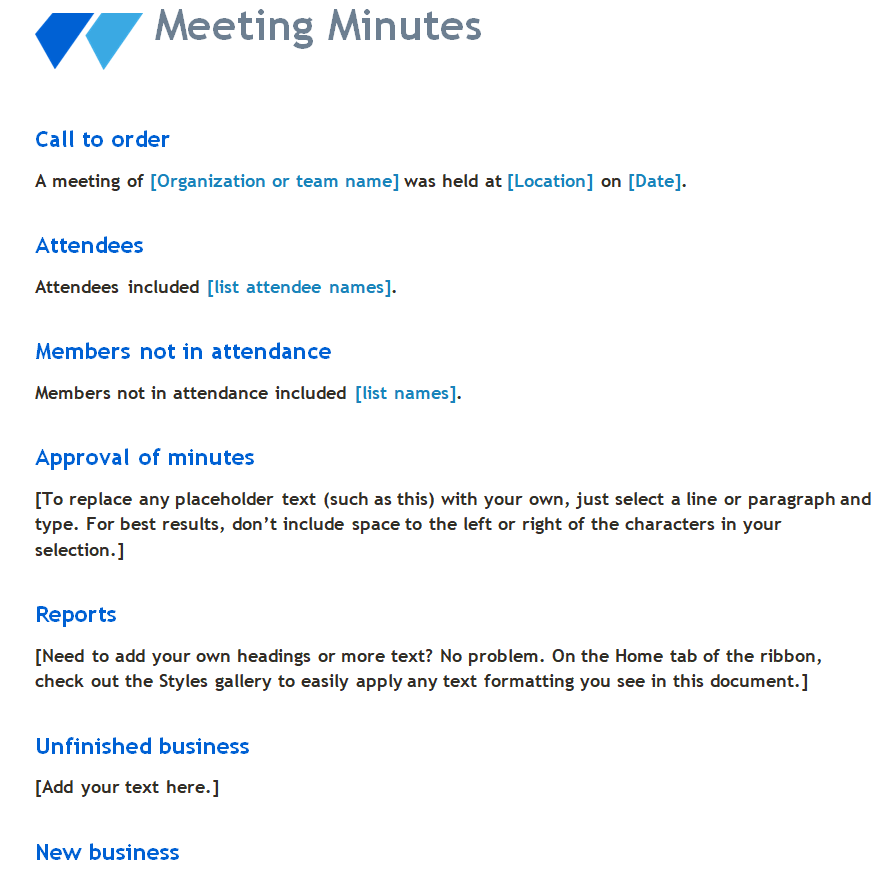
Formal Meeting Minutes Template Word

Tips for Whoever Is Taking Notes
- Prepare the template before the meeting with the agenda items already filled in.
- Write action items in bold or in a separate table so they’re easy to find.
- Use neutral language. “The committee discussed the budget” rather than “Tom complained about the budget.”
- Send the minutes within 24 to 48 hours, while everyone still remembers the meeting.
- Get them approved at the start of the next meeting, then file the signed copy.
Pair your minutes with a meeting sign-in sheet to record attendance, and turn bigger decisions into a business action plan. For problems that need deeper investigation, a root cause analysis is a good follow-up, and quick updates between meetings can go in a daily work report.
Frequently Asked Questions
Who should take meeting minutes?
Usually a secretary, administrator or a rotating team member who isn’t leading the discussion. The chair should not take minutes while running the meeting.
Are meeting minutes legal documents?
For boards, nonprofits and companies, approved minutes are official records and may be needed for audits or legal matters. Keep them accurate and stored safely.
How detailed should minutes be?
Detailed enough that someone who missed the meeting knows what was decided and what they need to do. One or two pages is typical for a regular meeting.
What’s the difference between formal and informal minutes?
Formal minutes follow a set structure and record motions, votes and approvals, as boards require. Informal minutes are simple notes of key points and actions for team meetings.

