

Your life, your career, your big project: all of them are easier to understand laid out on a line. A personal timeline template lets you plot milestones in order, add dates and short notes, and turn the whole thing into a slide or printout in minutes.
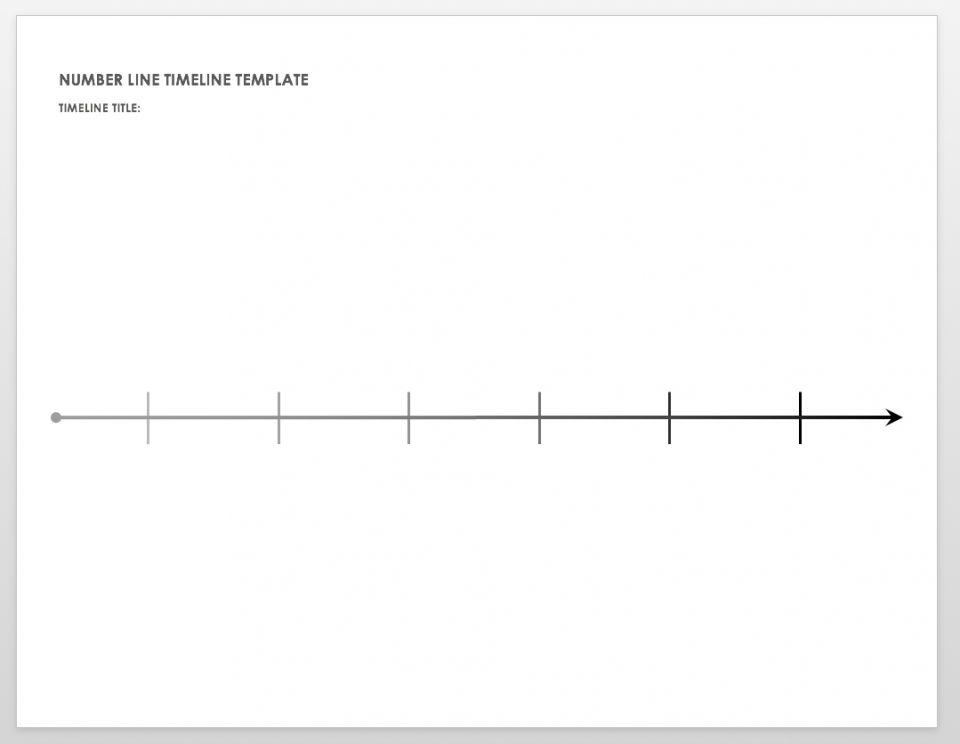
This collection includes 10 free timeline templates, mostly in PowerPoint with an Excel project timeline and a printable number line timeline in PDF.
Ideas for Your Timeline
Life story: birth, schools, moves, jobs, family milestones. Great for birthdays, anniversaries and memorials.
Career path: degrees, roles, promotions and achievements. A visual timeline can make a portfolio or interview presentation stand out.
Goals: where you want to be in 1, 5 and 10 years, with steps along the way.
Projects: phases, deadlines and checkpoints for work or school.
Personal Timeline Templates
Timeline Templates in PowerPoint & Excel
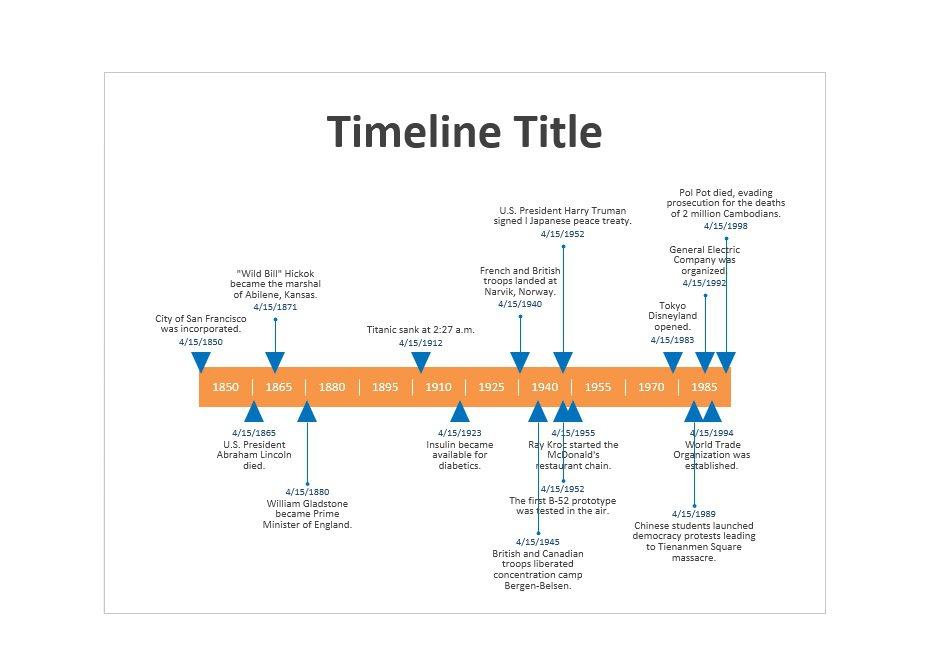



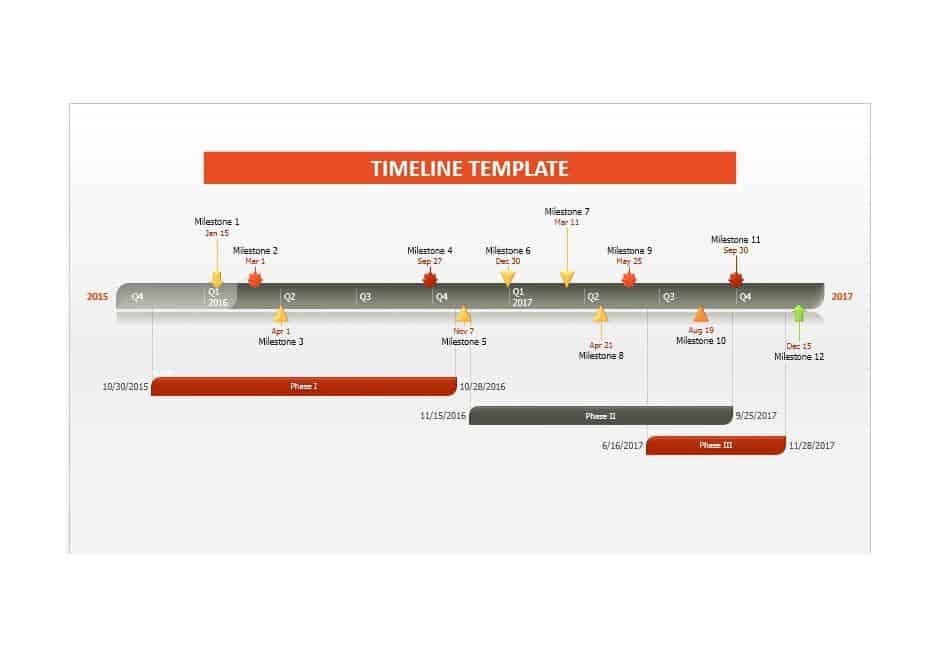
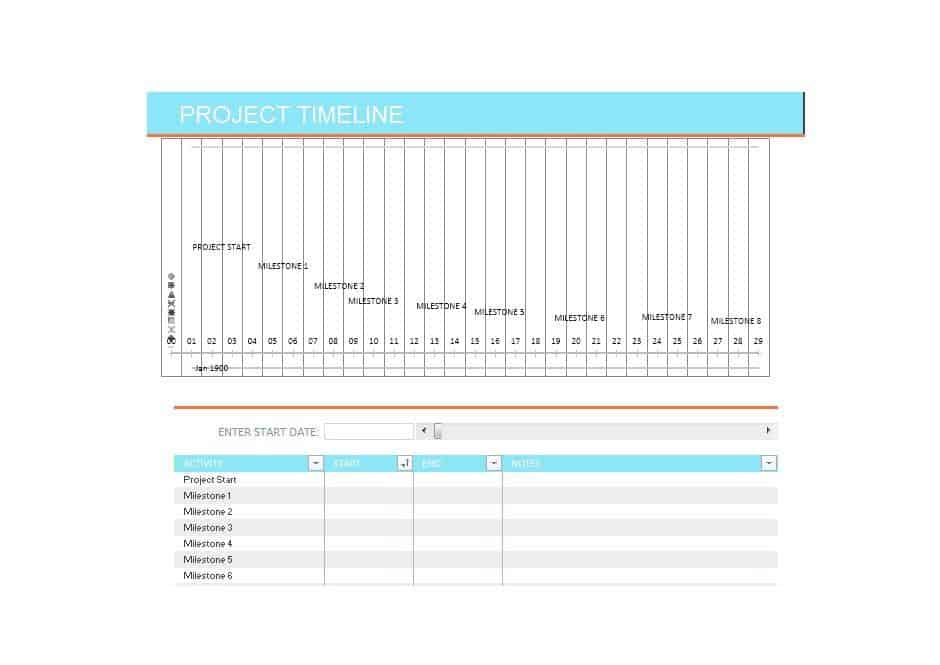
Project Timeline Template in Excel
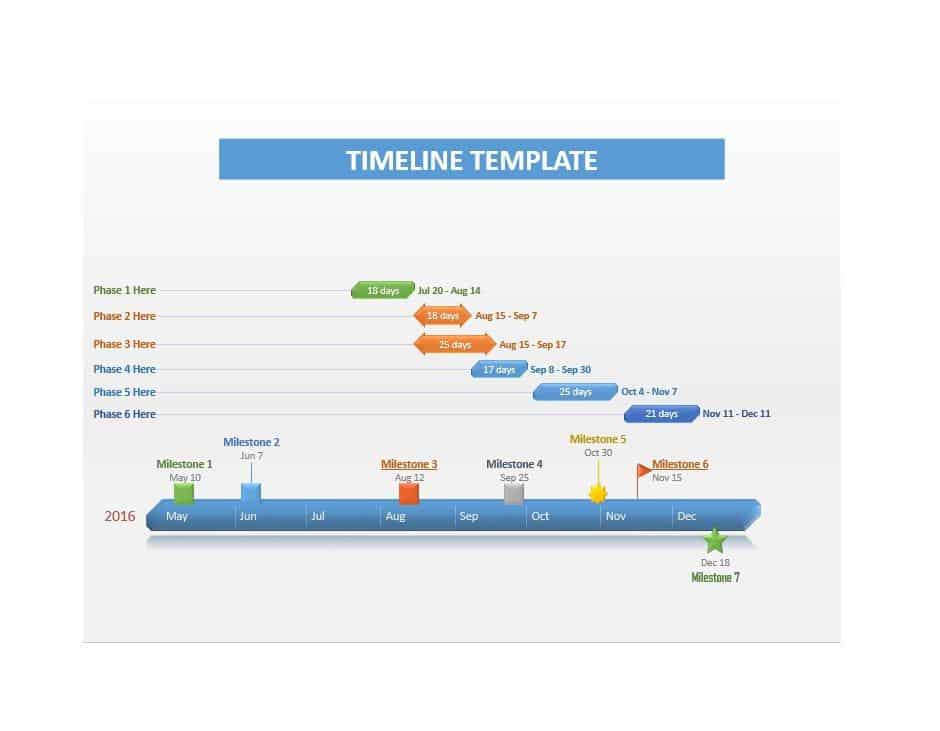
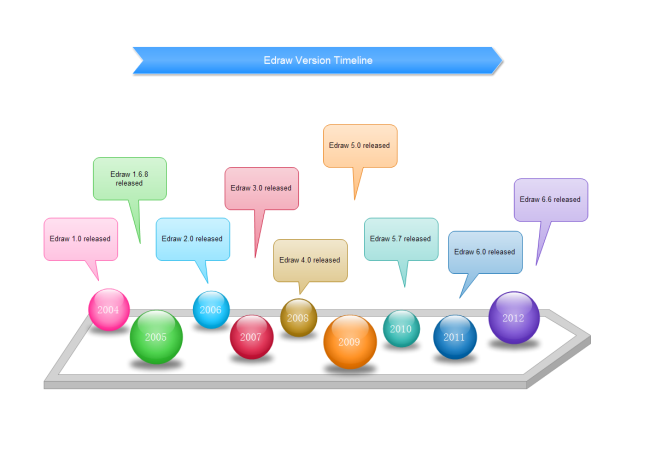
PowerPoint Personal and Project Timeline Templates
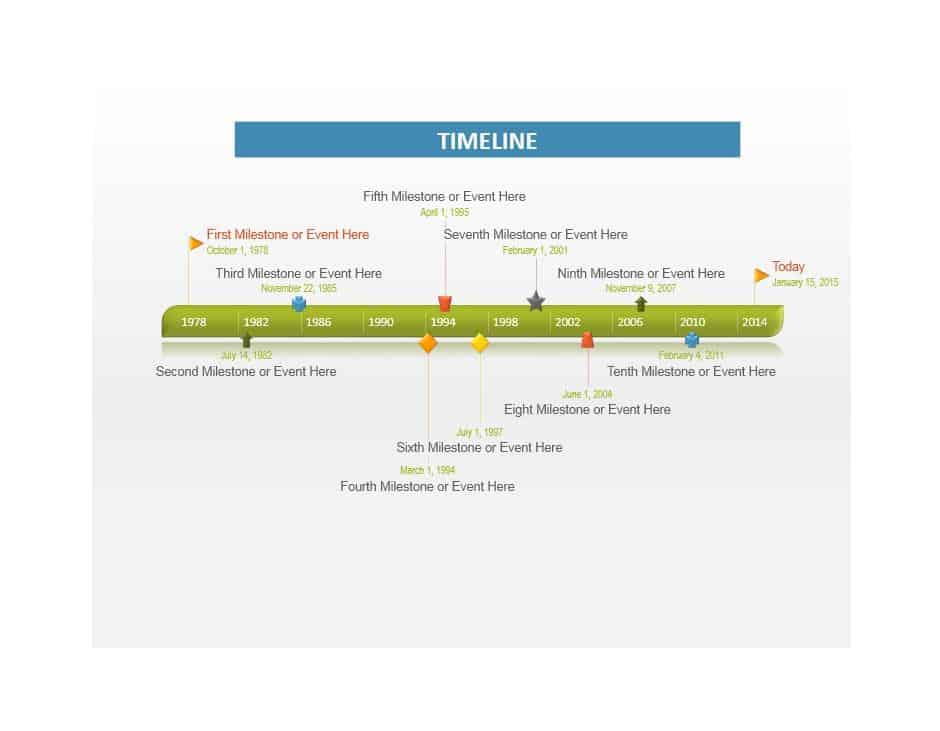
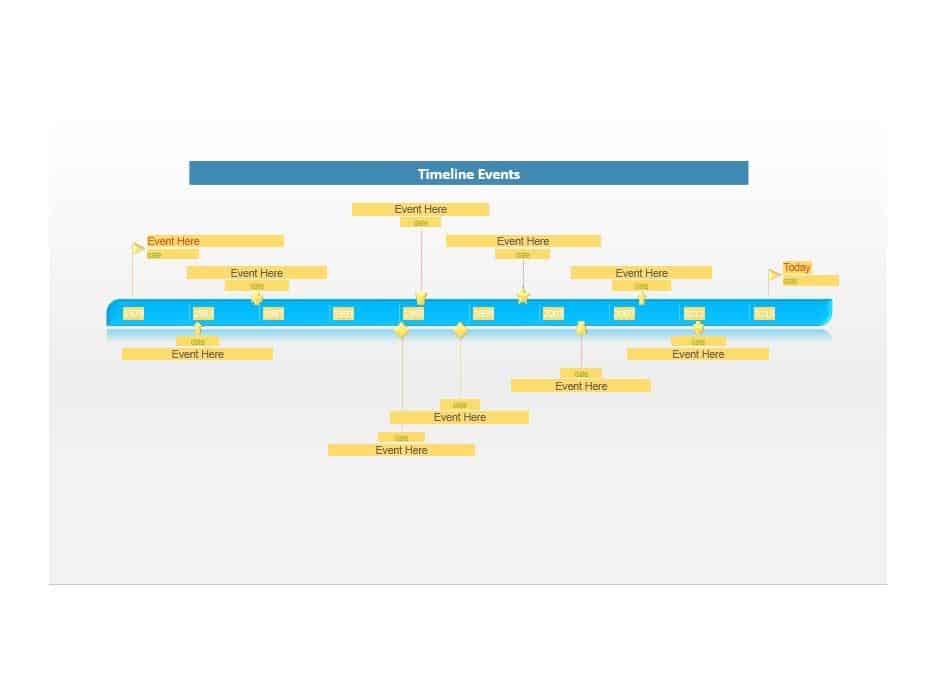
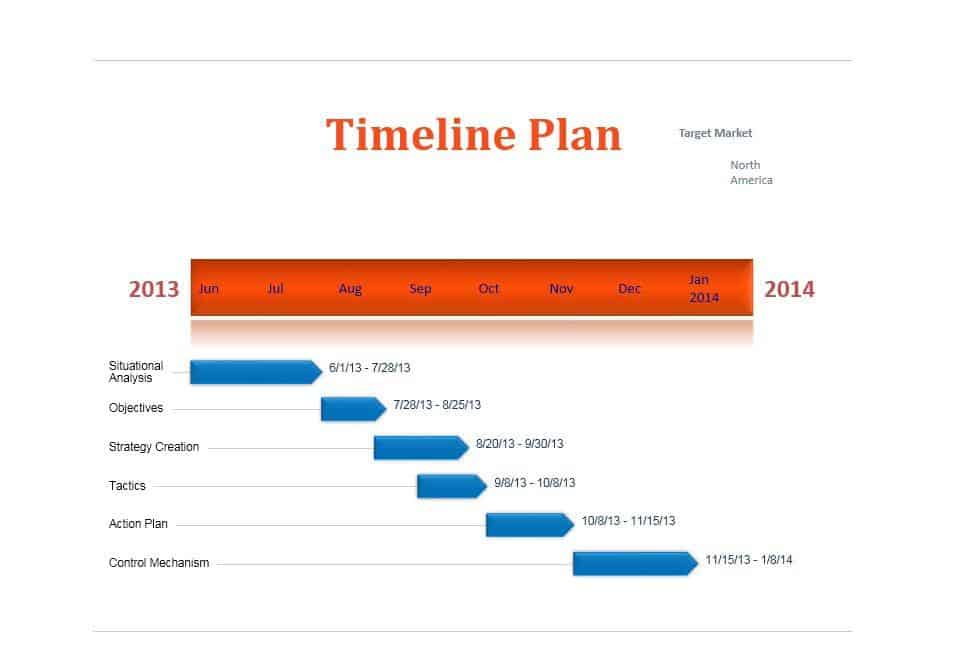
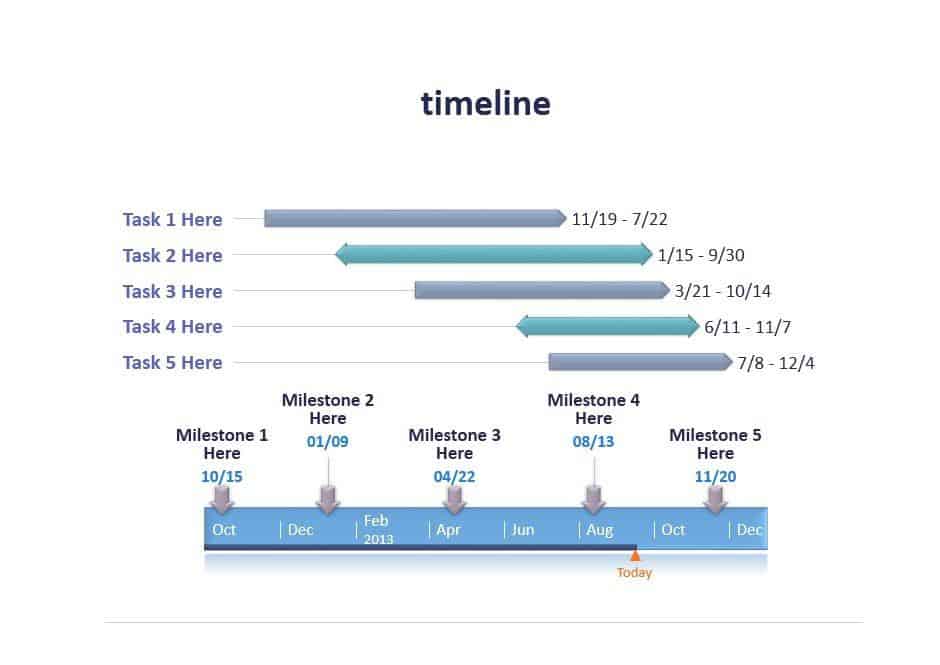

More Timeline Templates From an External Source

Making a Timeline That Looks Good
- Limit yourself to 8–12 key events. Too many and the line gets cluttered.
- Keep each label to a date plus a few words.
- Use one accent color for highlights and keep the rest simple.
- Add small photos or icons to make personal timelines more memorable.
Students will find simpler layouts in our timeline templates for students. To tell the story behind the dates, try an autobiography template or a family tree. For event-day schedules, use an event schedule template.
Frequently Asked Questions
How do I edit a PowerPoint timeline?
Click any text box to change dates and labels. Duplicate an existing marker to add more events, and drag it into position.
Can I open these in Google Slides?
Yes. Upload the PPTX file to Google Drive and open it with Slides. Most layouts convert well.
Excel or PowerPoint: which is better for a timeline?
PowerPoint is better for presenting. Excel is handy for project timelines where dates change often and you want to sort or calculate durations.

