

Journalists, investors, customers and parents all have the same problem: too much to read and not enough time. A fact sheet solves it by putting the essentials on a single page, with headings, short bullets and a couple of key numbers, so a reader can understand your product, organization or event in under two minutes.
This collection includes 24+ editable fact sheet templates in MS Word, covering business plans, customer service, schools, events and sponsorship, property, technology companies and more.
Fact Sheet, Brochure or Data Sheet?
These three get mixed up a lot. A brochure sells, with photos and persuasive copy. A data sheet is technical, full of specifications. A fact sheet sits in between: it’s factual and neutral in tone, but written for a general reader. If you need something longer that tells your full story, a company profile is the better fit.
The Anatomy of a Good One-Page Fact Sheet
- Clear title and logo so readers know instantly who it is from.
- A two- or three-sentence overview answering “what is this?”
- Key facts in bullets: dates, figures, locations, features.
- One standout statistic or quote, visually highlighted.
- A next step: website, phone number, email or how to buy.
Fact Sheet Templates in MS Word
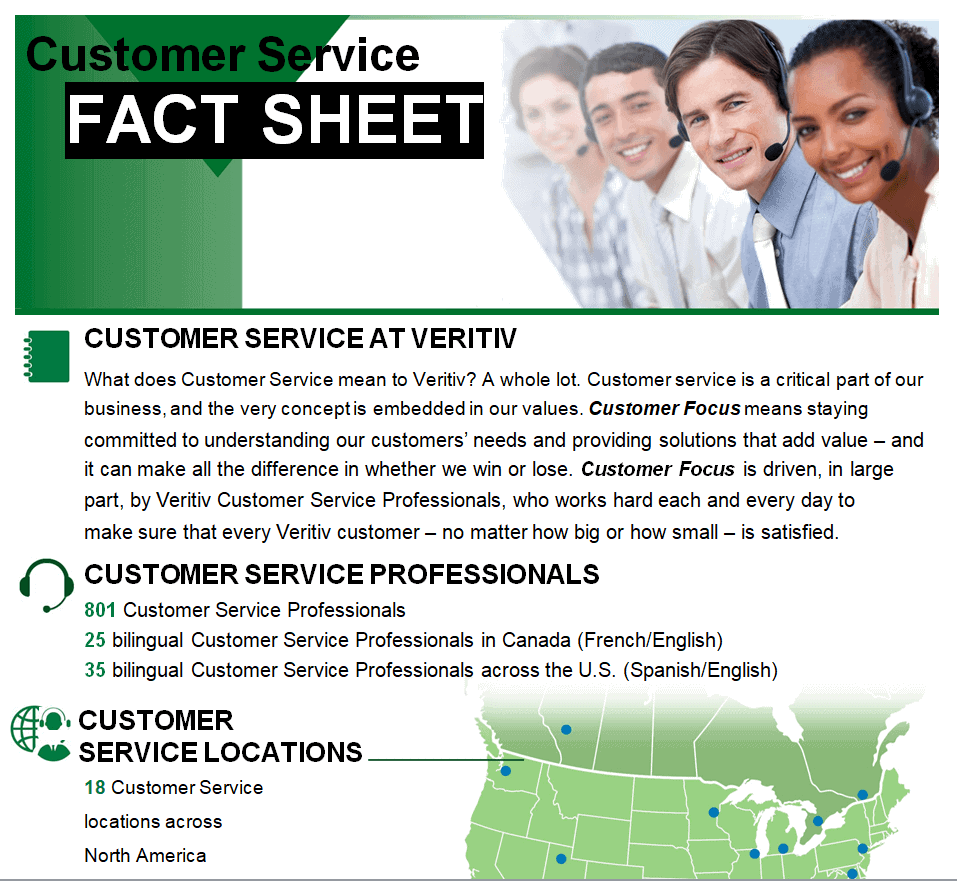
Customer Service Fact Sheet Template

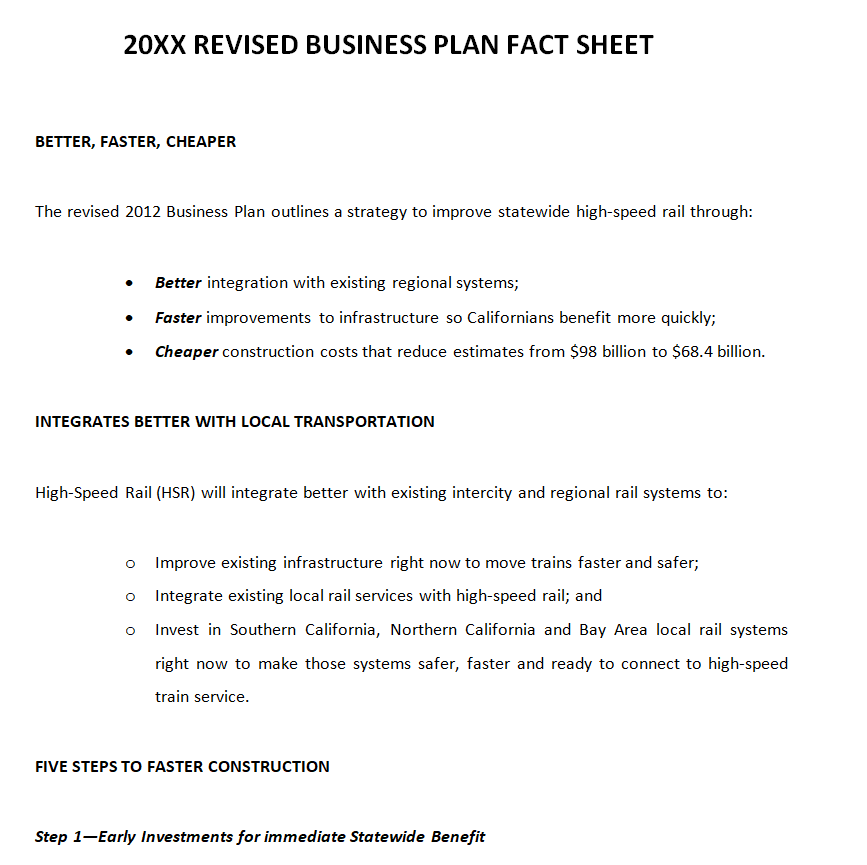
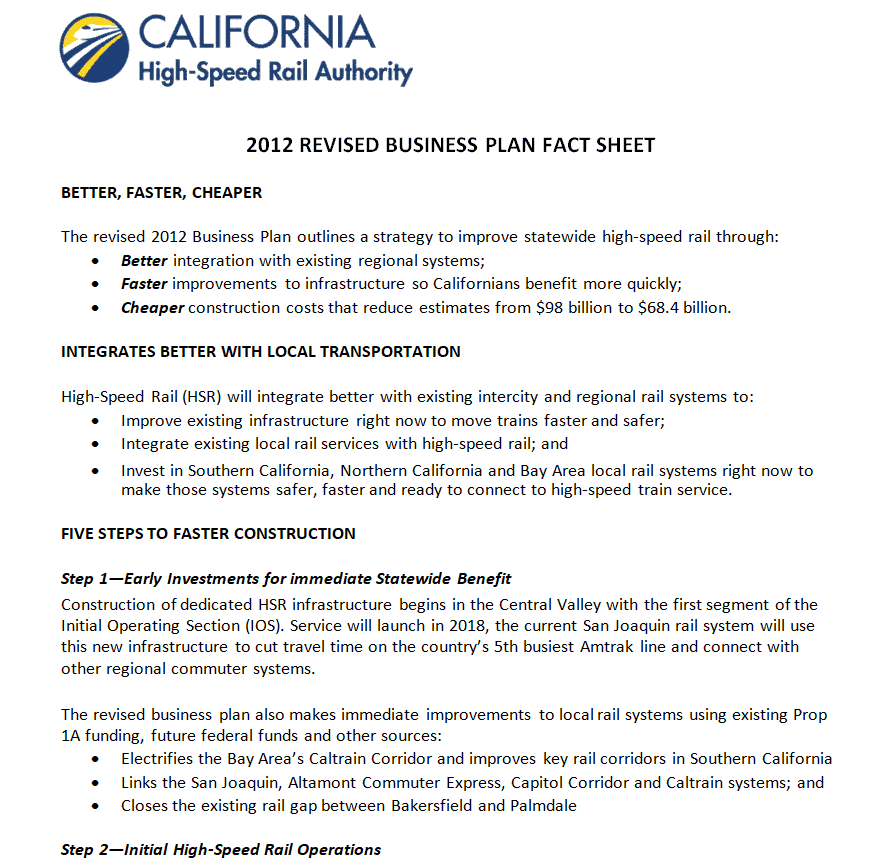
Revised Business Plan Fact Sheet Doc Template

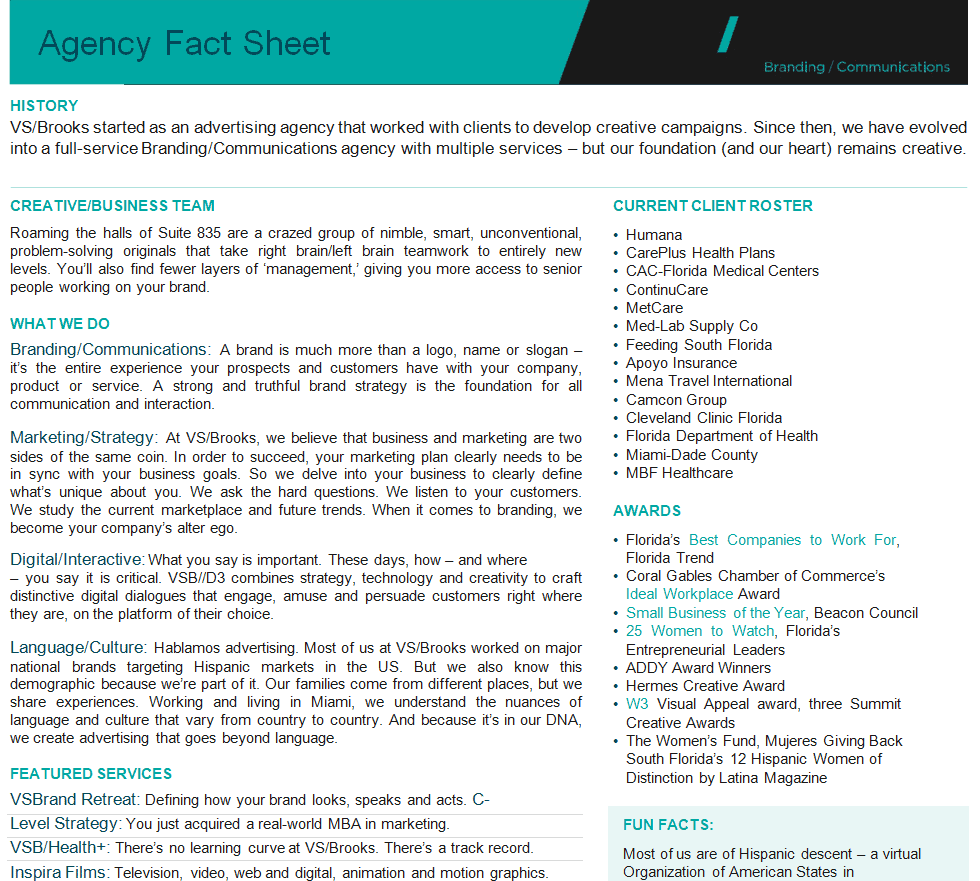
Agency’s Fact Sheet Doc Sample

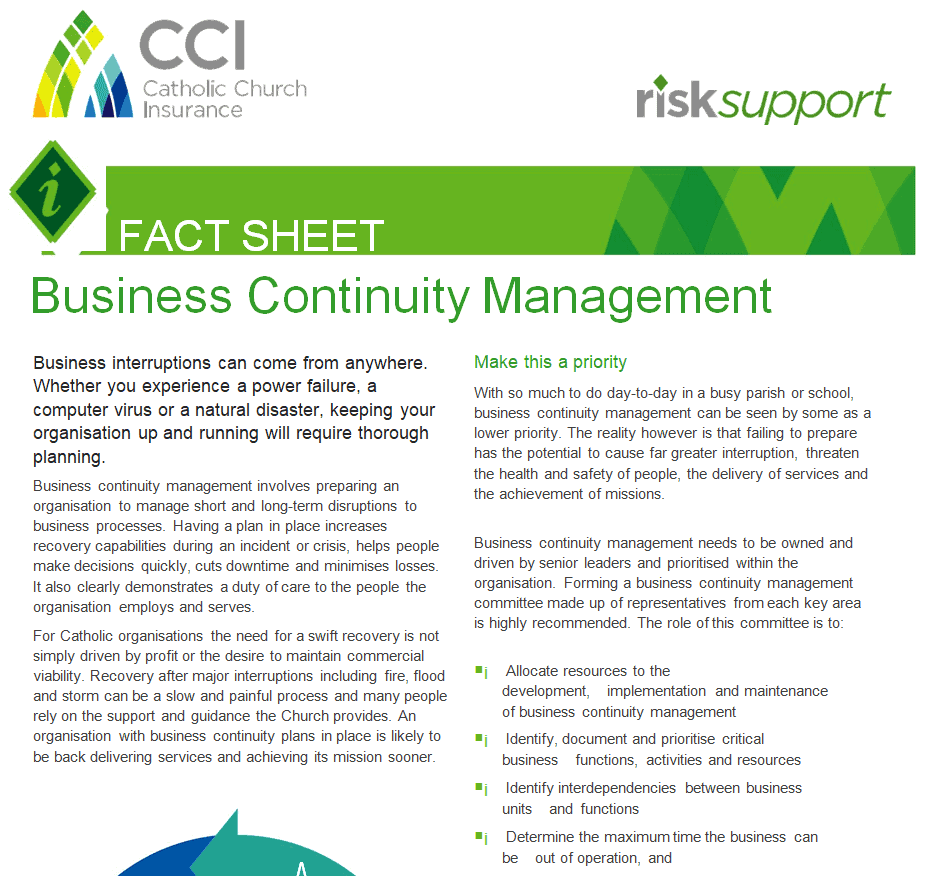
Business Management Fact Sheet Template

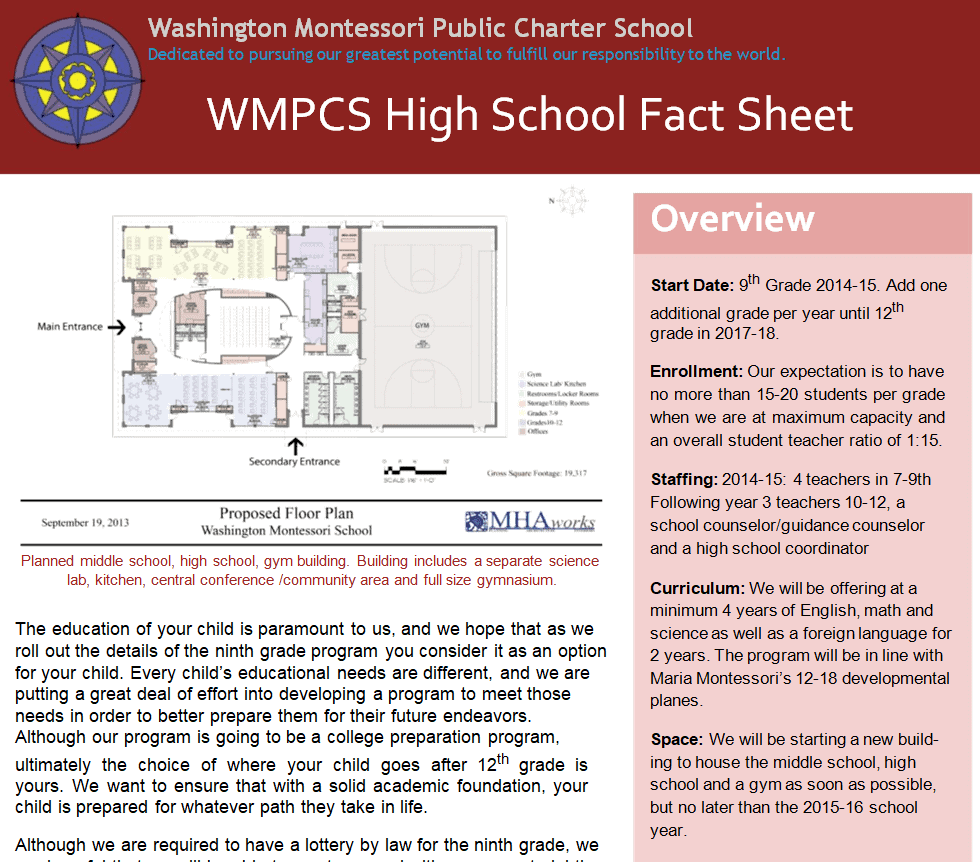
High School Fact Sheet Template Word

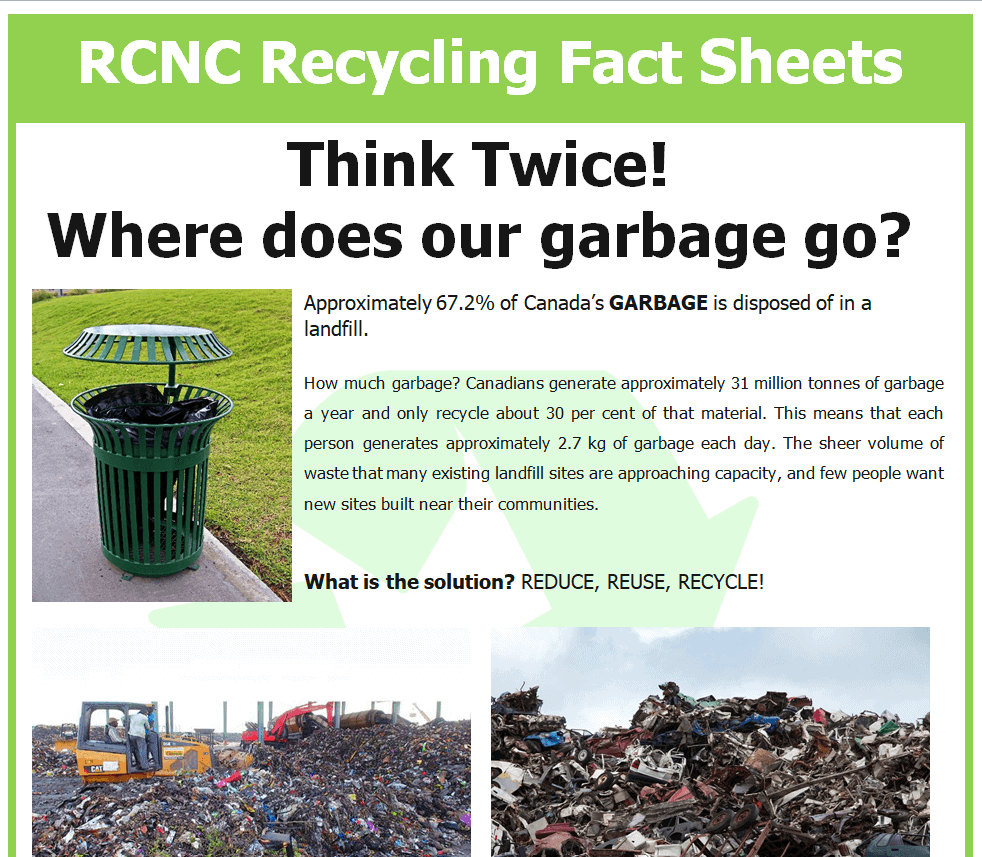
Recycling Fact Sheet Example

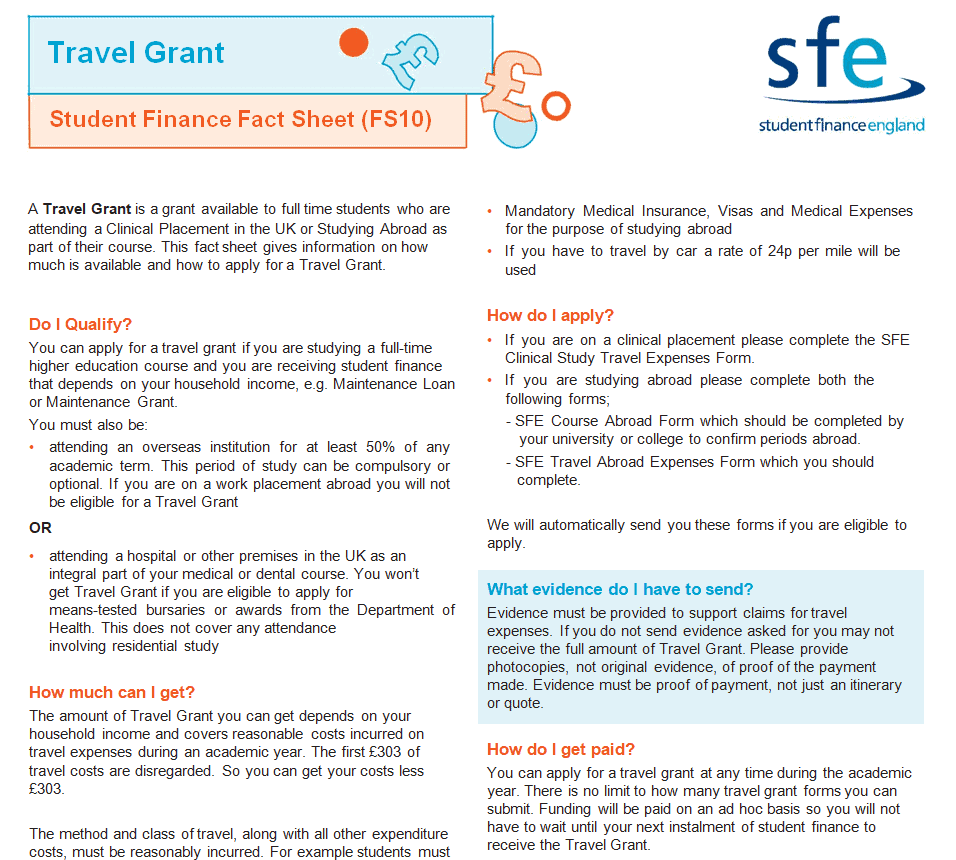
Sample Fact Sheet Template for Student Finance

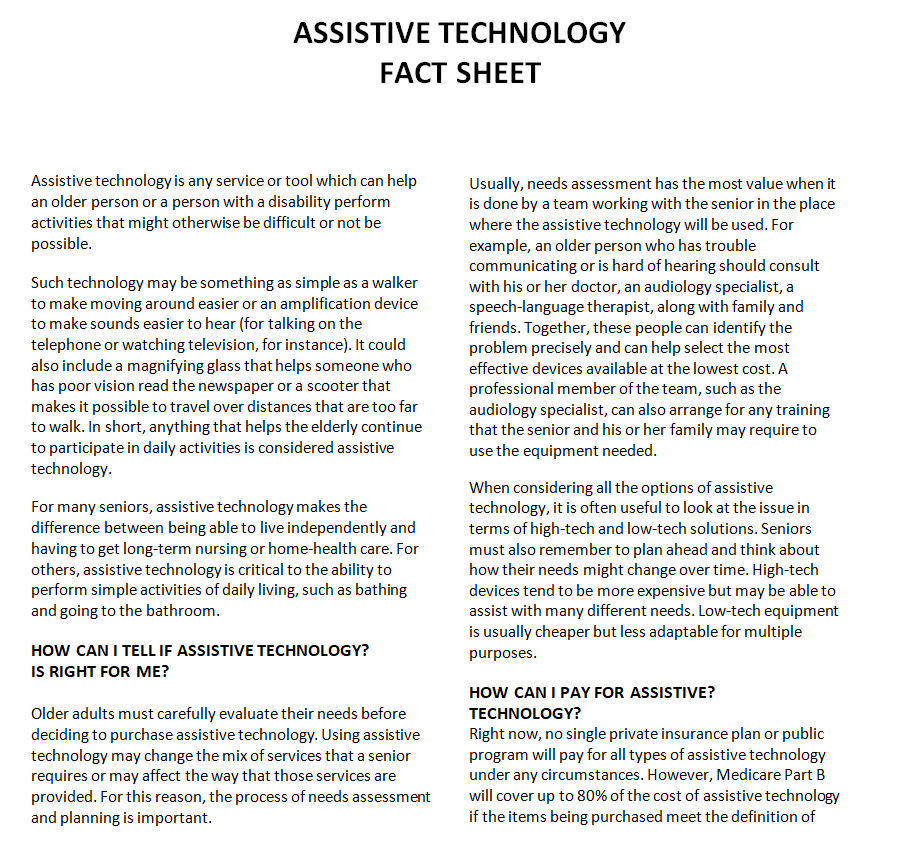
Detailed Assistive Technology Fact Sheet Template

Replacement Project Fact Sheet Template


Customizable Fact Sheet Doc Templates
Professional Business Plan Fact Sheet Template

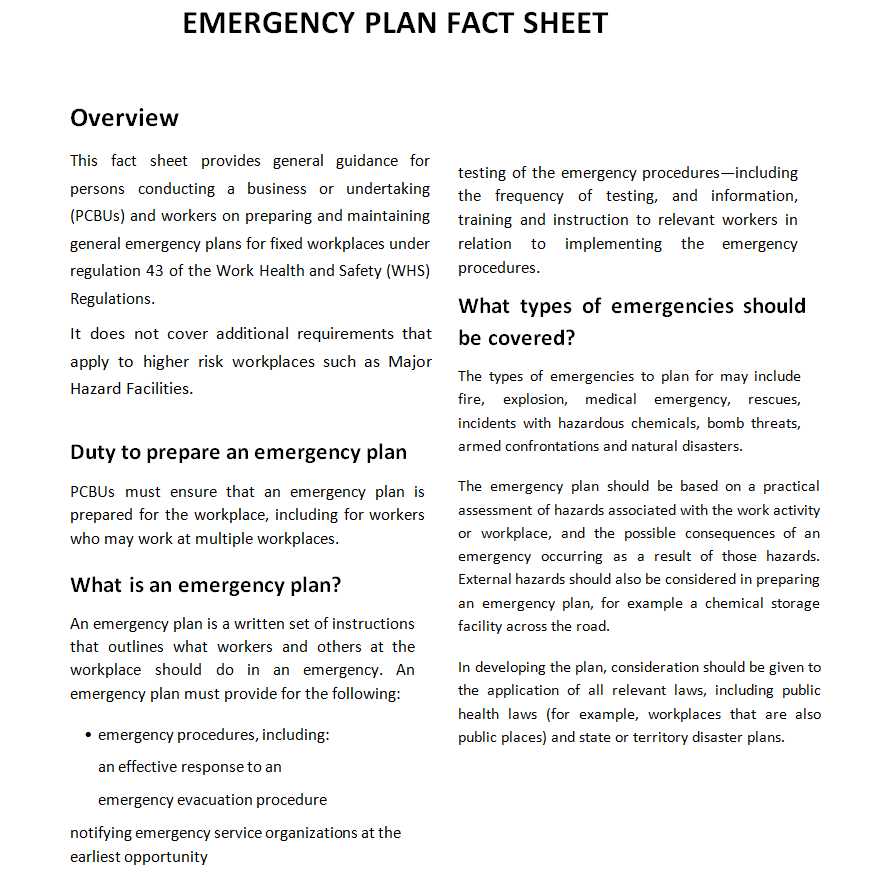
Emergency Fact Sheet Doc Template

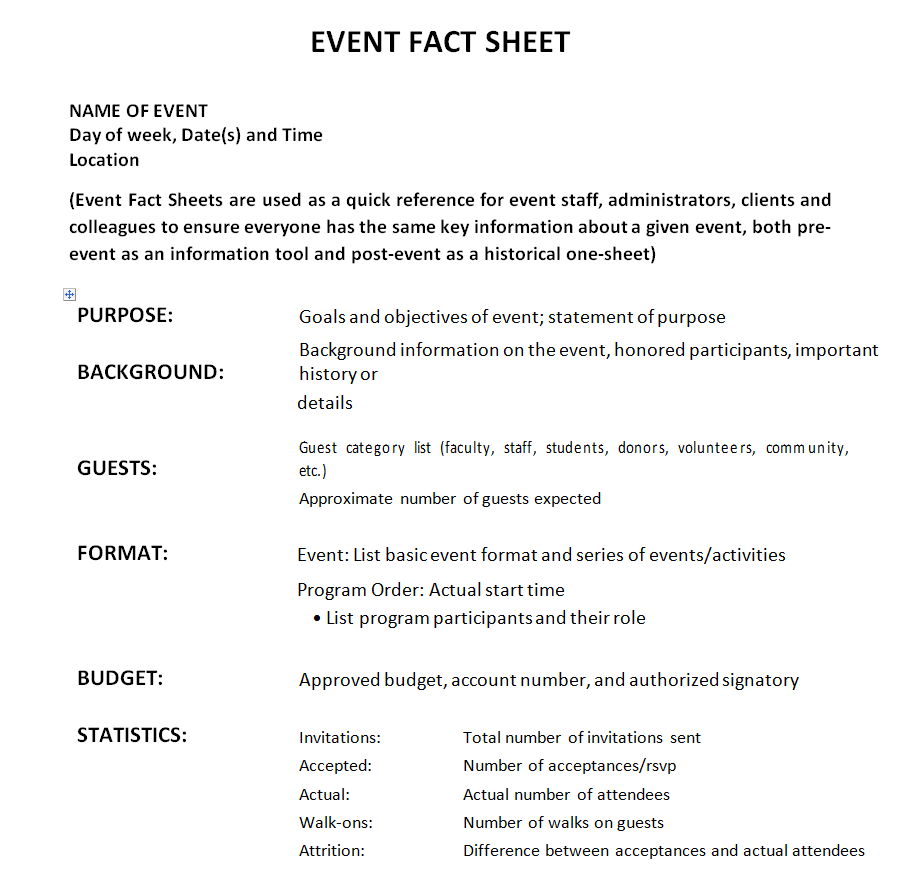
Official Event Fact Sheet Template Word

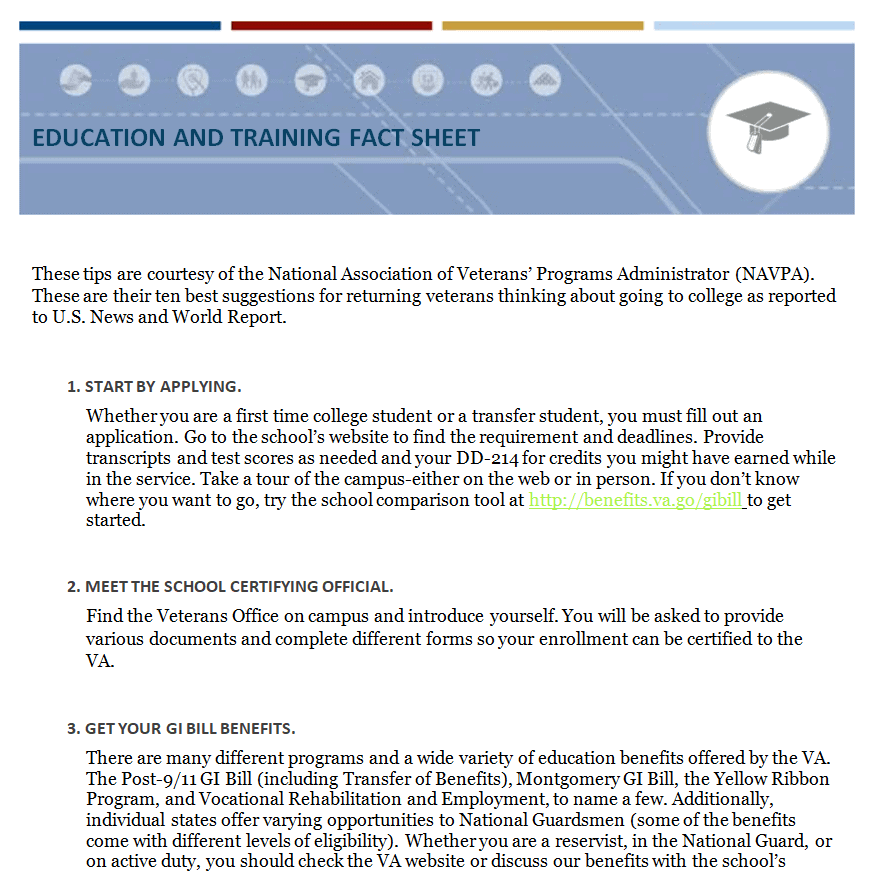
Education and Training Fact Sheet Format

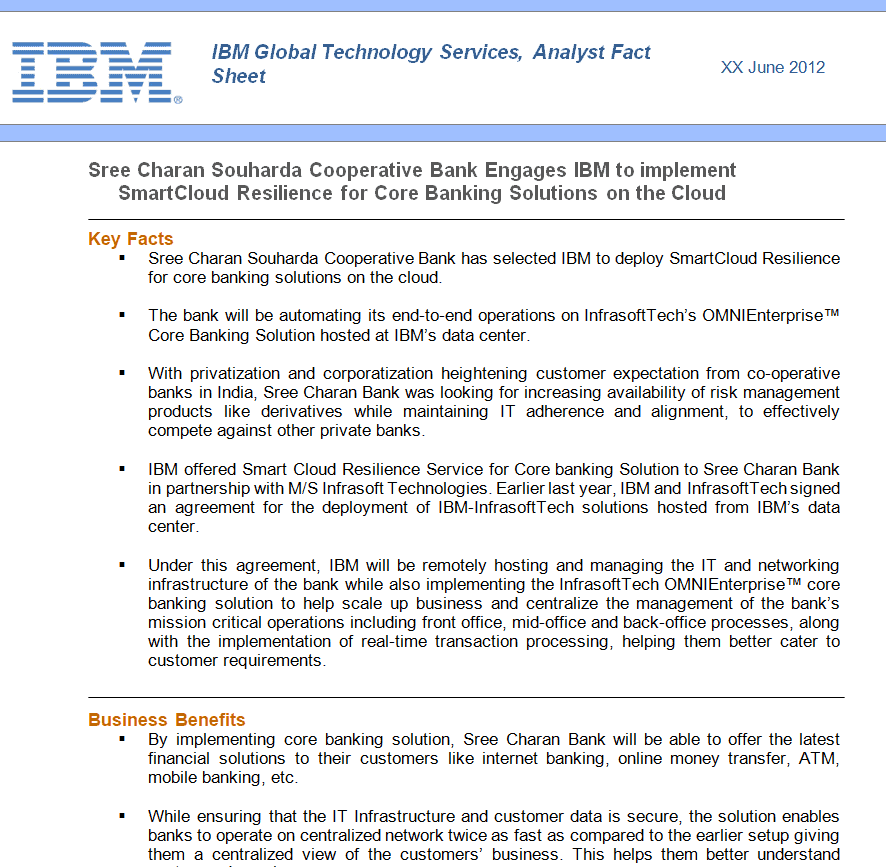
Tech Company’s Fact Sheet Template

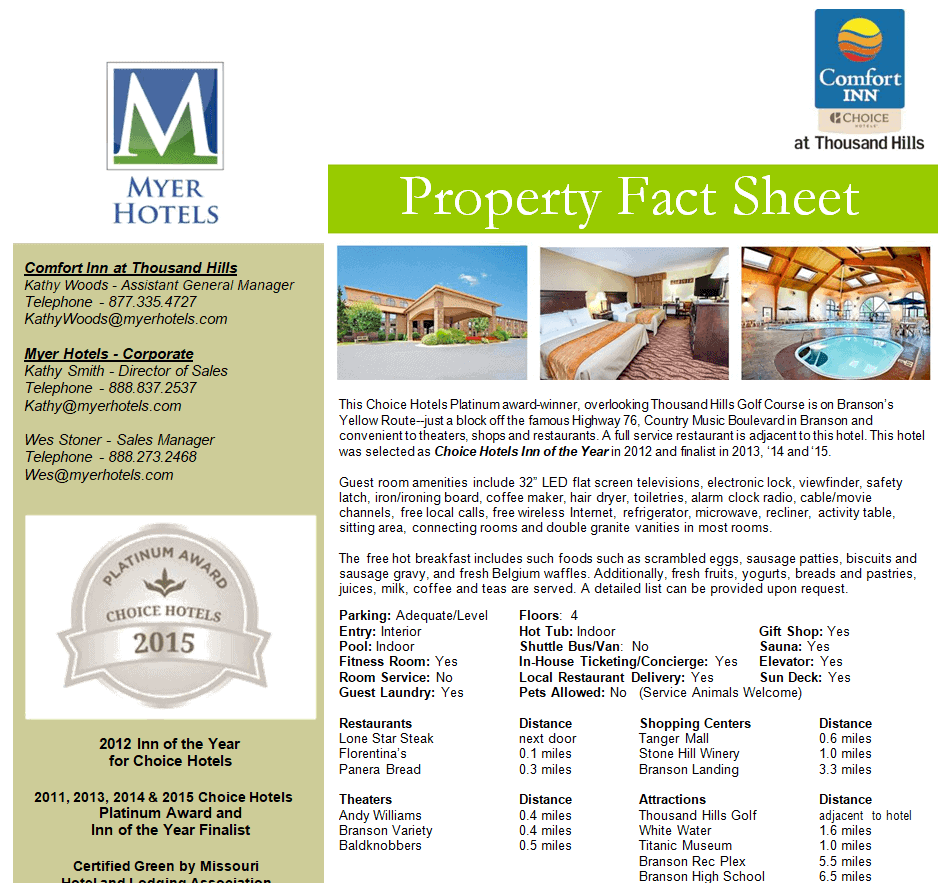
General Property Fact Sheet Doc Template

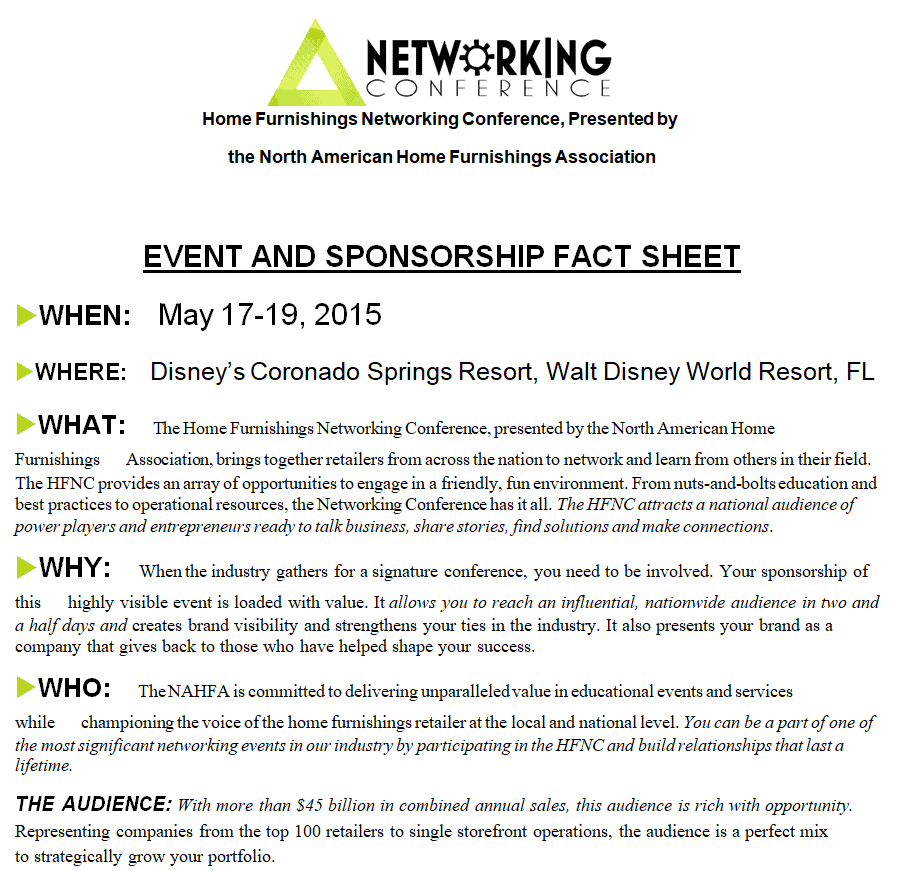
Event and Sponsorship Fact Sheet Template

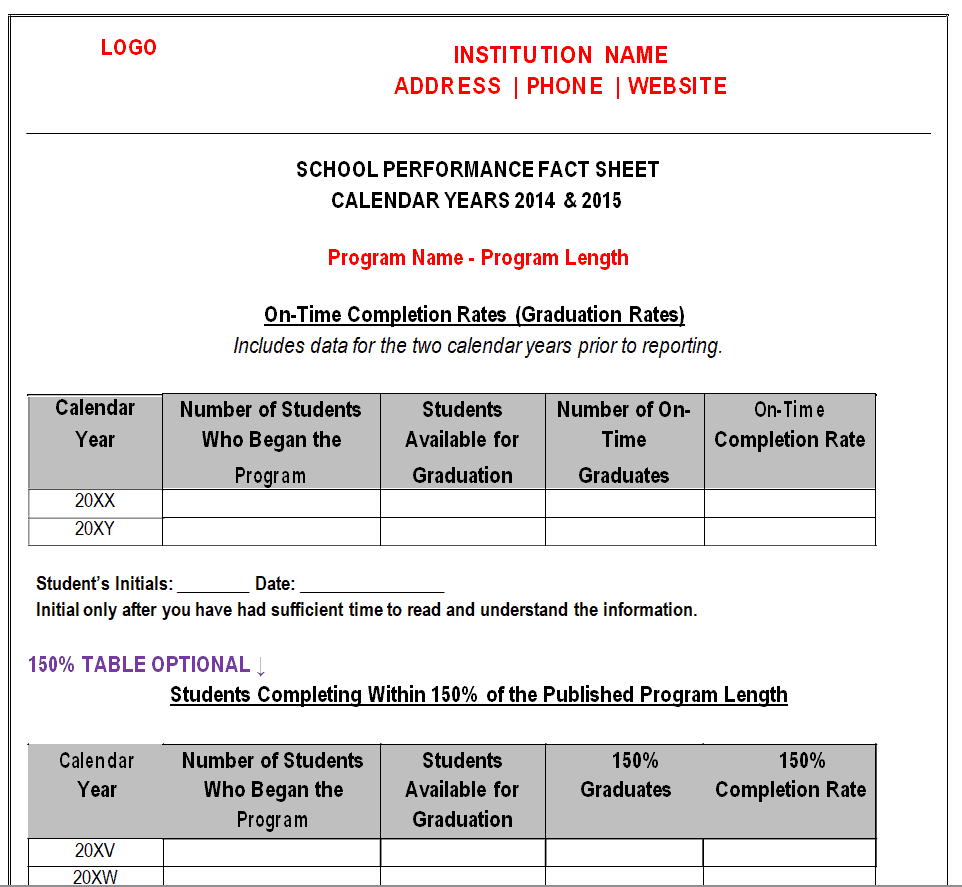
Simple School Performance Fact Sheet Template

More Fact Sheet Examples in MS WORD
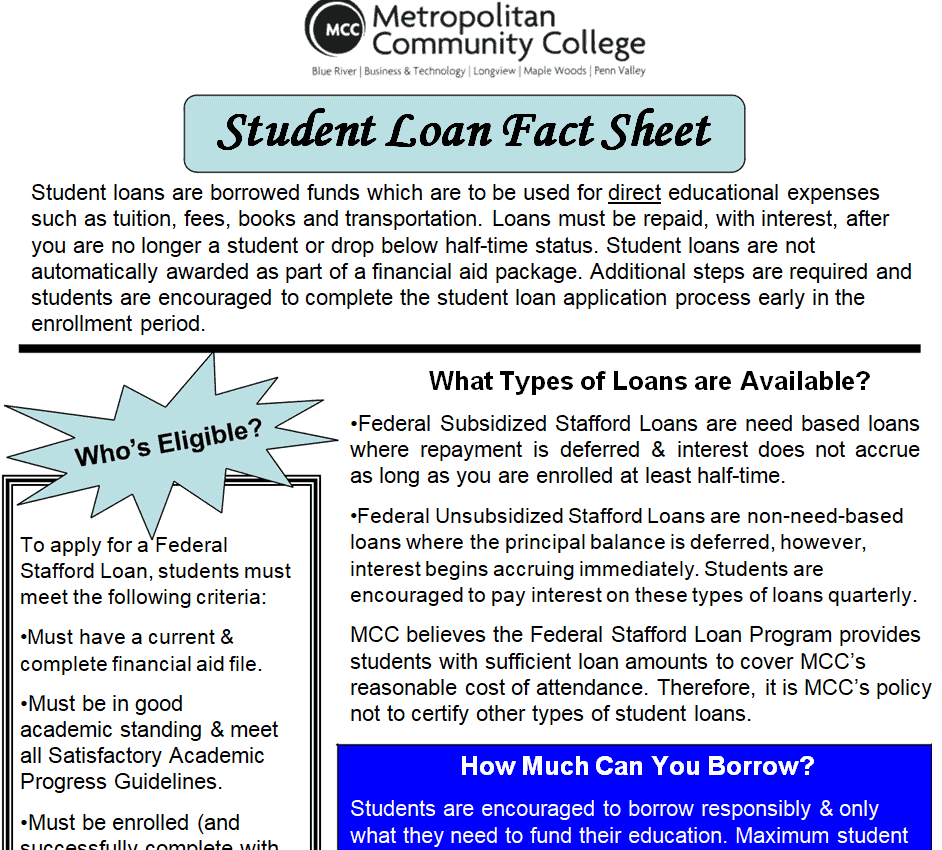
Student Loan Fact Sheet Example

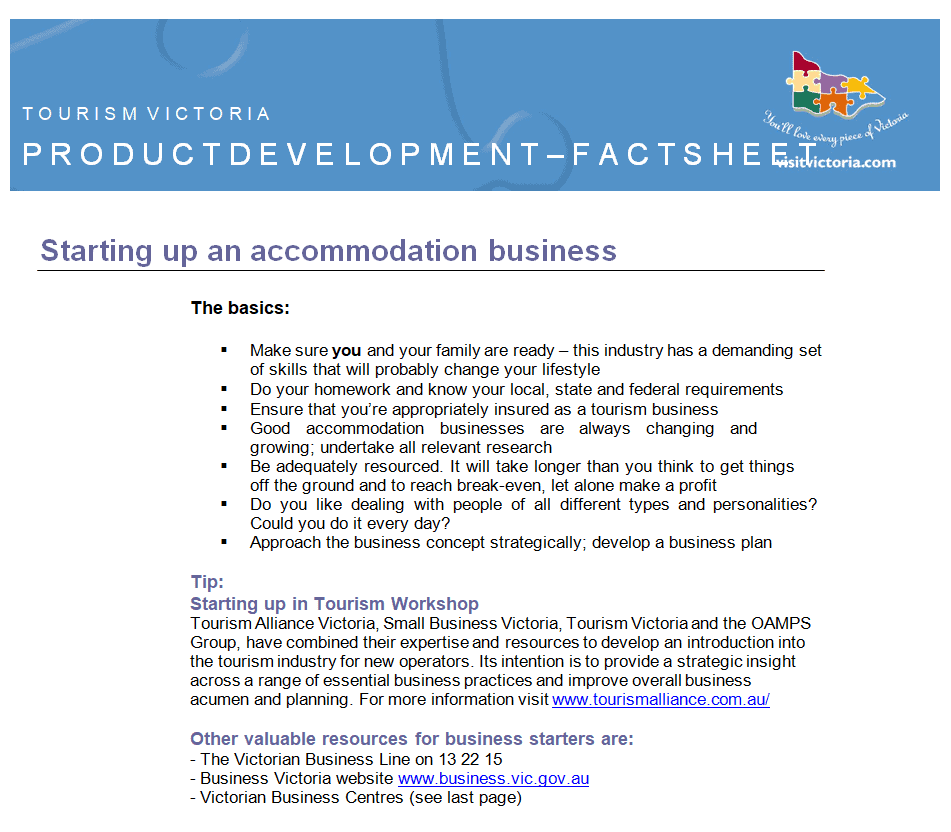
Product Development Fact Sheet Sample Doc

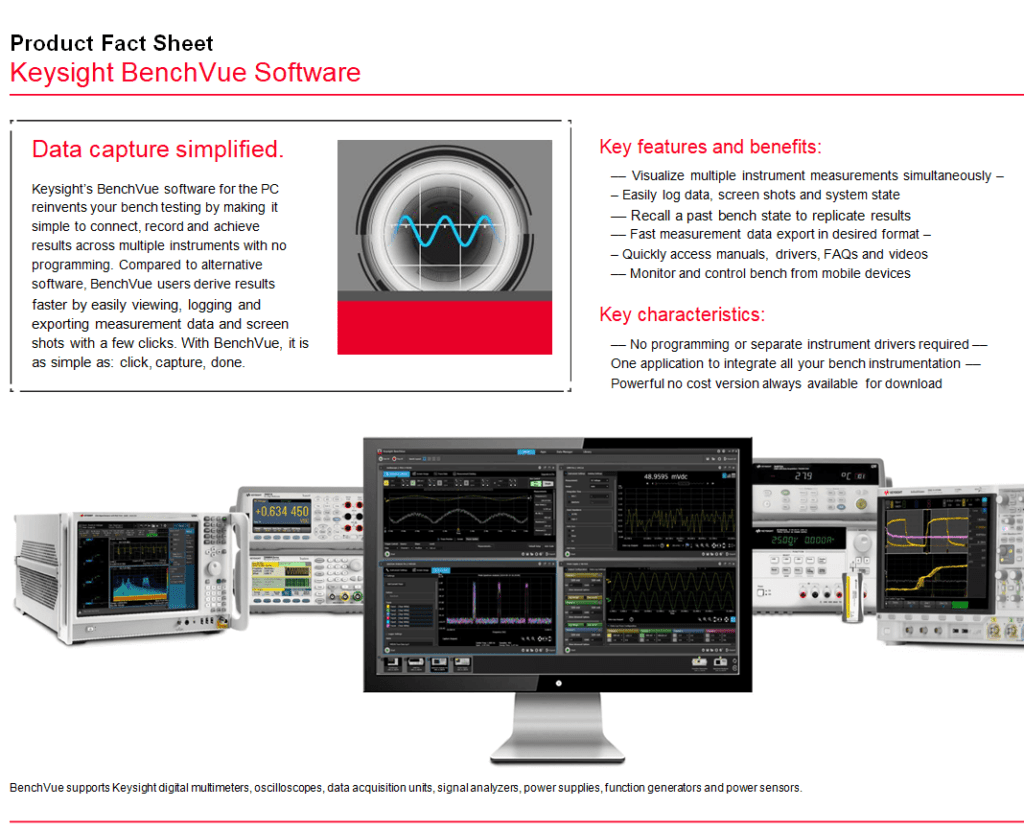
Software Fact Sheet Word Template

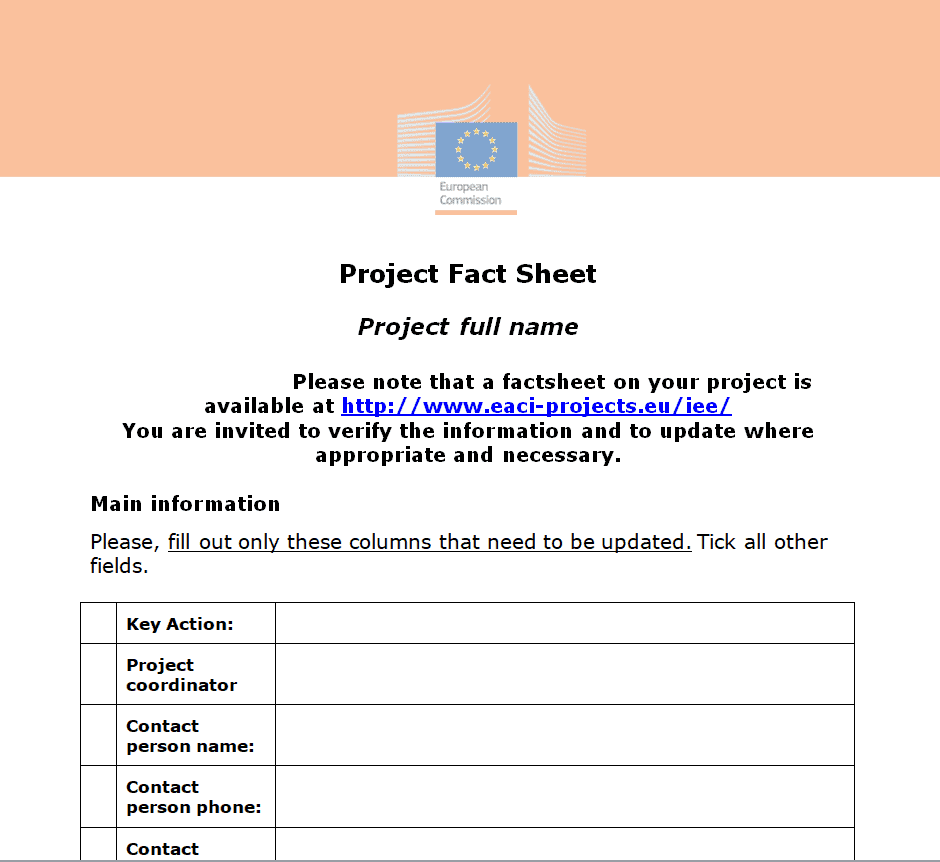
Blank Fact Sheet Template for a Project

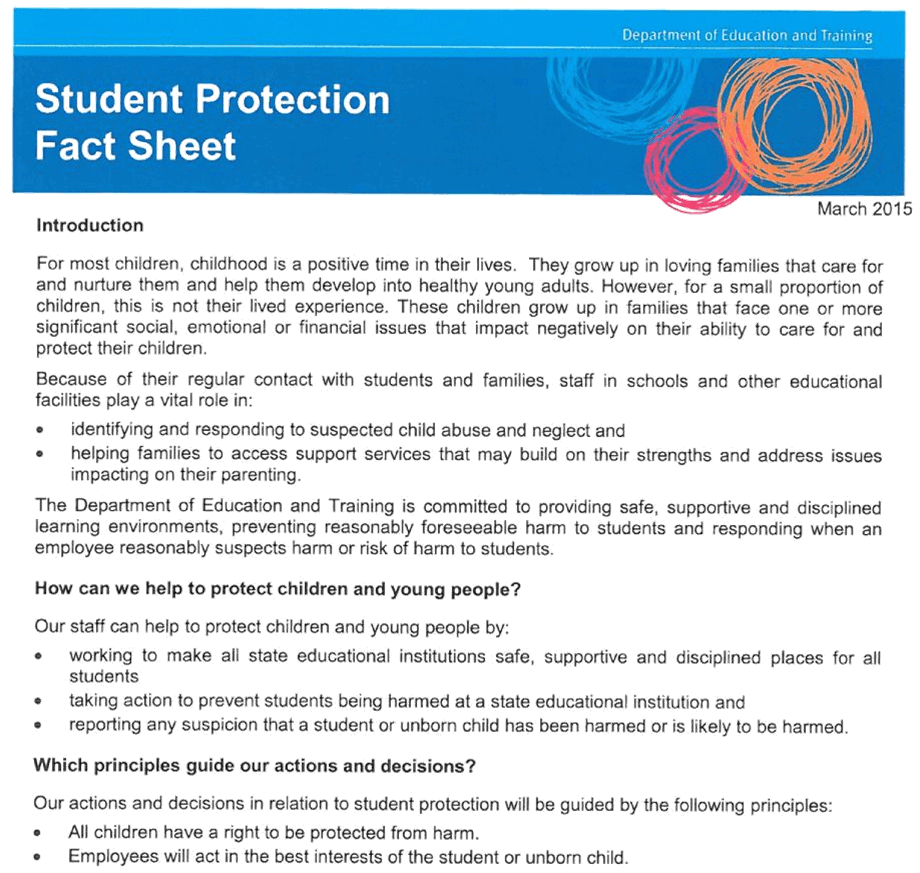
Sample Student Protection Fact Sheet Template in Word Format

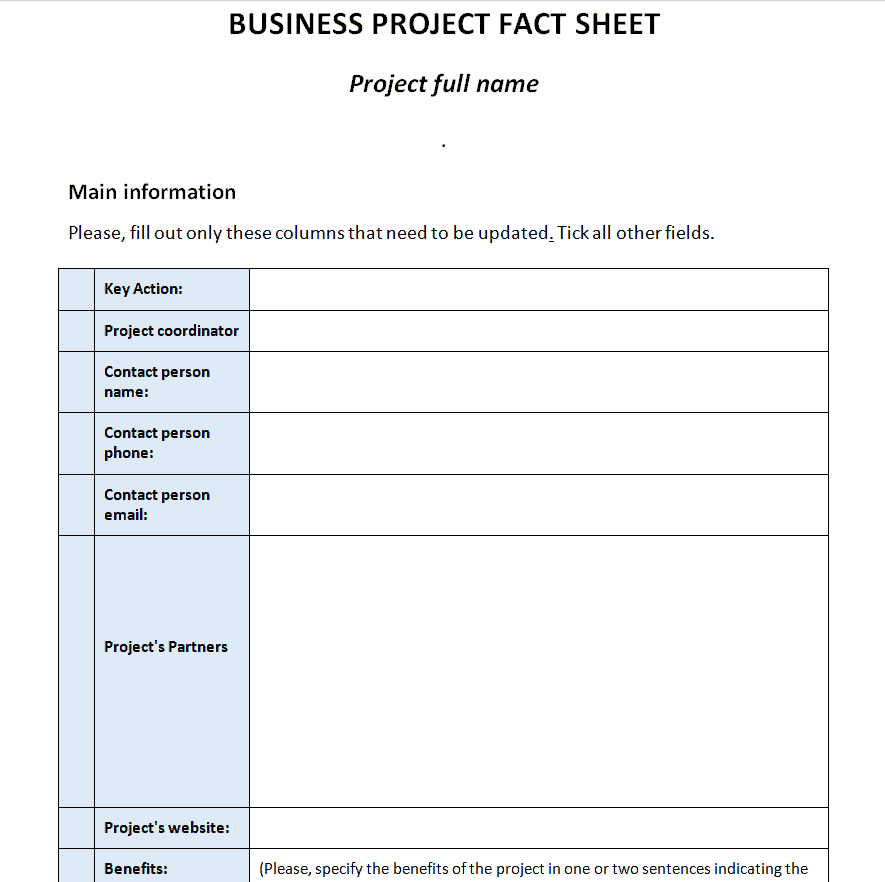
Standard Fact Sheet Template for a Business Project

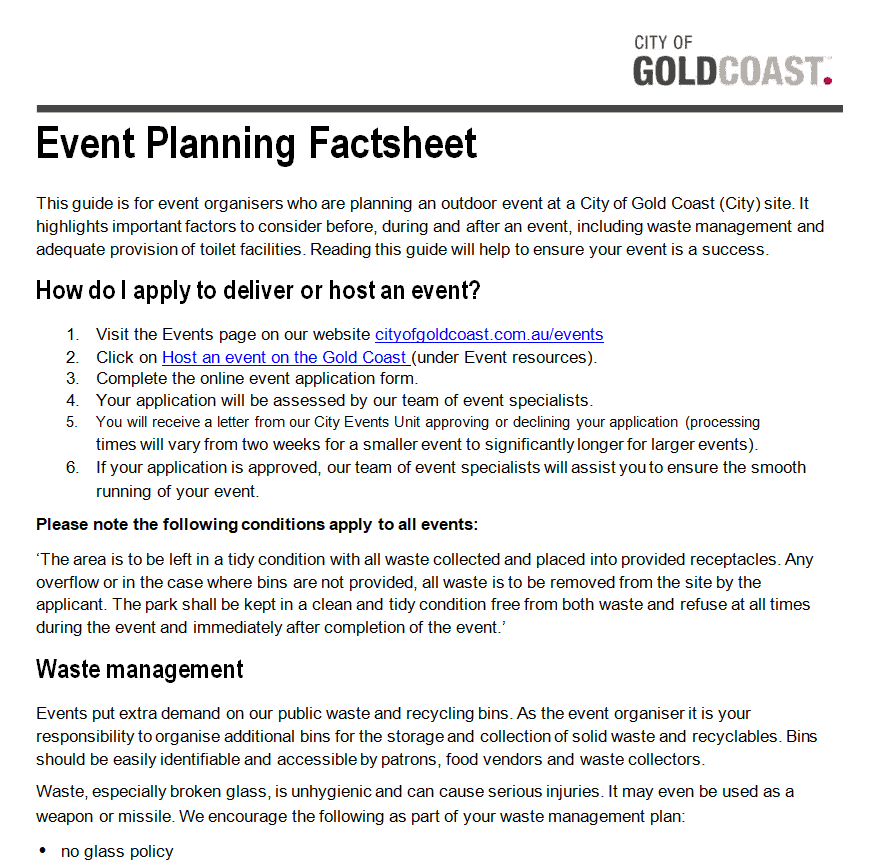
Event Planning Fact Sheet Example

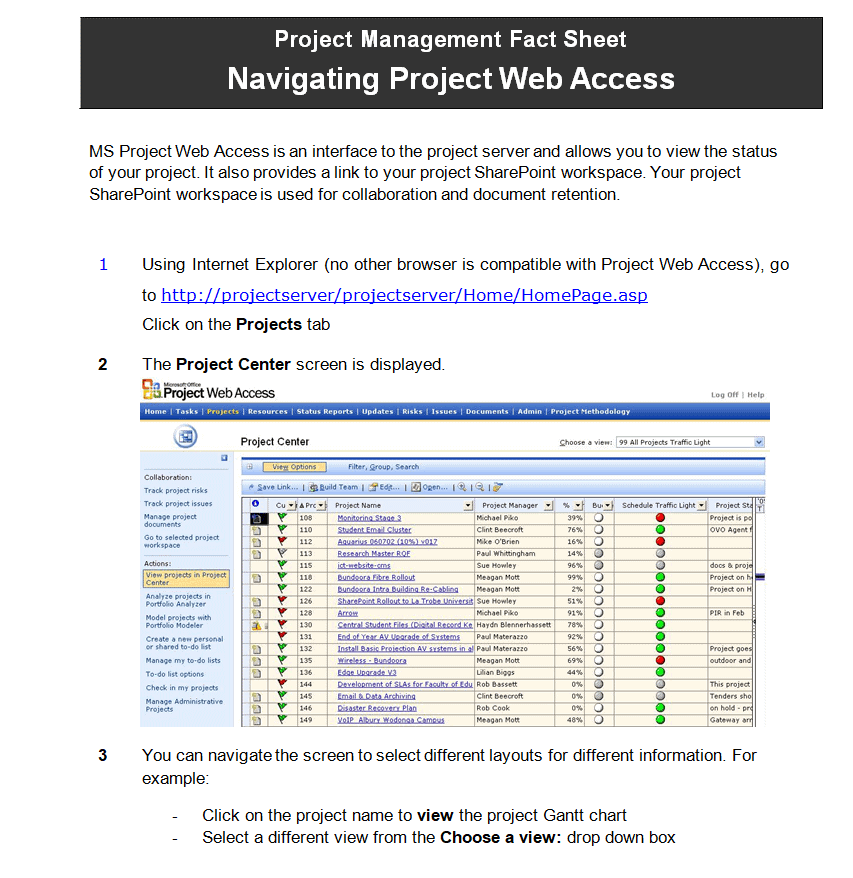
Project Management Fact Sheet Template Word

Writing Tips That Make Facts Stick
Lead with the most important fact, not your history. Use numbers whenever you can (“serves 1,200 families a year” beats “serves many families”). Keep sentences short and cut adjectives that don’t add information. And leave white space: a crowded page looks like hard work, and people skip it.
Print fact sheets on your company letterhead for a consistent look, or include one at the back of a business proposal as a quick summary. Product companies often pair a fact sheet with a full product catalog.
Frequently Asked Questions
What is a fact sheet used for?
It gives a quick, factual summary of a company, product, program, event or issue. It’s common in press kits, sales meetings, schools and nonprofit outreach.
How long should a fact sheet be?
One page is the standard. A two-sided sheet is acceptable when you have a lot of data, but anything longer becomes a report.
Can I edit these fact sheet templates in Google Docs?
Yes. Upload the Word file to Google Drive and open it with Google Docs. Most formatting carries over, though you may need to adjust fonts.
What is the difference between a fact sheet and a press release?
A press release announces news and is written as a story. A fact sheet supports it with background facts, figures and contact details.
Are the fact sheet templates free?
Yes. Every template on this page is free to download and customize.

