

Social feeds move fast, and good answers disappear within hours. A forum is different: questions and answers stay organized, searchable and useful for years. If you’re thinking about starting a community for your customers, hobby group, school or product, forum templates give you a ready-made layout for categories, threads, user profiles and replies so you can focus on the people instead of the pixels.
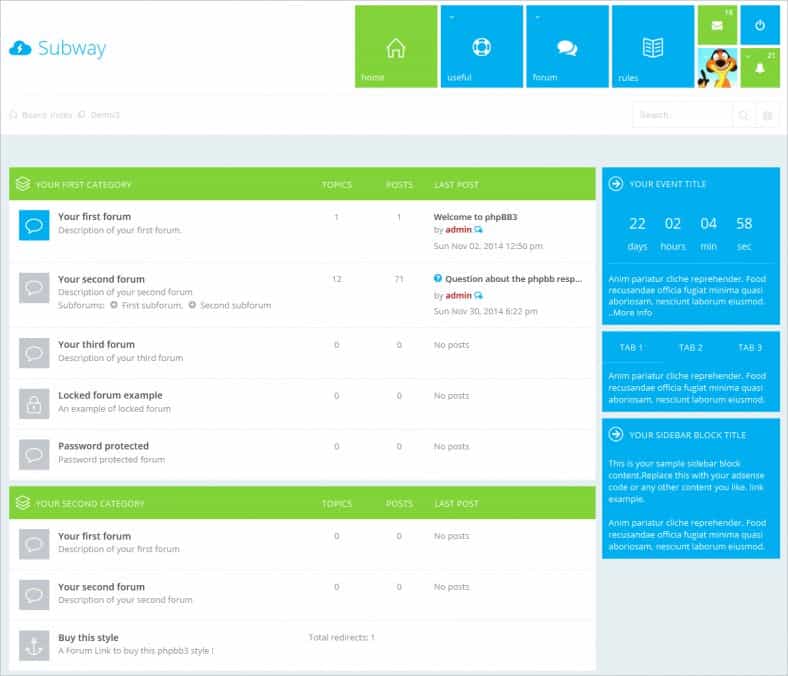
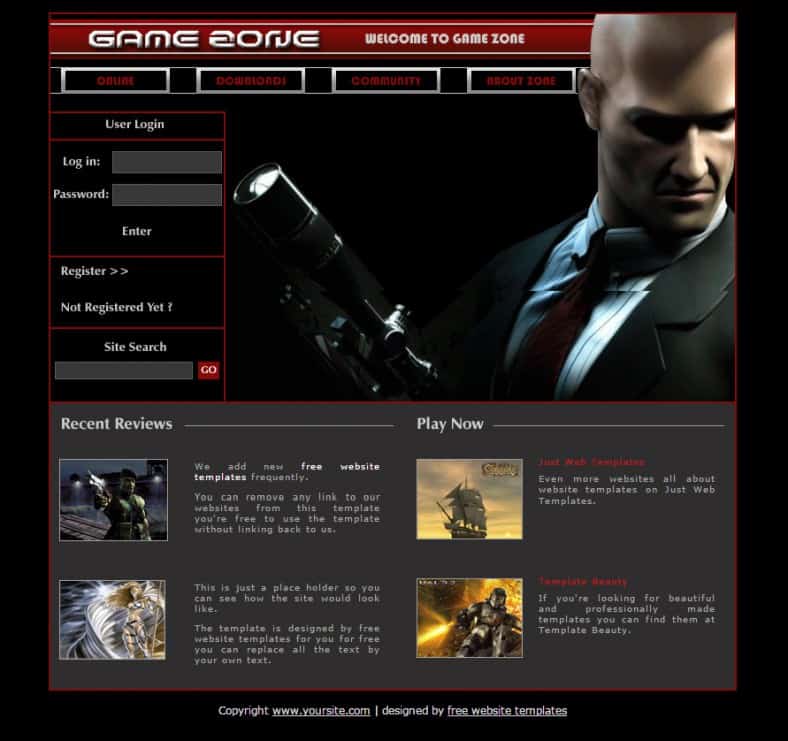
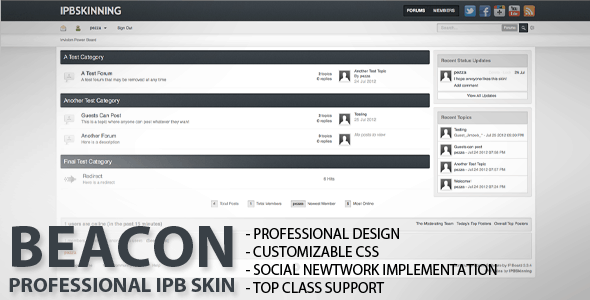
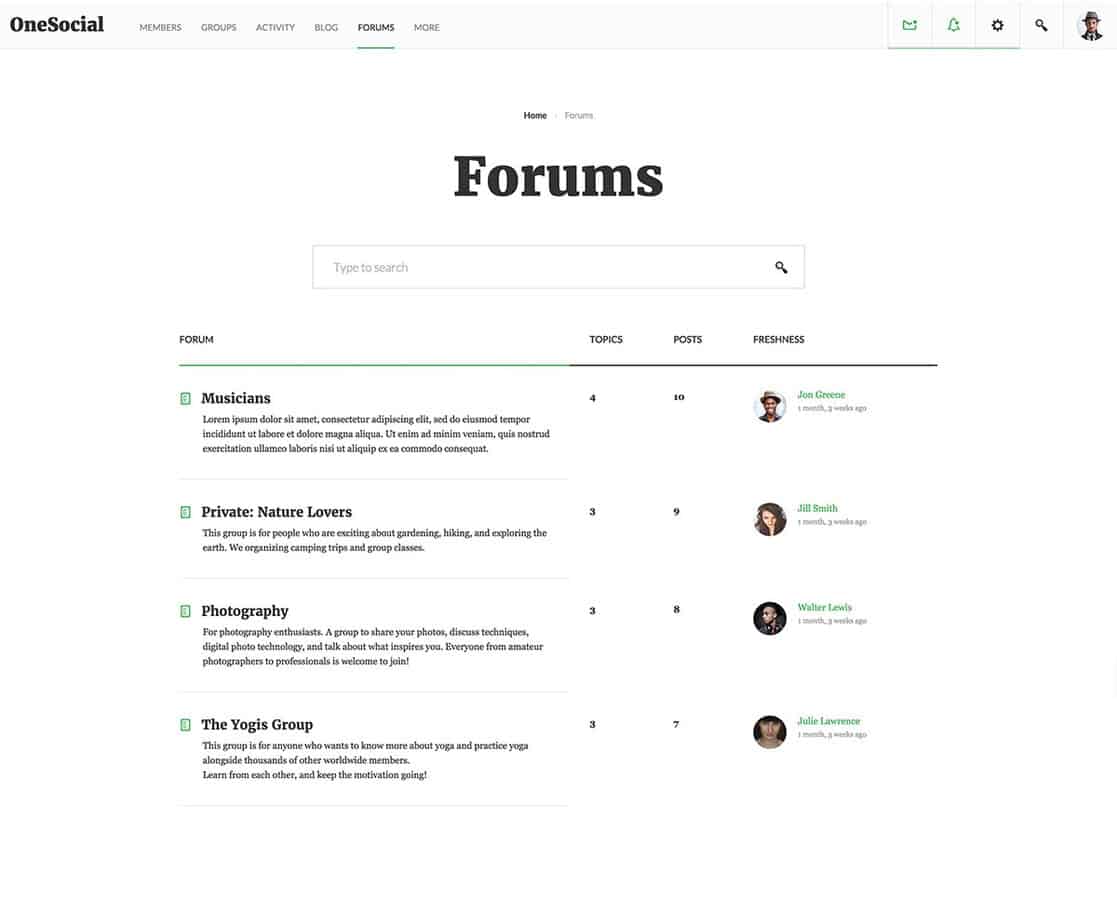
This page shares five forum designs, from a flat, tile-style board to clean community and social layouts. Some were built for specific forum software and some are general HTML and Bootstrap-style templates you can adapt. Before the gallery, we’ll walk through how forums are put together and how to choose a platform; after it, you’ll find tips for launching and moderating a community people actually want to join.
The Building Blocks of Every Forum
Whatever software or template you use, almost every discussion board is built from the same parts. Knowing them makes it much easier to judge a template.
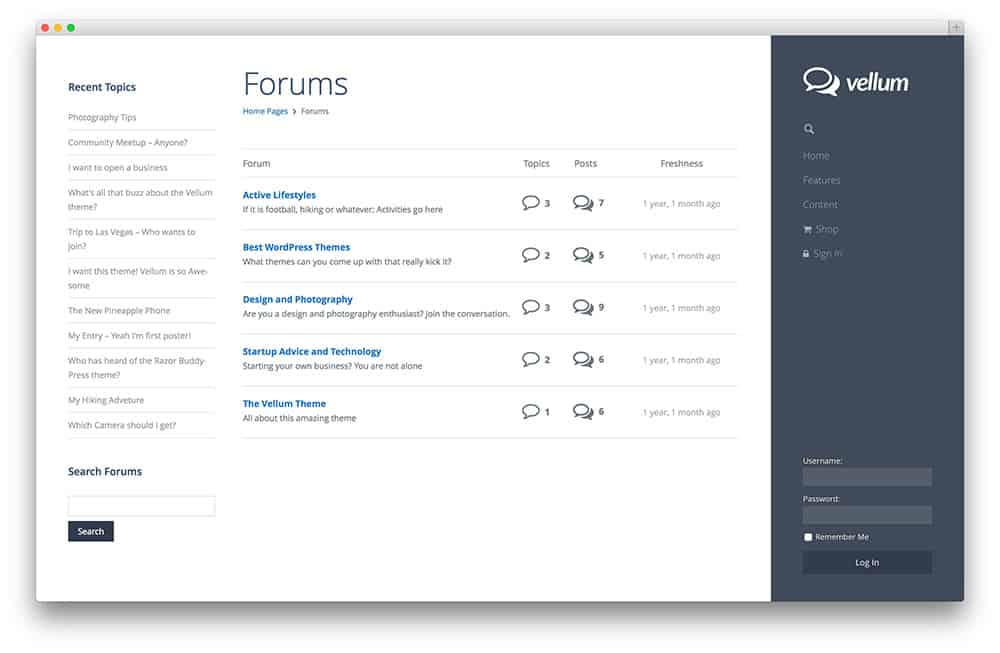
- Board index. The home page that lists categories and subforums, often with post counts and the latest activity.
- Category or topic list. A list of threads inside one category, sortable by newest, most active or unanswered.
- Thread view. The conversation itself: the opening post followed by replies, with quoting, reactions and pagination.
- User profiles. Avatars, join dates, signatures and post history help members recognize each other.
- Search and tags. The feature that turns old discussions into a knowledge base.
- Moderation tools. Reporting, editing, locking and moving threads keep the space healthy.
Template, Theme or Platform? Sorting Out the Options
The word “template” can mean a few different things in the forum world, and mixing them up is a common source of frustration.
| Option | What you get | Best for |
|---|---|---|
| HTML/Bootstrap forum template | Static page designs (index, thread, profile) you connect to your own back end | Developers building a custom community or a prototype |
| Forum software theme or skin | A new look for an existing forum engine | Communities already running a specific forum platform |
| WordPress community theme | A site theme designed to work with forum and social plugins | Blogs or businesses adding a community to an existing site |
| Hosted community platform | Software, hosting and updates handled for you | Groups that want to launch fast without managing servers |
A plain HTML template will look great, but it won’t store posts or log anyone in on its own. You’ll need forum software or a custom application behind it. A skin, on the other hand, only works with the platform it was designed for, so check compatibility before you download.
Questions to answer before choosing software
- Who will run the technical side? Self-hosted forum software gives you full control but needs updates, backups and security care. A hosted service trades some flexibility for peace of mind.
- Does it need to live inside an existing website? If you already run WordPress, a forum plugin may keep logins and design consistent. A standalone forum can be easier to scale on its own.
- Public or private? Open forums help with search visibility. Members-only spaces suit paid communities, internal teams and support groups.
- How will people sign in? Email signup, single sign-on with your app, or social logins all affect how quickly new members join.
- What’s the budget? Factor in hosting, paid themes or skins, extensions, and the time it takes to moderate.
Write your answers down before you look at templates. They will quickly rule out designs that don’t fit, and they make it much easier to brief a developer if you hire help.
What to Look for in a Forum Design
A forum is read far more than it is written, so readability comes first. When you compare the templates below, look for:
- Clear hierarchy. Category names, thread titles and reply counts should be easy to scan at a glance.
- Comfortable reading width. Long posts are tiring on very wide screens. A centered content column helps.
- Mobile-friendly threads. Many members will read and reply on their phones, so check that quotes, code blocks and images don’t overflow.
- Obvious calls to action. “New topic” and “Reply” buttons should be easy to find without hunting.
- Visible community signals. Online members, recent activity and badges make a board feel alive.
Note: These designs link to their original sources. Two of the five original pages are no longer available, so those download buttons are inactive and the previews are kept as layout inspiration. Check the license on any live source before using a design commercially.
5 Forum Templates and Community Layouts







From Template to Thriving Community: A Launch Plan
A forum with great design and zero posts feels like an empty restaurant. The launch is where most new communities succeed or stall. Here is a simple plan that works for small groups and growing brands alike.
Before launch
- Start with fewer categories. Five busy categories beat twenty empty ones. You can always split them later.
- Write the rules first. Short, friendly community guidelines covering respect, spam, self-promotion and off-topic posts save countless arguments later.
- Seed real content. Post 15 to 20 genuine starter threads: introductions, frequently asked questions, a “show your setup” thread, or a weekly discussion prompt.
- Recruit a few founding members. Invite customers, colleagues or friends who will reply in the first week, so newcomers see activity.
- Simplify signup. Ask only for what you need. A short registration form layout is a helpful reference when deciding which fields are truly necessary.
The first 90 days
- Reply to every new member’s first post, ideally within a day.
- Highlight great answers by pinning them or featuring them on the board index.
- Run a recurring event, such as a weekly question, monthly challenge or live Q&A.
- Send a short community digest by email. One of our newsletter templates makes a monthly roundup easy to produce.
- Ask members what they want. Add or merge categories based on what people actually discuss.
Scenario: A small bike repair shop opens a forum for customers. Instead of launching with dozens of categories, it starts with just four: Repairs and Maintenance, Rides and Routes, Gear Talk, and Introductions. The owner answers repair questions every morning, and a weekly “Fix of the Week” thread showcases a customer project. Within a few months, regulars are answering each other’s questions, and the shop’s most common repair questions now live in searchable threads instead of the phone line.
Moderation Without the Headaches
Good moderation is mostly invisible. Members notice it only when it’s missing. A few habits keep things running smoothly:
- Use a clear escalation path. Friendly reminder first, then a formal warning, then a temporary suspension. Apply it the same way to everyone.
- Share the load. Recruit volunteer moderators from your most helpful members. A simple volunteer application helps you pick people who are a good fit.
- Keep a moderator log. Note who was warned, when, and why. It prevents confusion when several people moderate.
- Turn on spam protection early. New forums attract bots quickly. Approval for first posts and basic spam filters stop most of it.
- Collect feedback and bug reports in one place. A dedicated “Site Feedback” category or a service request form keeps technical issues out of regular discussions.
Because a forum stores members’ personal information and public posts, privacy and content rules apply. Requirements vary by country and state, so publish a clear privacy policy and terms of use, and ask a legal professional if you’re unsure what your community needs.
Pre-Launch Checklist
Before you announce your forum, run through this quick list. You can copy it into one of our checklist templates and tick items off as you go.
- Categories created, with short descriptions
- Community guidelines and privacy policy published
- Starter threads posted and pinned where useful
- Signup, login and password reset tested
- Email notifications working and not landing in spam
- Mobile layout checked on at least two phones
- Moderators briefed and given the right permissions
- Backups scheduled
Once the forum is live, revisit the list every few months. Communities change as they grow: categories that made sense at launch may need merging, new moderators may need training, and features members asked for may finally be worth adding. Treat the forum like a garden rather than a finished building, with small, regular care that keeps it welcoming. A short quarterly review, even just an hour with your moderators, is usually enough to spot problems early and keep the conversation healthy and friendly for newcomers.
Frequently Asked Questions
Can I build a working forum from an HTML template alone?
No. An HTML template provides the design, but you also need forum software or a custom back end to handle accounts, posts and search.
Are forums still worth starting?
For many niches, yes. Forums keep answers organized and searchable in a way chat groups and social feeds don’t, which makes them valuable for support and hobby communities.
How many categories should a new forum have?
Start small, usually four to eight. Add more only when a topic keeps coming up and clearly needs its own space.
Are these forum templates free?
Licensing varies by source. Some are free, others are premium. Always check the terms on the original page before using a design.

