

It’s late January, the restaurant down the street has already taped a red-and-pink poster to its window, and you still haven’t told anyone about your own February 14 dinner special. A Valentine’s Day flyer template fixes that in an afternoon. You open a ready-made Word file, swap in your event name, date, and price, and print a stack of flyers before the weekend crowd starts making plans. It costs very little, it works for big venues and tiny side businesses alike, and you can reuse the same file next February with only a few changes.
Below are five free Valentine’s Day flyer templates you can edit in Microsoft Word, from a formal ball design to a simple heart-themed layout that works for a school dance or a bakery counter. Before the downloads, we’ll look at who actually gets results from Valentine’s flyers and what a good one needs to say. After them, you’ll find a step-by-step editing guide, wording ideas, and a realistic timeline for getting flyers out the door.
Who Gets the Most From a Valentine’s Flyer
Valentine’s Day is one of the few holidays where people actively look for somewhere to go and something to buy, often on short notice. That makes a printed flyer surprisingly useful for:
- Restaurants and cafes announcing a set menu, a dessert for two, or reservation deadlines.
- Bars, lounges, and music venues promoting a themed night, live band, or singles mixer.
- Florists, bakeries, and gift shops reminding customers to pre-order before the rush.
- Schools, churches, and community groups advertising a dance, a family movie night, or a fundraiser.
- Salons, spas, and studios selling couples packages or gift vouchers.
- Friends hosting a party who want something more fun than a group text.
If you’re offering a discount, a printed voucher works nicely alongside the flyer. Our coupon templates in Word can be matched to the same colors so the two pieces look like a set.
What Every Valentine’s Flyer Needs
Hearts and roses catch the eye, but the flyer only works if someone can glance at it for three seconds and know what’s happening. Check that yours answers these questions:
What is it?
Lead with the event or offer in large type: “Valentine’s Dinner for Two,” “Sweetheart Dance,” or “Galentine’s Brunch.” Skip clever puns in the headline if they make the offer unclear.
When and where?
Put the date, start time, and address close together. If the event is on a different night than February 14, make that obvious so people don’t show up on the wrong evening.
How much, and how do I book?
List the price or say “free entry.” Then give one clear way to act: a phone number, a website, or a short booking link. One call to action works better than four.
Anything people must know?
Age limits, dress code, limited seating, or a pre-order deadline belong in a smaller line near the bottom. Leave them out and you’ll answer the same questions on the phone all week.
Five Free Valentine’s Day Flyer Templates for Word
Each design below opens in Microsoft Word. Use the Download button next to a preview to get the zipped file, then unzip it and open the document to start editing.
Decent Design Valentine’s Day Flyer Template

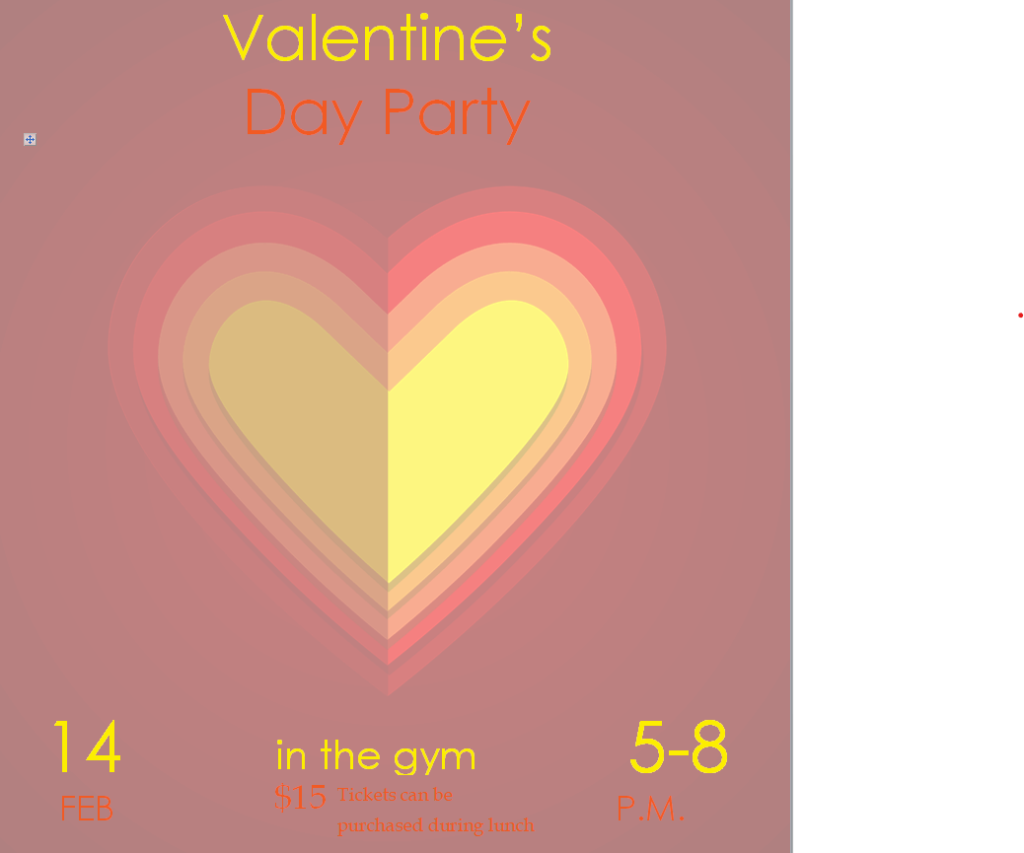
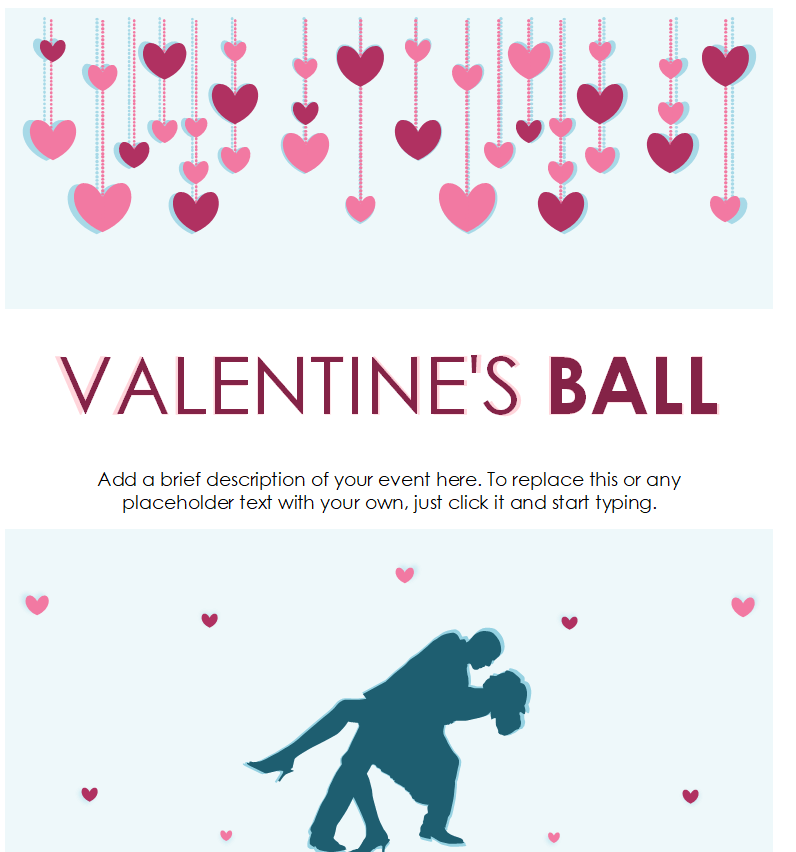
Special Valentine’s Day Ball Flyer Word Template

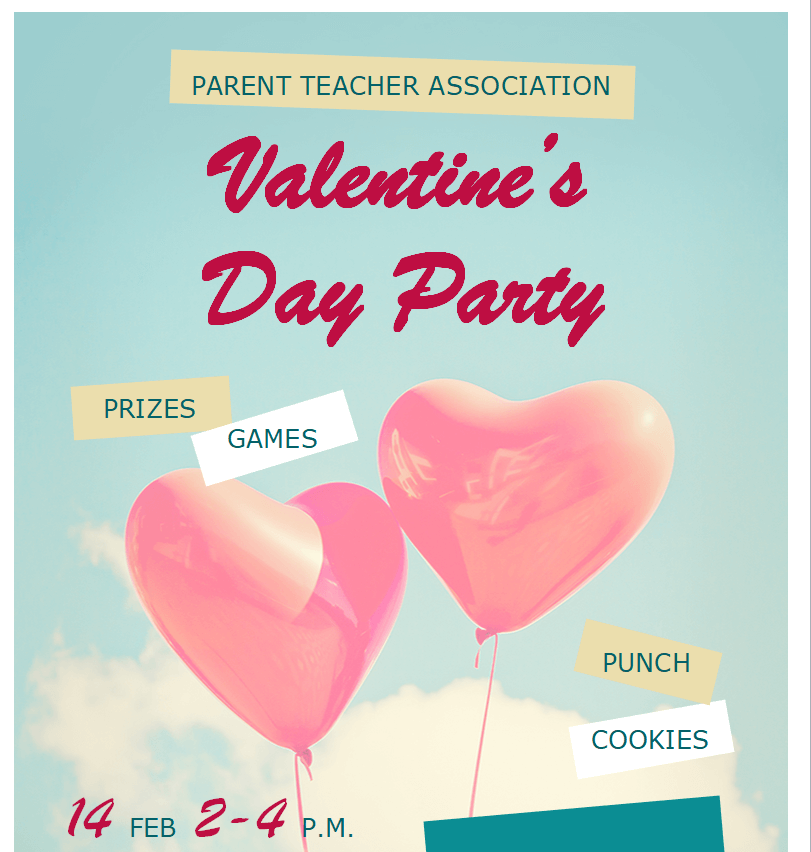
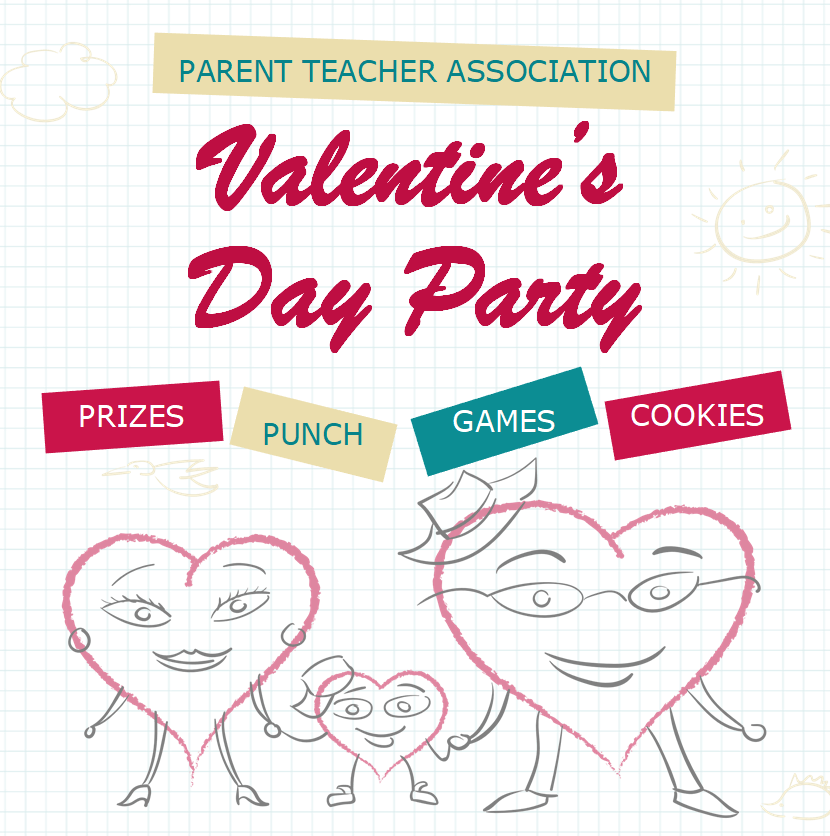
Valentine’s Day Party Flyer Template Doc

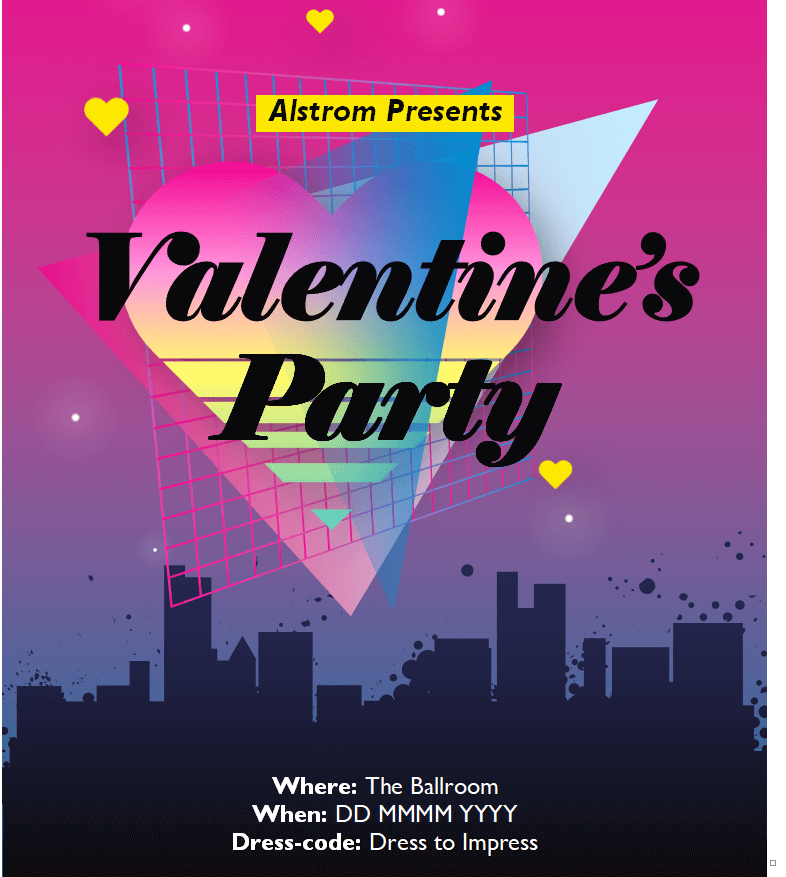
Classic Valentine’s Day Flyer Template

Simple Valentine’s Day Flyer Template in MS Word

Editing Your Flyer in Word, Step by Step
- Unzip the download and open the file in Word. If you see a “Protected View” banner, click Enable Editing.
- Save a copy with a new name right away, such as “valentines-dinner-2027.docx,” so the original stays clean for next year.
- Click each text box and replace the sample wording with your own headline, date, time, venue, and contact details.
- Swap in your logo or a photo of your venue using Insert > Pictures, then right-click and choose a text wrapping option so it doesn’t push other elements around.
- Adjust colors under the Shape Format tab if you want them to match your brand or menu.
- Read every line out loud, then ask someone else to check the date and phone number. Those are the two details people get wrong most often.
- Print one test copy before printing the full batch, or export a PDF for a print shop or for sharing online.
Choosing Between the Five Designs
All five templates cover the same basics, so the choice comes down to the mood of your event. The Special Valentine’s Day Ball template is the natural pick for formal dances, galas, and dinner events where guests dress up. The Party template suits a livelier night with music and drinks, while the Classic design fits restaurants and shops that want a traditional look. The Decent Design and Simple templates leave more room for text, which helps when you need to list a menu, several time slots, or ticket options.
Don’t be afraid to mix ideas. You can take the layout of one template and the color scheme of another, or remove decorative elements to give your details more space. A flyer that is easy to read will nearly always do better than one that is crowded with graphics.
Paper and Printing Tips
- Size: letter size (8.5 x 11 inches) is the usual choice in the US for posting on walls and boards. Half-letter versions are handy for handing out at a counter or tucking into takeout bags.
- Paper: slightly heavier paper or card stock feels more special and holds up better on a bulletin board than standard copy paper.
- Color: deep reds and pinks can print darker than they look on screen, so a single test print saves wasted ink and paper.
- Margins: most home printers can’t print to the very edge of the page. Keep important text away from the edges, or ask a print shop about full-bleed printing.
- Quantity: print a small first batch, see where flyers get noticed, and reprint for the spots that work best.
Wording Ideas You Can Borrow
Short, warm, and specific beats long and flowery. A few starting points:
- “Three courses, candlelight, and a dessert made for sharing. Book your table by February 10.”
- “Bring your sweetheart, your best friend, or both. Live music from 8 p.m.”
- “Pre-order your Valentine’s roses by February 12 and skip the line.”
- “Sweetheart Dance for grades 6 to 8. Snacks, music, and photo booth. Tickets at the front office.”
- “Not into hearts and flowers? Join our Anti-Valentine’s trivia night instead.”
Tip: If space is tight, cut adjectives before you cut facts. “Romantic, unforgettable, magical evening” can become “Valentine’s dinner” without losing a single booking. The same goes for decorations: one strong heart graphic usually looks cleaner than a dozen small ones scattered across the page.
A Simple Timeline for Getting Flyers Out
| When | What to do |
|---|---|
| Mid-January | Pick a template, confirm the date, price, and menu or program. |
| Third week of January | Edit, proofread, and print a small test run. |
| Late January | Put flyers up in your venue, local cafes, community boards, and anywhere you’re allowed to post them. |
| Early February | Share the PDF or an image version by email and social media, and send a reminder about booking deadlines. |
| A few days before | Update or replace flyers if seats are nearly gone. “Last few tables” is worth printing. |
Planning a party rather than promoting a business? A party planning checklist keeps food, decorations, and guest lists on track, and if you’d rather invite people by email, our email invitation templates are a good fit for smaller gatherings.
Common Flyer Mistakes to Skip
- Using five different fonts. Two is plenty: one for the headline and one for the details.
- Placing text over a busy photo where it becomes hard to read from a few steps away.
- Forgetting the year or day of the week, which causes confusion when the date falls on a weekend.
- Printing hundreds before anyone has checked the phone number.
- Posting flyers where you don’t have permission. Ask businesses and building managers first.
Want more flyer ideas for the rest of the year? Browse our grand opening flyer templates for store launches, or the summer camp flyer templates if you run seasonal programs for kids.
Frequently Asked Questions
Do I need Microsoft Word to edit these flyers?
Word gives the most reliable results because the files were built for it. Other word processors can often open .docx files, but text boxes and images may shift, so check the layout before printing.
Can I print the flyers at home?
Yes. A regular home printer works for small batches. For large runs or heavier, glossy paper, export a PDF and take it to a local print shop.
Can I use these templates for my business?
Yes. They are meant to be customized for restaurants, shops, schools, and events. Replace the sample text and images with your own details before you share them.
How can I share the flyer online as well?
In Word, use File > Save As and choose PDF, then attach it to an email or upload it to your website. For social media, a screenshot or image export of the PDF usually works well.

