

Picture a neighbor whose laptop just died the night before a deadline. They won’t search for long; they’ll call the first repair shop they remember seeing. A well-placed computer repair flyer is how you become that shop. Pinned to a café corkboard, tucked into a community center rack, or handed out at a local event, a single page can put your name, services, and phone number in front of exactly the people who will need you sooner or later.
Below you’ll find seven computer repair flyer designs you can use as a starting point, along with practical advice on what to put on the page, how to word it so people actually call, and where to distribute it. Whether you’re a solo technician working from home or running a small storefront, the goal is the same: a clear, trustworthy flyer that turns a glance into a booking.
What Every Computer Repair Flyer Should Answer
People reading a flyer are asking themselves four quick questions. If your design answers all four within a few seconds, you’re ahead of most of the competition.
- What do you fix? Laptops, desktops, virus removal, screen replacement, data backup, network setup. List your main services in short, scannable lines.
- Who are you? Your business name, logo, and a one-line description such as “Friendly in-home tech help for households and small offices.”
- Why should I trust you? Years in business, certifications you actually hold, a satisfaction promise you can honor, or a short line about your experience.
- How do I reach you? Phone number in large type, plus a website, email, or booking link. Add your hours and service area so people know you cover their neighborhood.
Nice-to-have extras
Once the essentials are in place, a few extras can make a flyer more persuasive: a limited-time discount, a QR code that opens your booking page, a short note about free diagnostics if you offer them, or tear-off tabs with your number along the bottom edge. Keep it to one or two extras so the page doesn’t get crowded.
Writing Flyer Copy That Gets the Phone Ringing
Most repair flyers fail not because of the design but because of the words. Vague phrases like “all your computer needs” don’t tell anyone anything. Compare these examples:
| Weak wording | Stronger wording |
|---|---|
| We fix computers | Slow laptop? Pop-ups? Cracked screen? We fix it, often the same day. |
| Best prices in town | Free diagnosis, and you approve the price before any work starts. |
| Call us | Call or text (555) 000-0000, Mon to Sat, 9 a.m. to 7 p.m. |
| Professional service | Data backed up before every repair, so your files stay safe. |
Notice how the stronger versions name a specific problem, remove a worry, or give a concrete next step. Only make promises your business can keep; if you can’t guarantee same-day service, say “fast turnaround” instead.
Quick test: Hand your draft to a friend for five seconds, then take it away. Ask what you fix and how to contact you. If they can’t answer both, simplify the layout and enlarge the key details.
Design Choices That Signal Trust
Handing over a laptop means handing over photos, documents, and passwords, so customers look for signs that you’re careful and reliable. Your flyer design can send those signals before anyone picks up the phone.
- Clean, uncluttered layouts suggest an organized business. A page crammed with clip art suggests the opposite.
- Cool blues, grays, and whites are popular in tech marketing because they feel calm and dependable, but a bold accent color helps your headline stand out.
- Readable fonts matter more than stylish ones. Pick one typeface for headings and one for body text.
- A privacy line such as “Your data stays confidential” addresses a worry many customers have but rarely mention.
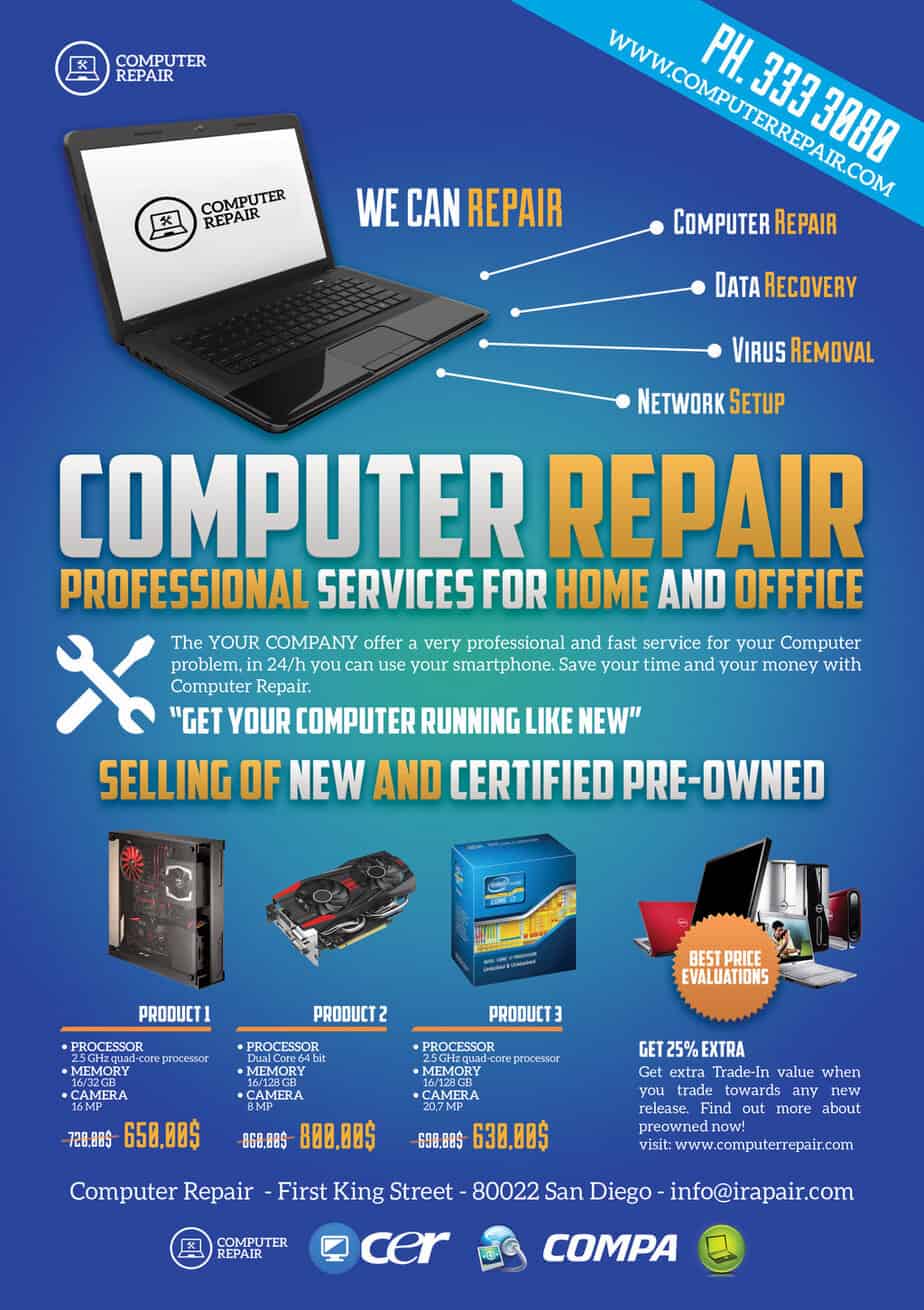
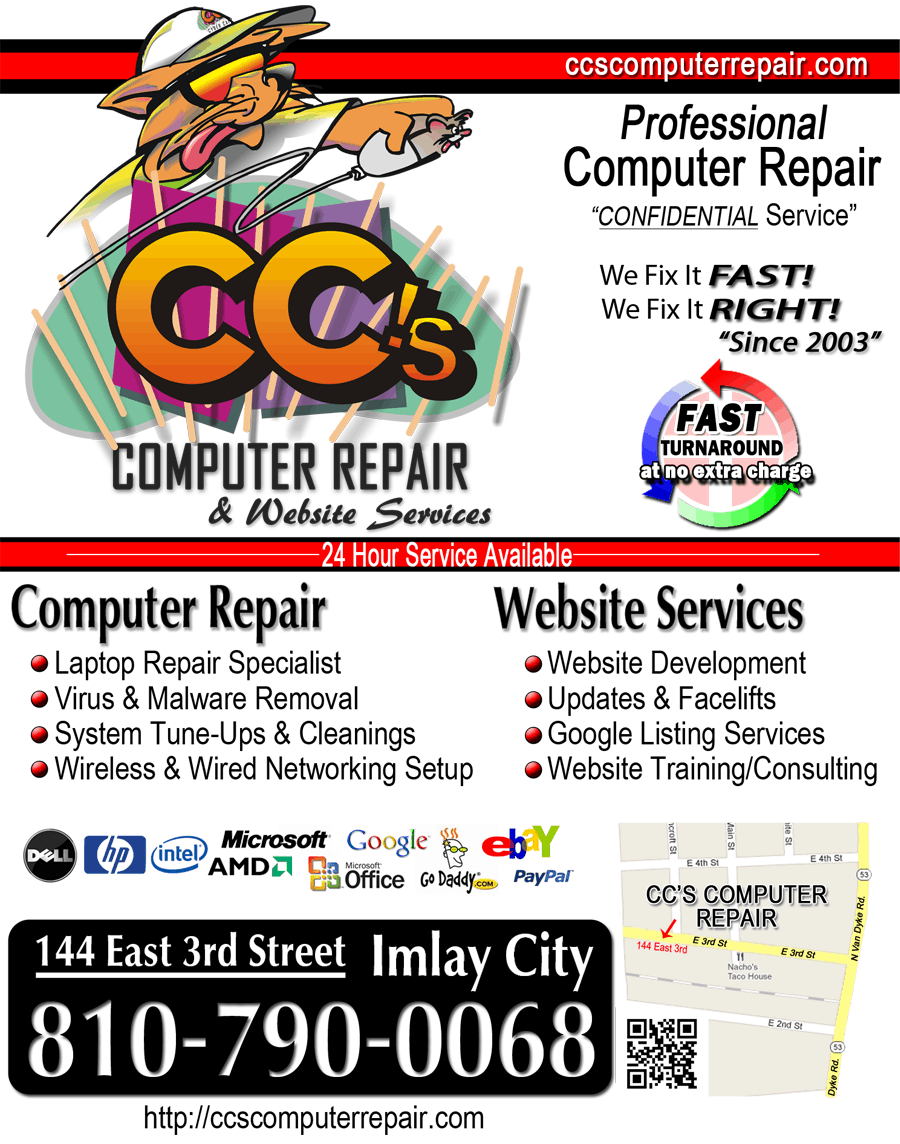
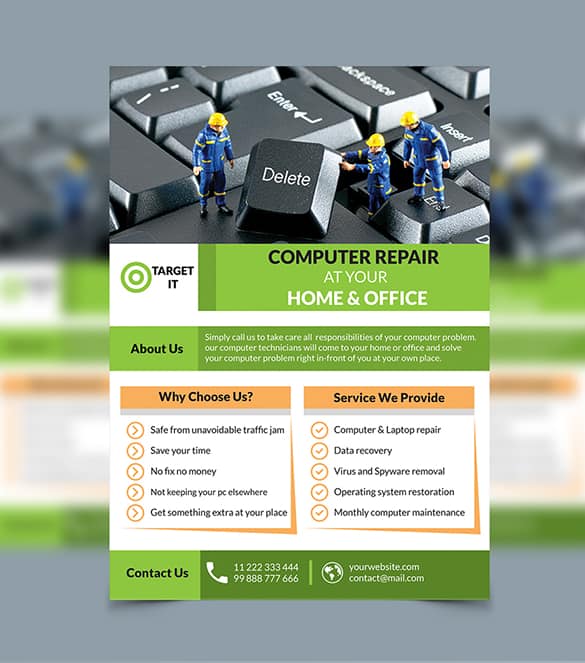
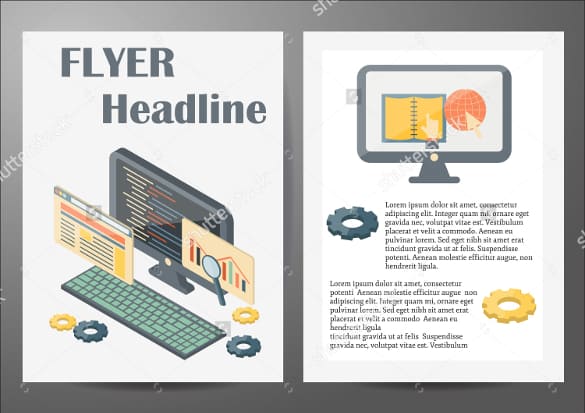
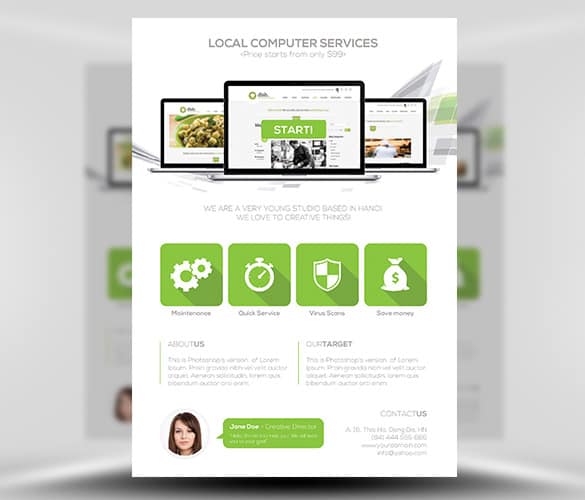
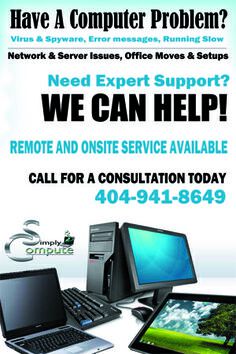
7 Computer Repair Flyer Designs to Download
Each design below comes with a download button. These buttons link to the original creators’ pages on external sites, so file formats, editing software, and license terms vary from one design to the next. Some are free to use, while others may require an account or a purchase, so check the terms on each page before you use a design commercially.










Customizing a Design for Your Repair Business
Whichever design you choose, a few edits will make it look like it was made for your shop rather than pulled from a template library.
- Match your brand. Swap in your logo and adjust the colors to match your van, storefront, or website. If you also send letters or quotes, using the same look as your business letterhead keeps everything consistent.
- Cut the filler. Delete placeholder text you don’t need. Empty space makes the important parts easier to read.
- Use real photos where you can. A photo of your actual workbench or team builds more trust than a generic stock image.
- Set a clear hierarchy. The headline should be the biggest element, the phone number the second biggest, and service details smaller.
- Proofread every number. A single wrong digit in your phone number wastes the whole print run.
Mistakes That Waste a Print Run
- Tiny contact details. If the phone number can’t be read from a few steps away, it might as well not be there.
- Listing every service you’ve ever done. Pick the five or six that customers ask for most; everything else can go on your website.
- Technical jargon. Most readers won’t know what “SSD migration” means, but they understand “make your old laptop faster.”
- Unclear pricing claims. Words like “cheapest” invite skepticism. A specific offer, such as a set diagnostic fee, is more believable.
- Out-of-date details. Old hours or a disconnected number send callers straight to a competitor, so refresh posted flyers whenever something changes.
Where to Put Your Flyers
A great flyer only works if the right people see it. Think about where your likely customers already spend time, and ask permission before posting on private property.
| Location | Why it works | Tip |
|---|---|---|
| Libraries and community centers | Students and residents who rely on computers daily | Ask staff about the community board rules |
| Coffee shops and coworking spaces | Remote workers with laptops and little patience for downtime | Leave a small stack of take-away cards too |
| Apartment complexes | Many households in one place | Ask the building manager about lobby notices |
| Small business districts | Offices that need ongoing IT help | Hand-deliver with a short introduction |
| Local events and markets | Face-to-face trust building | Bring a laptop to answer quick questions |
If you’re opening a new location, pair your regular flyers with a launch piece from our grand opening flyer templates, and consider attaching a discount from our coupon templates to encourage first-time visits.
Printing Without Overspending
You don’t need a huge print run to start. Begin with a small batch, see which locations bring in calls, and reorder from there. Standard letter size (8.5 x 11 inches) works well for notice boards, while half-page flyers are cheaper and easy to hand out. Slightly heavier paper looks more professional and holds up better on a corkboard. If you print at home, use the “fit to page” setting and check that nothing important sits too close to the edge, since many printers can’t print all the way to the border.
Tracking Which Flyers Bring in Customers
A little tracking turns guesswork into a plan. Try these simple methods:
- Ask every new caller, “How did you hear about us?” and keep a tally.
- Print a different discount code on flyers for each area, then count how often each code is redeemed.
- Use a separate QR code or short link per location so you can see visits from each one.
- Note the date each batch went up, and refresh or replace flyers that have faded or been covered.
As your business grows, these numbers help you decide where to spend your marketing budget. A simple marketing plan template can help you organize campaigns, and once clients start booking, a professional retail invoice template keeps your billing tidy. Businesses that bid for office contracts may also want a company profile to send along with their flyer.
Frequently Asked Questions
What size should a computer repair flyer be?
Letter size (8.5 x 11 inches) is the most common choice for notice boards and windows. Half-letter or postcard sizes are cheaper to print and convenient for handing out or leaving on counters.
Can I edit these designs in Microsoft Word?
It depends on the design. Because the download buttons lead to external creators’ pages, some files may be Photoshop or Illustrator documents while others are images or editable layouts. Check the file type on each page before downloading.
Are these flyer designs free for commercial use?
Not necessarily. License terms are set by each original creator, and some designs may be free while others require a purchase or attribution. Read the license on the source page before printing flyers for your business.
Should I include prices on my flyer?
Listing a few starting prices or a flat diagnostic fee can reduce hesitation, but only include prices you’re sure you’ll honor. If your rates vary a lot, mention a free or low-cost estimate instead.
How many flyers should I print for a first campaign?
Start small, enough to cover a handful of locations and a week or two of handouts. Track where your calls come from, then print more for the spots that perform best.

